











Description
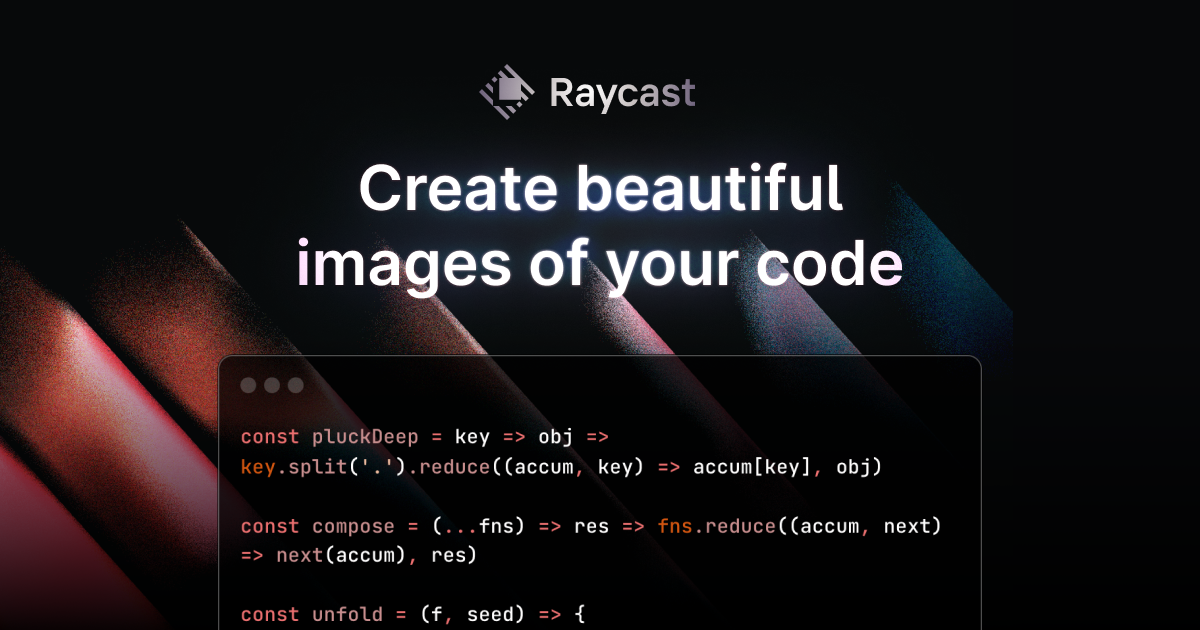
Ray.so, from Raycast, turns a piece of code into an image you can share. You paste or write code in the editor, choose the language, which is detected automatically where possible, and then style the picture. Options include a dark or light window, a choice of syntax colours, whether to show the background and line numbers, and how much padding surrounds the code. Once the image looks right, you export it as a picture for slides, posts or documentation. The tool is a free web app with no sign-in shown on the page, and it is aimed at developers who want clean code screenshots without taking them by hand. The site's own sample shows a short TypeScript React component, and the page is titled Code Images.…
Preview
Highlights
- Turn code into a styled image
- Dark and light windows
- Choice of syntax colours
- Show or hide background and line numbers
- Adjustable padding and language detection
Ratings & Reviews
No ratings yet
Be the first to rate ray.so.
People also visit
ray.so FAQ
What does ray.so do?
It turns code into a picture, with a choice of colours, a background, line numbers and padding.
Can I hide the background?
Yes. The site says you can hide or show the background behind the code.
Does it detect the language?
Yes. The language selector shows an auto-detect option, such as TSX (auto) in the sample.
Who made it?
The page is labelled Code Images by Raycast.
What are the best ray.so alternatives?
Popular alternatives to ray.so include Chalk.ist, Codeshot and Tokokino. See all ray.so alternatives