
Domain Rating
by Ahrefs














Domain Rating by Ahrefs82
Description
CodeMirror is a code editor component for the web. You add it to a page to give users an editing field for code or other text, with coding features built in. It is written in JavaScript and includes syntax highlighting, line numbers, bracket closing, code folding, search and replace with regular expressions, autocompletion and linting that shows errors and warnings in the editor. The editor works with screen readers and keyboard-only use, supports mixed right-to-left and left-to-right text, and uses the native selection and editing features on phones. Developers extend it through a public API, style it with custom themes, and can add widgets in the content, collaborative editing, undo history and multiple selections. The site says it stays responsive on very large documents and long lines. The documentation on this site covers version 5, with examples and a discussion forum.…
Highlights
- Syntax highlighting, bracket closing and line numbers
- Autocompletion, linting and code folding
- Search and replace with regular expressions
- Extensible through a public API and themes
- Works with screen readers and on mobile
Ratings & Reviews
No ratings yet
Be the first to rate CodeMirror.
People also visit
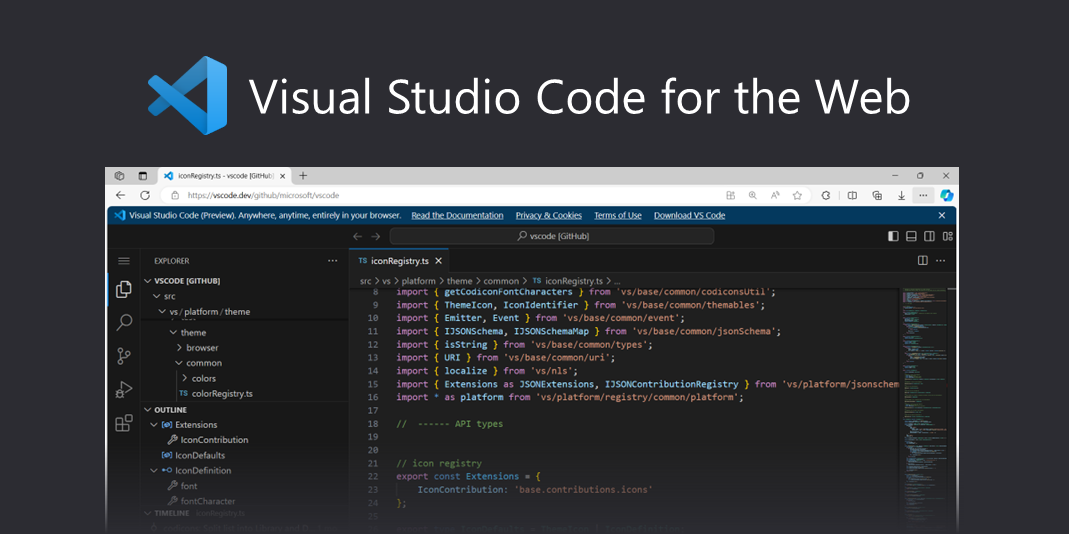
VSCode for Web
Build with Visual Studio Code, anywhere, anytime, entirely in your browser
CodeMirror FAQ
What is CodeMirror?
CodeMirror is a text and code editor component for websites. You add it to a page to give users an editing field with coding features such as highlighting, line numbers and autocompletion.
Who is it for?
Developers who build web apps, editors or tools that need an editing field for code, and who want a programming interface to extend the editor with their own features.
Does it work on phones?
Yes. The site says it uses the platform's native selection and editing features on phones, and it supports keyboard-only and screen reader users.
Which features can I turn on?
Line numbers, code folding, autocompletion, linting with error and warning messages, bracket closing, undo history, multiple selections and collaborative editing, among others.
Can I try it before I use it?
Yes. The site has examples of the editor and a Try page, with a sample JavaScript field you can edit in the browser.
What are the best CodeMirror alternatives?
Popular alternatives to CodeMirror include Codejar, Yace and Code Input. See all CodeMirror alternatives