Skip to content
Droplr

Free alternatives to Droplr

200 free apps like Droplr, closest match first.

Top picks

  1. S

    Scre.io

    Launch

    Scre.io is a free screen and camera recorder. You can capture a browser tab, a single window or the whole desktop, or record video from your webcam or front-facing camera. It works on Mac and Windows as an app, and as an extension for Chrom

    Free

  2. B

    BetterShot

    Launch

    Screenshot, screen recording, and video editor for macOS. Native SwiftUI app with capture deck, 75+ customizable shortcuts, URL scheme automation, and self-hosted cloud sharing. Open-source alternative to CleanShot X and Loom.

    FreeOpen sourceSelf-hosted

  3. S

    ScreenRecorder

    Launch

    ⏺️ A simple recording program with the ability to record screens and audio on your computer.

    FreeOpen source

  4. S

    Screendrop

    Launch

    Screendrop is a native macOS app for taking screenshots and screen recordings, with an editor for both. It can capture a full display, a window or a selected area, as a screenshot or a recording. A customizable floating preview stack lets y

    FreeOpen sourceSelf-hosted

  5. R

    Recorder

    Launch

    Recorder is an open source web app that records your screen and camera right in the browser. Nothing needs to be installed. You start by sharing your screen, and the app lets you choose screen only, screen and camera, or camera only. The pr

    FreeOpen source

  6. B

    BetterCapture

    Launch

    Free, open-source screen recorder for macOS built with SwiftUI. Record your screen with system audio, ProRes 4444, HEVC, and H.264. No watermarks, no tracking, no subscriptions. A lightweight QuickTime alternative.

    FreeOpen source

More like Droplr

7
C

Capptivo

Give your demos the spotlight they deserve ( Mac/Windows/Linux )

Launch
8
S

Super Recorder

Your go-to for screen recording

Launch
9
Y

YoRecord

Record your screen. Share your message. Skip the meeting

Launch
10
O

OpenRecorder

Powerful 35MB screen recorder for MacOS. Fully open source

Launch
11
Q

Quick Recorder

A lightweight and high-performance screen recorder

Launch
12
B

BetterCapture

Free and open source screen recorder with professional encoding support

Launch
13
K

Kap

Capture, edit, and share your screen with ease

Launch
14
B

BlitzRecorder

BlitzRecorder is a macOS screen recording app

Launch
15
M

Mouse Recorder Premium

Professional macro recorder freeware to automate repetitive tasks

Launch
16
R

Reframed

Screen recorder with a built-in editor

Launch
17
S

ScreenCapture

A feature-rich screen capture software with just a single executable file

Launch
18
A

Azayaka

A small macOS menu bar-residing screen and system audio recorder

Launch
19
R

Recordscript

Cross-platform screen recorder, transcript, subtitle

Launch
20
S

Snapzy

Free and open-source native macOS app for screenshots, screen recording

Launch
21
P

Parrot

A meeting recorder for your Mac with a live AI assistant

Launch
22
R

Recordly

Recordly is an open‑source screen recorder for MacOS/Windows/Linux

Launch
23
E

Efficient App

Your shortcut to the right software. No-BS software reviews

Launch
24
1

1001 Record

1001 Record is a simple and reliable Mac screen recorder

Launch
25
S

screenpipe

Local screen and audio recorder that makes your activity searchable

Launch
26
A

Awesome Screenshot & Screen Recorder

Full page screen capture and screen recorder 2 in 1

Launch
27
C

Captura

Capture Screen, Audio, Cursor, Mouse Clicks and Keystrokes

Launch
28
V

Vokoscreen

A free, multilingual and easy to use screencast recorder with audio for Linux

Launch
29
P

Pear Rec

pear-rec is a free and open-source cross platform software for recording

Launch
30
O

OffiDocs

Run desktop apps and work with any file

Launch
31
S

Screendrift

ScreenDrift turns screen recordings into demos worthy of Product Hunt, LinkedIn

Launch
32
S

Screen Sharing via Browser

Share your screen instantly with anyone right from your browser

Launch
33
E

Electroncapture

Playback video in a frameless electron app for screen-sharing and window capture

Launch
34
C

CrossMacro

Cross-platform desktop automation app

Launch
35
Y

YourDesk

Cross-platform remote desktop for macOS and Windows

Launch
36
P

PixPin

An all-in-one productivity tool featuring smart screenshots

Launch
37
C

capcap

Native menu bar screenshot tool

Launch
38
C

Capturer

Screenshot, Screen Recording (Video & Gif), Quick Look

Launch
39
R

RiverScript

Capture and transcribe everything you can hear on your computer. Literally

Launch
40
G

GravityRecorder

Open source Loom alternative

Launch
41
T

Tiny Clips

A lightweight macOS & Windows menu bar app for capturing screenshots

Launch
42
P

PicPick

All-in-one design tool for everyone

Launch
43
S

Screenbolt

Record. Edit. Ship

Launch
44
C

Capso

Open-source screenshot and screen recording for macOS

Launch
45
S

ScreenDemos

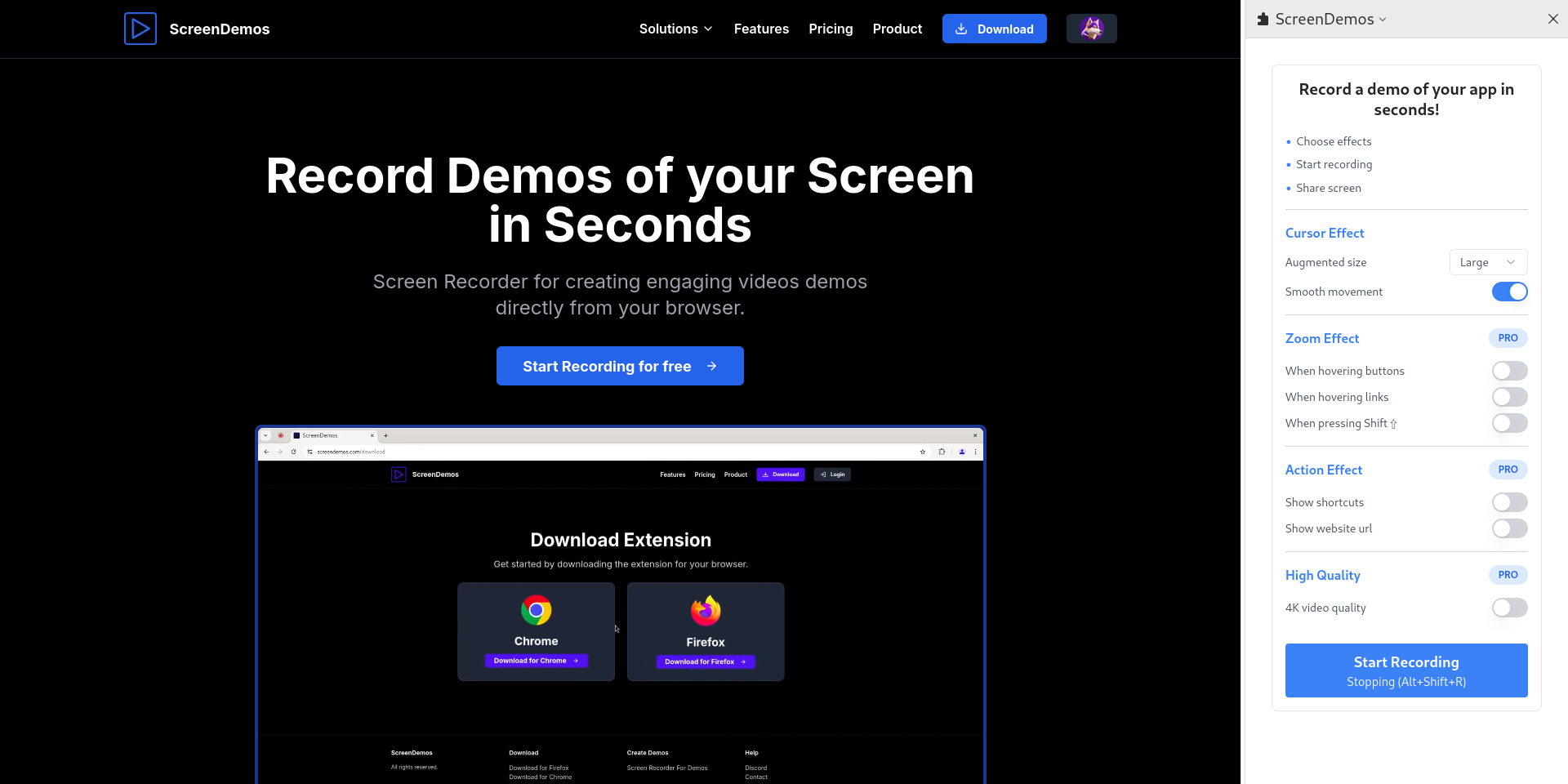
Record demo videos with professional effects for your product

Launch
46
M

Meeting Transcriber

On-device meeting transcriber for macOS

Launch
47
S

Screenize

Open-source screen recorder with auto-zoom, cursor effects, and timeline editing

Launch
48
O

openai/screenshot

Capture desktop, app windows, or pixel regions across OS platforms

Get
49
S

Screenarc

Cross-platform screen recorder & editor

Launch
50
D

Dev Video Creator

Incredible drastically simplifies creation of developer video content

Launch

About Droplr

D

Droplr

Screen Recording Software with Audio & Video Capture

Droplr is a screenshot and screen recording tool for Mac, Windows and Chrome. You can capture part of the screen, the whole screen or a full web page, mark it up, and record your screen with an optional webcam and audio as a GIF or HD video. Each capture is saved to your cloud account and a share link is copied to your clipboard, so you can send it to anyone. The product also lets you upload other files to the cloud account and shortens links with tinyURL. Droplr lists integrations with tools such as Slack, Jira, Gmail, Google Docs, Trello, Confluence, Microsoft Teams and Adobe Photoshop. The site offers a free trial with no credit card required, plus paid Pro, Pro Plus and Team plans. The Enterprise tier, for teams of 16 or more, adds single sign-on, viewer analytics, AI-powered auto-redaction and a custom URL shortener with analytics.

Price
Free trial
Category
Productivity
Website
droplr.com