














-(2000-(2).png?auto=compress&fit=max&w=128)








Description
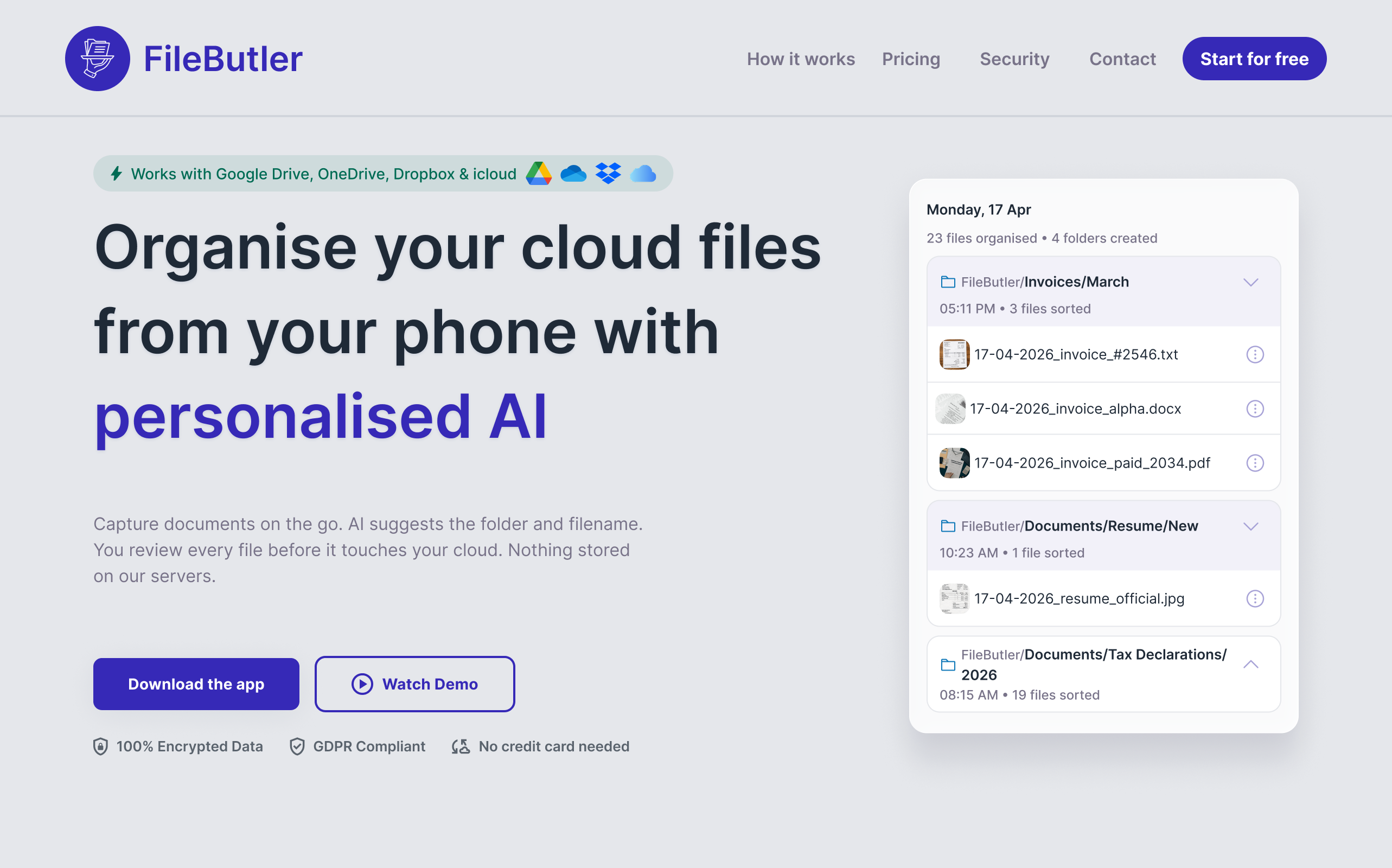
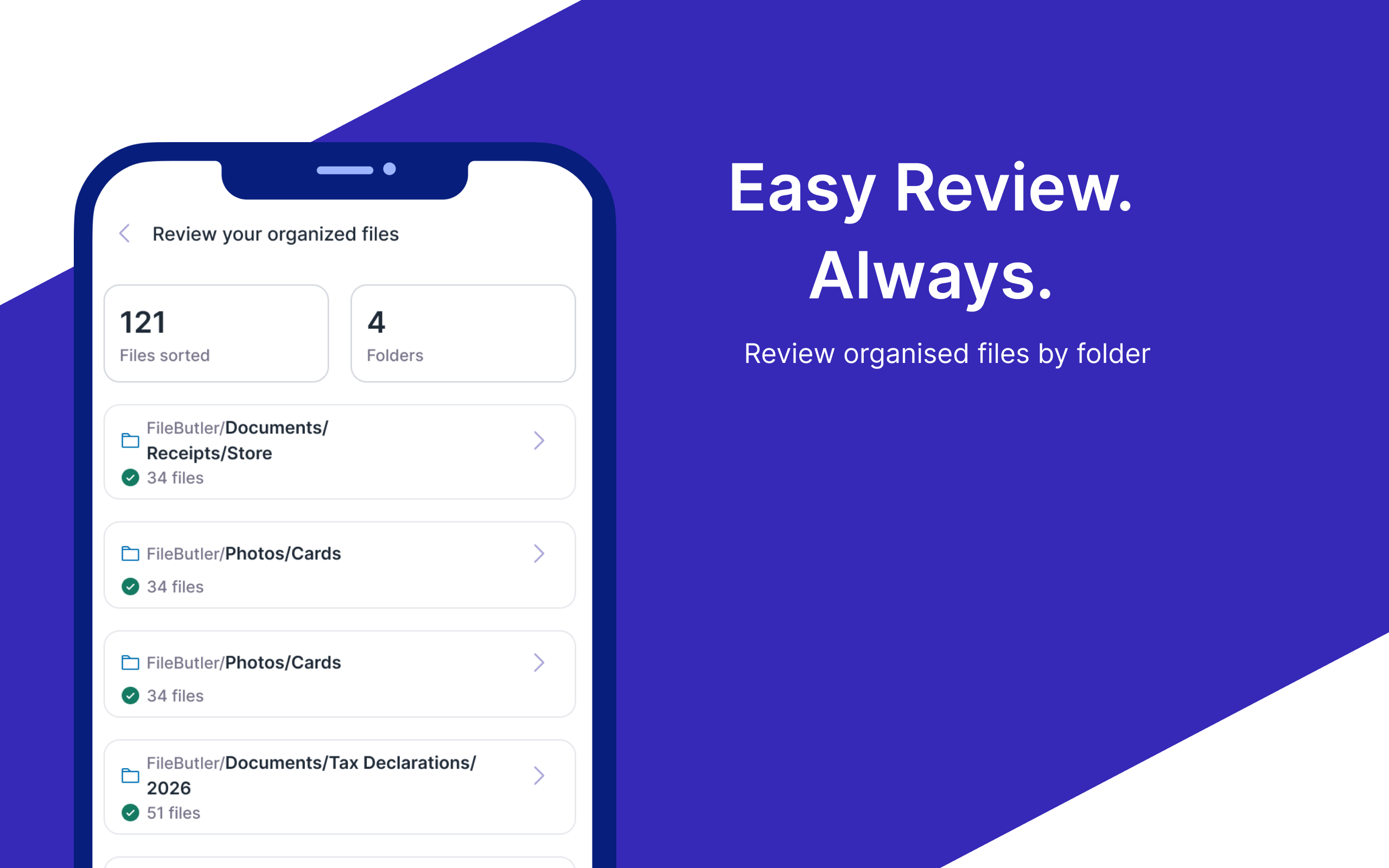
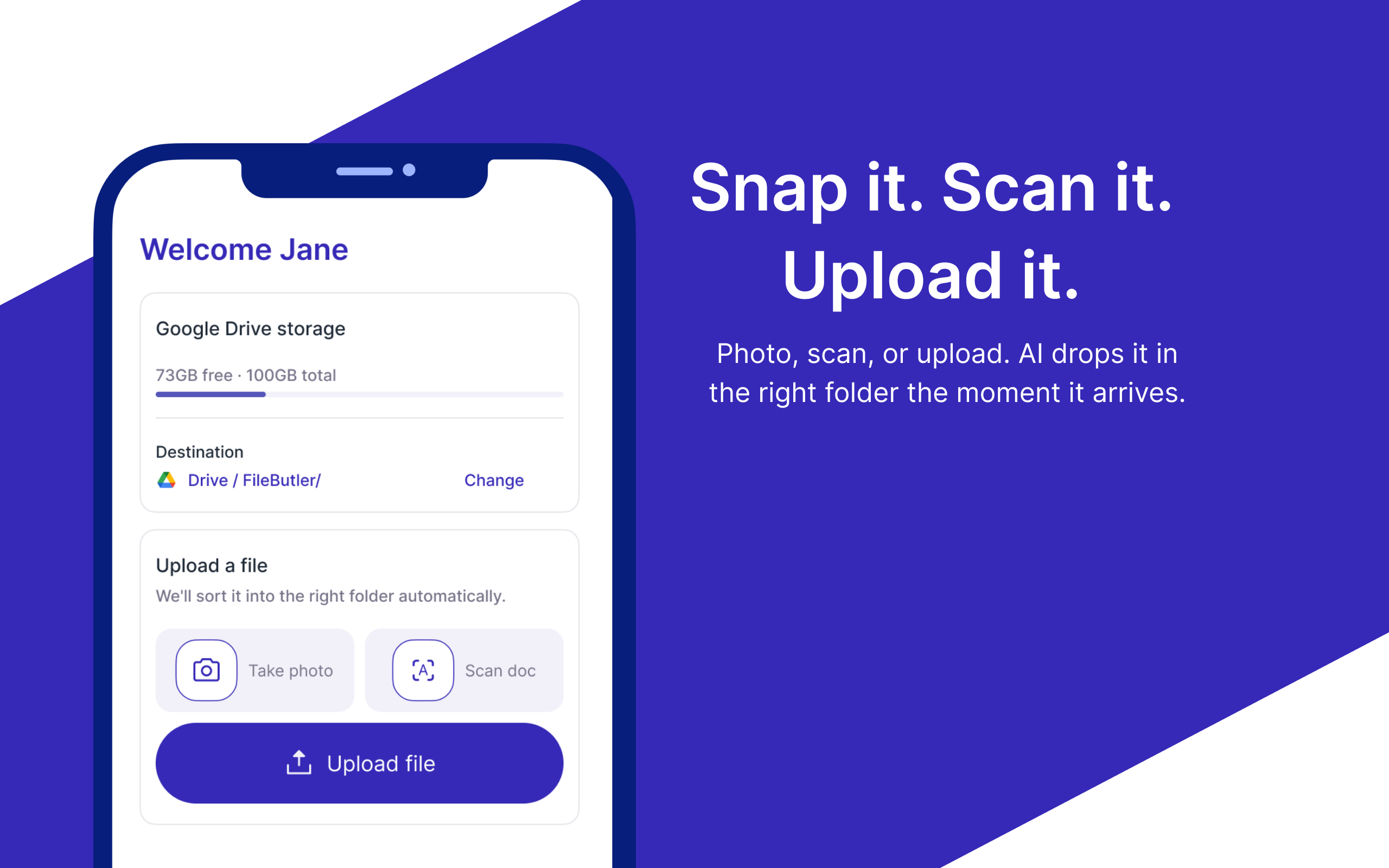
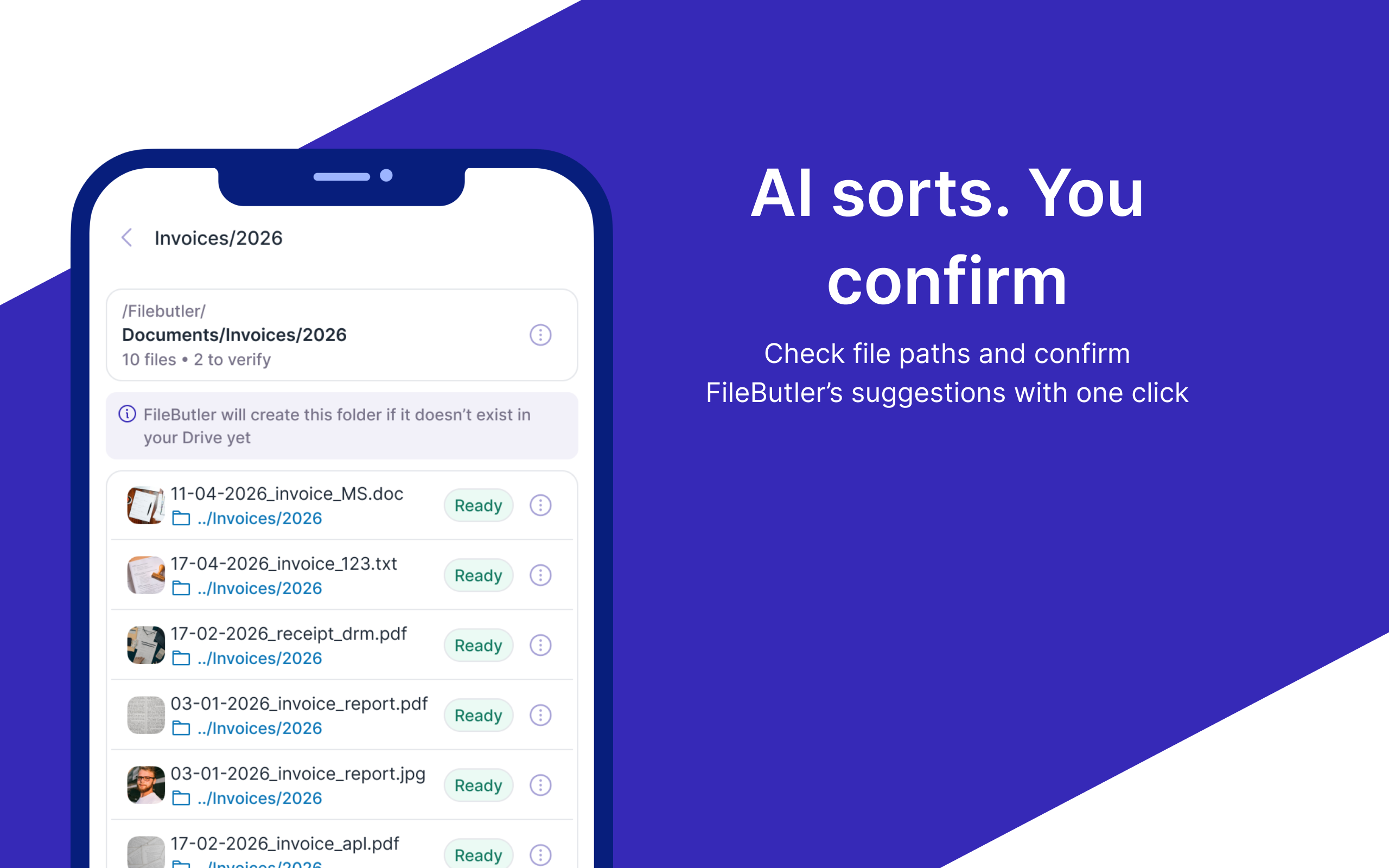
FileButler is a mobile app that organizes files in your existing Google Drive, Dropbox, OneDrive, or iCloud using personalized AI. Capture documents, scan with OCR, and get suggested folders and descriptive filenames based on content, then review before upload. It matches or creates subfolders, applies custom rules, and improves with every upload. Data stays in your cloud.…
Preview
Highlights
- Personalised AI that learns from your approvals and edits
- OCR scanner for paper documents
- Works inside Google Drive, Dropbox & OneDrive
- Custom Instructions to organise files automatically
- Advanced and automated file renaming
People also visit
Apps people often open alongside FileButler.
FileButler FAQ
What is FileButler?
FileButler is a mobile app that organizes files in your existing Google Drive, Dropbox, OneDrive, or iCloud using personalized AI. Capture documents, scan with OCR, and get suggested folders and descriptive filenames based on content, then review before upload. It matches or creates subfolders, applies custom rules, and improves with every upload. Data stays in your cloud.
Is FileButler free?
FileButler is freemium.
Do I need to download FileButler?
No. FileButler runs in your browser at filebutler.xyz, so there's nothing to install.
What can you do with FileButler?
Main features: Personalised AI that learns from your approvals and edits, OCR scanner for paper documents, Works inside Google Drive, Dropbox & OneDrive, Custom Instructions to organise files automatically, Advanced and automated file renaming.
What are the best FileButler alternatives?
Popular alternatives to FileButler include Face SWap Video, ReplylessAI and initdesk. See all FileButler alternatives