





















Description
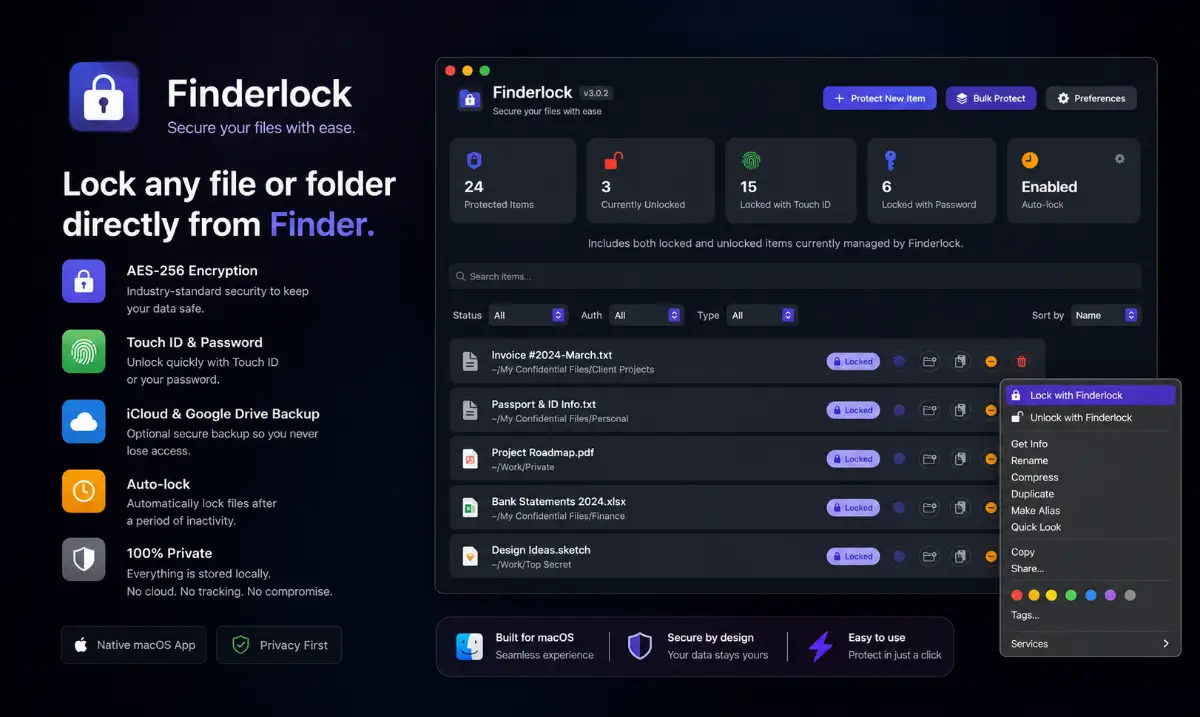
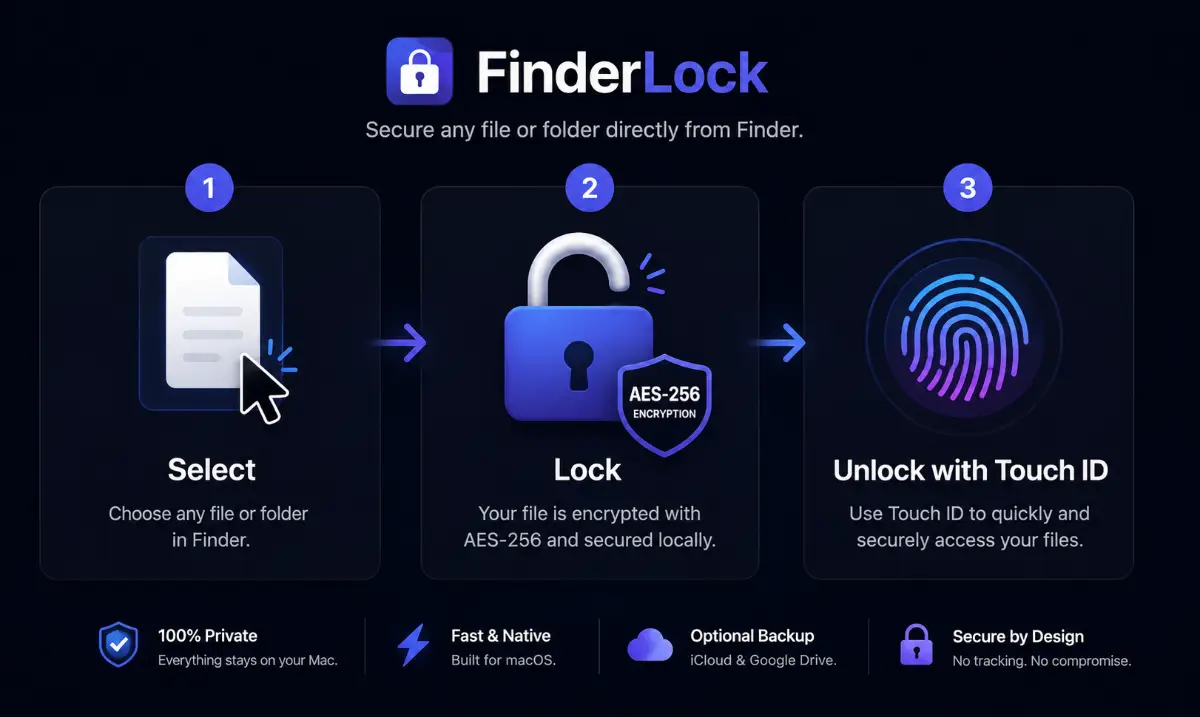
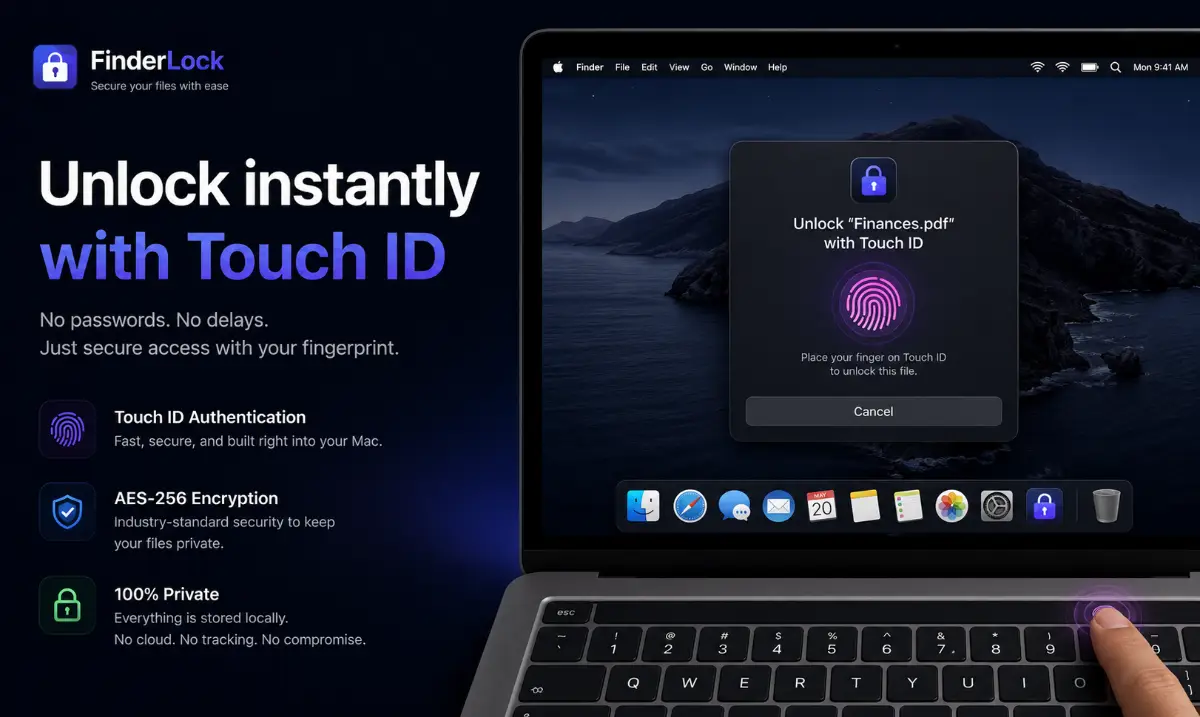
FinderLock is a native macOS app that protects your files and folders with AES-256 encryption and Touch ID — right from Finder. Just right-click any file or folder to lock it, then unlock with your fingerprint or password. No Terminal, no disk images, no learning curve. → Takes one click → 100% local. No cloud, no subscription. Key features. One-click protection in Finder's right-click menu.…
Preview
Information
People also visit
Apps people often open alongside Finderlock.
Finderlock FAQ
What is Finderlock?
FinderLock is a native macOS app that protects your files and folders with AES-256 encryption and Touch ID — right from Finder. Just right-click any file or folder to lock it, then unlock with your fingerprint or password. No Terminal, no disk images, no learning curve. → Takes one click → 100% local. No cloud, no subscription. Key features. One-click protection in Finder's right-click menu.
Is Finderlock free?
Yes. Finderlock is free to use.
Do I need to download Finderlock?
No. Finderlock runs in your browser at finderlock.com, so there's nothing to install.
What are the best Finderlock alternatives?
Popular alternatives to Finderlock include Patch, FireZone and ALTCHA. See all Finderlock alternatives