










Description
Glitch Art Maker turns a video into glitch-style artwork. It runs 100% in your browser, so the video is not uploaded anywhere. You can upload a local video, try the example, or use your webcam and process the image live. Controls adjust the thickness and spacing of the horizontal scan lines, the jitter that shifts each line left and right for a shake effect, and the threshold that balances black and white, where a lower value gives more white and a higher value more black. Raw Mode shows the original video for quick comparison. You can record the glitch output as a WebM clip, or export the full video as WebM. A status line shows which input source is active. The project's code is on GitHub.…
Highlights
- Glitch effect on an uploaded video or a live webcam
- Adjust line spacing, jitter and threshold
- Raw mode to compare with the original
- Export a full WebM or record a WebM clip
- 100% client-side, with no upload
Ratings & Reviews
No ratings yet
Be the first to rate Glitch Art Maker.
People also visit
Glitch Art Maker FAQ
What does Glitch Art Maker do?
It applies a glitch effect to a local video or a live webcam feed, and it lets you export the result as WebM.
Is my video uploaded?
No. The site says the app is 100% client-side and processes the video in your browser.
What do the controls do?
Line sets the thickness and spacing of the scan lines, Jitter sets how far each line shifts, and Threshold balances black and white.
Can I compare with the original?
Yes. Raw Mode shows the original video without the glitch effect.
What are the best Glitch Art Maker alternatives?
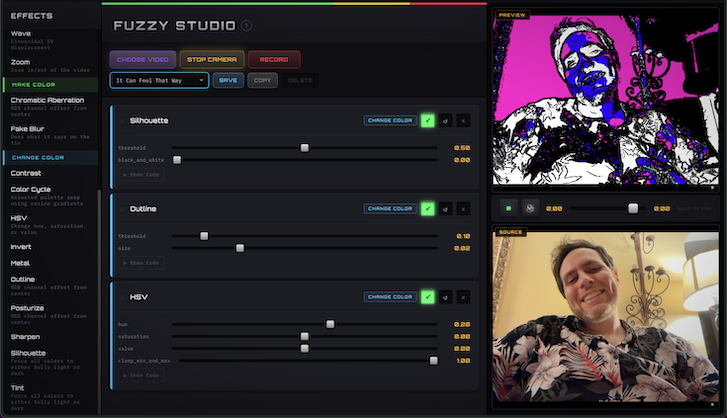
Popular alternatives to Glitch Art Maker include Glitch Image Generator, Glitchy and Fuzzy Studio. See all Glitch Art Maker alternatives