







Description
Shader Lab is a browser-based shader editor that runs on WebGPU. You create shader effects, stack them as layers, and animate their parameters on a timeline, applying them to images, video, text and 3D models. Keyframes can be set automatically, and a parameter can be linked to audio so the effect moves with the music. Finished scenes can be exported as video, published to a community gallery, and remixed by anyone who wants to start from a published scene. The editor is free to use and needs no install, since it runs in the browser on any device with WebGPU support. The project is developed by basementstudio and its source is on GitHub under basementstudio/shader-lab. It suits motion designers, artists and developers who want to explore shader looks quickly without writing graphics code from scratch, and it gives a visual way to learn how stacked effects combine.…
Highlights
- Stack and animate shader effects on media
- Keyframes and audio-linked parameters
- Export video and publish to a community gallery
- Free, in the browser, powered by WebGPU
Ratings & Reviews
No ratings yet
Be the first to rate Shader Lab.
People also visit
Shader Lab FAQ
What is Shader Lab?
A browser-based editor for creating, stacking and animating WebGPU shader effects on images, video, text and 3D models.
Do I need to install anything?
No. It runs in the browser, though it needs a device and browser that support WebGPU.
Can I export my work?
Yes. You can export a scene as video and publish it to the community gallery.
Can I reuse someone else's scene?
Yes. Any published scene can be remixed, so you can start from it and change it.
Is it free?
Yes. The site describes the editor as free, and the source is public on GitHub.
What are the best Shader Lab alternatives?
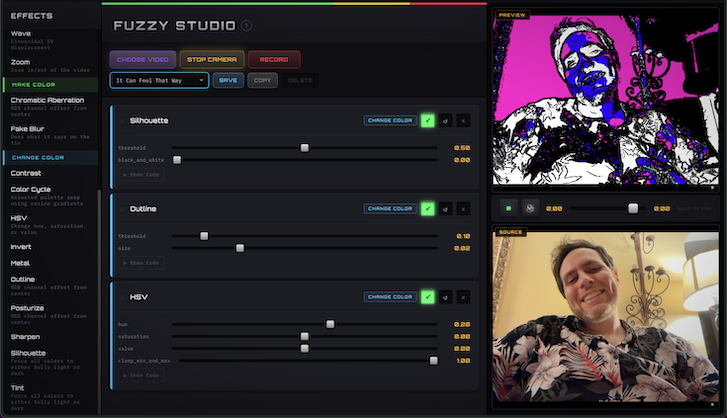
Popular alternatives to Shader Lab include ShaderGif, Fuzzy Studio and Liquid Shape Distortions. See all Shader Lab alternatives