Self-hosted alternatives to Kiiwi
200 self-hosted apps like Kiiwi, closest match first.
Top picks
- D

Diction
LaunchDiction is a keyboard for iPhone with one-tap dictation and writing tools built in. The microphone sits above the keys in every app, so you can speak a message and send it without typing. Speech recognition runs in one of three modes: on th
FreeOpen sourceSelf-hosted
- B
BetterShot
LaunchScreenshot, screen recording, and video editor for macOS. Native SwiftUI app with capture deck, 75+ customizable shortcuts, URL scheme automation, and self-hosted cloud sharing. Open-source alternative to CleanShot X and Loom.
FreeOpen sourceSelf-hosted
- M
Midgard
Launch⛰️ Your clipboard and its history on all your devices: a Mac menu-bar app, a daemon for Linux and Windows, iPhone Shortcuts, and a self-hosted relay that keeps no copies
FreeOpen sourceSelf-hosted
- O
Osx Proxmox Next
LaunchOSX Proxmox Next sets up a macOS virtual machine on Proxmox 9 with one command. A terminal wizard runs on the Proxmox host through six steps: Preflight, OS, Storage, Config, Dry Run and Install. It can auto-download the macOS images, detect
FreeOpen sourceSelf-hosted
- S
SayIt
LaunchOpen-source voice typing for Windows — a Wispr Flow / Superwhisper alternative. Press a shortcut, speak, and AI-polished text lands at your cursor. Local models, your own API keys, or a self-hosted backend.
FreeOpen sourceSelf-hosted
- K
Klee
LaunchKlee is a native macOS AI chat app that runs language models entirely on your Mac. It uses MLX, the Apple machine learning framework, to run models on Apple Silicon, so your conversations stay on the device, with no cloud, no account, no su
FreeOpen sourceSelf-hosted


More like Kiiwi





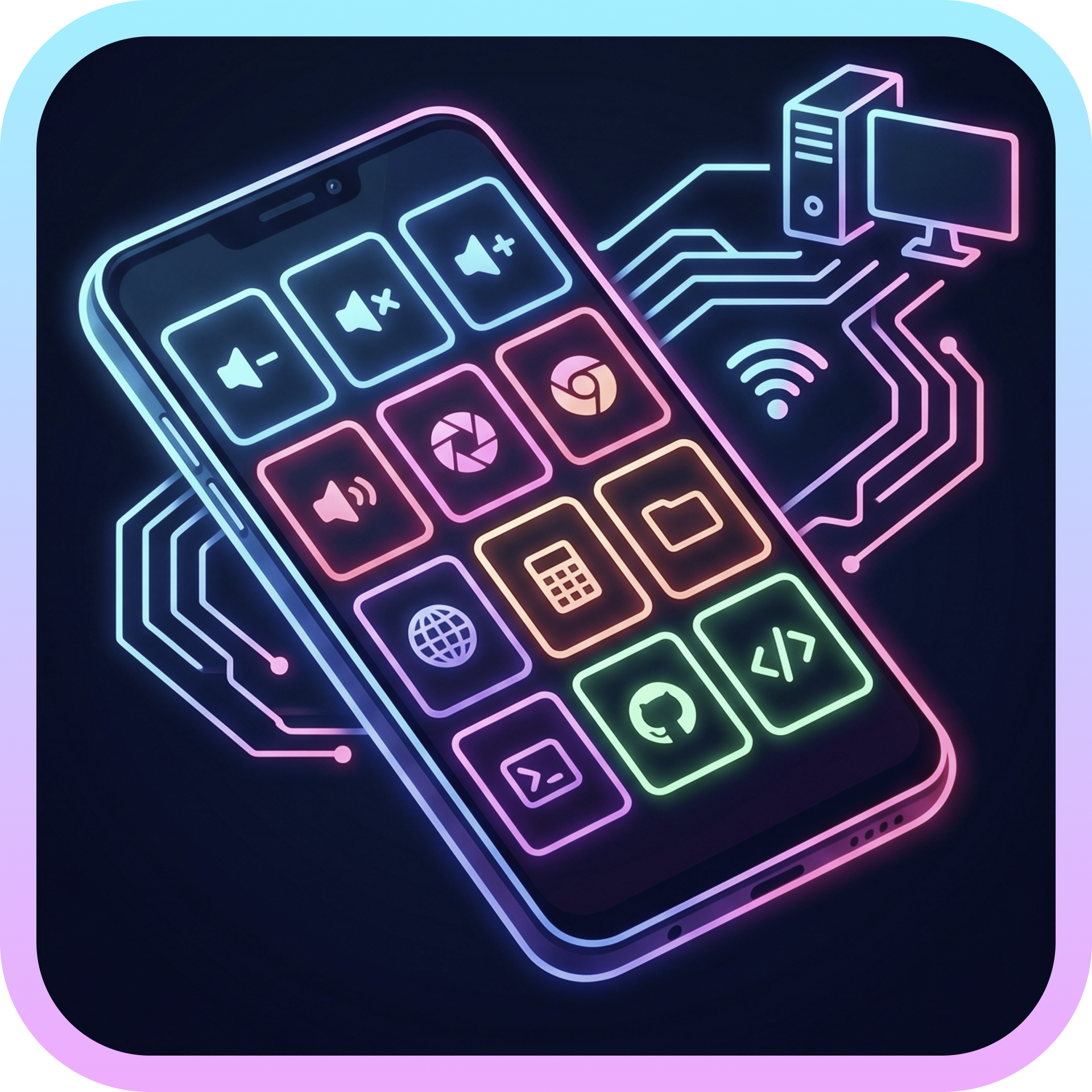


Antigravity Phone Chat
Real-time mobile monitor & remote control for Antigravity AI sessions













About Kiiwi
Kiiwi
Kiiwi makes your Mac keyboard sound like a mechanical one
Kiiwi is a Mac app that plays mechanical keyboard sounds as you type. It uses real recordings of more than 30 switches, from Cherry MX Blue to Holy Panda and NovelKeys Cream, and it works in every app. It sits in the menu bar with no window and no Dock icon, and you can mute it from anywhere with a shortcut. You can also add click and scroll sounds for the mouse and a Zen mode for distraction-free typing. The site says it never reads what you type: it listens for key events and does not record the keys. It needs the Accessibility permission, which the site explains is the same kind of permission that text expanders use. The app runs on macOS 14 or later, with the built-in or any external keyboard. The site lists the price as $6.99.
- Price
- Paid
- Category
- Photo & Video
- Website
- kiiwi.app