Skip to content
Kirocast

Alternatives to Kirocast

200 apps like Kirocast, closest match first.

Top picks

  1. P

    playwright-recording

    Get

    Record browser interactions as video using Playwright. Use for capturing demo videos, app walkthroughs, and UI flows for Remotion videos. Triggers include

    Free

  2. D

    Dadan

    Launch

    Record your screen, edit videos by transcript, and add forms, CTAs, and AI-driven insights to every video.

  3. S

    Showkit

    Launch

    Create beautiful and professionally looking screen recordings and add zooms with smooth transitions and other effects to make them more dynamic and give focus to what you're showing, all of that without downloading anything.

  4. S

    screenci

    Get

    The ScreenCI skill lets an AI agent record videos and stills in a ScreenCI project by editing .screenci.ts recording files and running the ScreenCI workflow. It is meant for projects that already contain ScreenCI files, not for app source c

    Free

  5. S

    Super Recorder

    Launch

    Super Recorder is a screen recording app for Windows and Linux, built for making product demos, tutorials and walkthroughs. You can record a specific application window or the whole screen, and the site says recordings use native resolution

    Free

  6. V

    Vibrantsnap

    Launch

    Record your screen, highlight key moments and get a sharable link that turns viewers into customers .

More like Kirocast

7
B

browser-video-recording

Create polished 60 fps 4:3 4K browser screen-recording style videos

Get
8
V

VideoContext App

Record your screen, extract the most useful frames, paste them into Claude

Launch
9
S

ScreenBuddy

screen recorder and editor for Mac & Windows

Launch
10
S

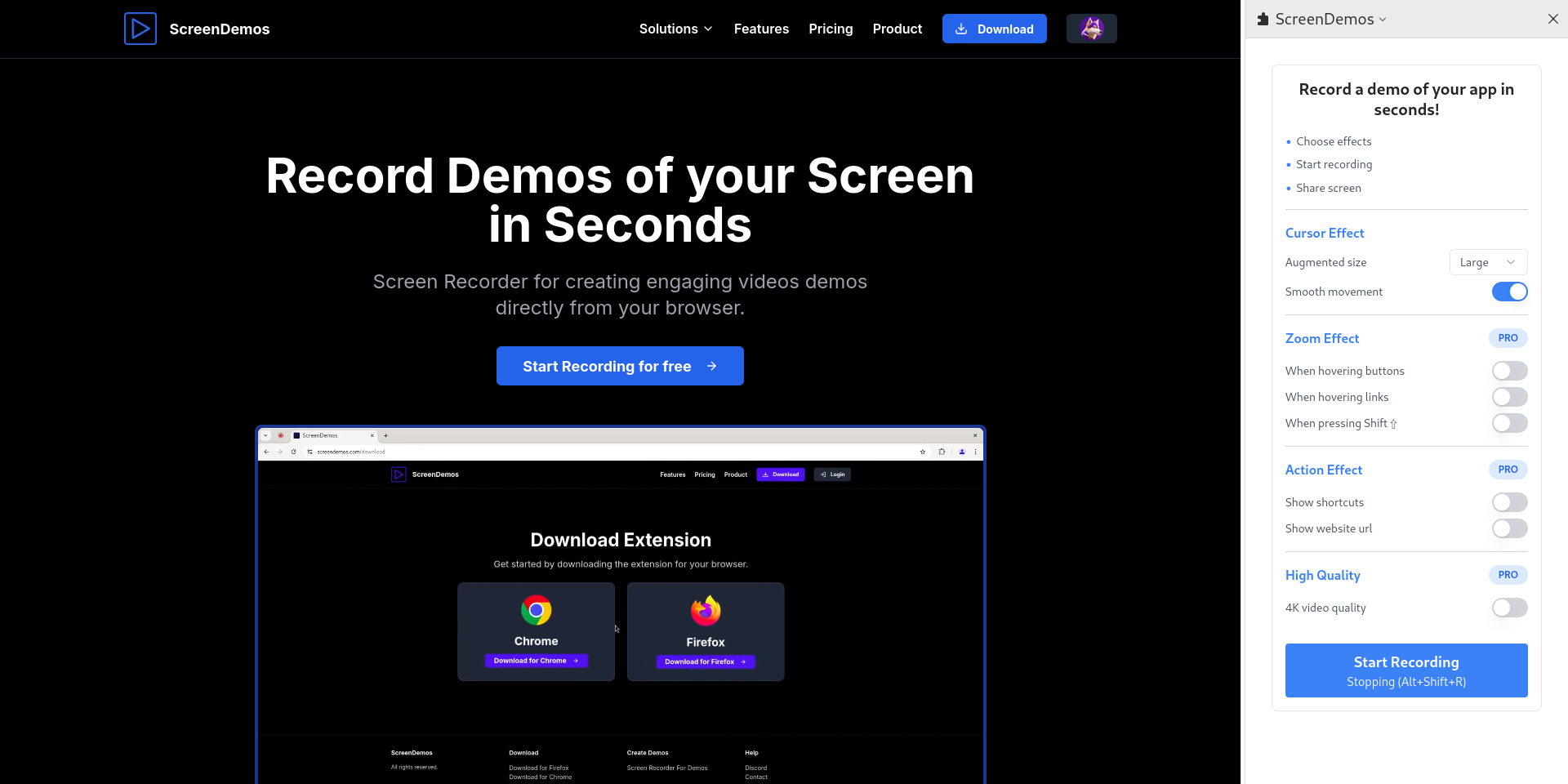
ScreenDemos

Record demo videos with professional effects for your product

Launch
11
T

Trupeer.ai

Creating stunning Product videos & Step by Step documentation

Launch
12
S

Smooth Capture

Create polished app demo videos in minutes

Launch
13
R

remotion

Create professional walkthrough videos from Stitch app designs

Get
14
S

Storyship

Create professional product demo videos from screen recordings

Launch
15
S

Shocase

Turns screen recordings into edited videos and written guides

Launch
16
C

Clevera

Create narrated product videos and help articles in minutes

Launch
17
Q

QuickPeek

AI-powered video demos: Turn websites into walkthroughs instantly

Launch
18
T

Tutorial AI

A platform that creates step-by-step guides and demo videos

Launch
19
A

AgentScreenshots

Capture UI screenshots for LLM agents

Launch
20
A

automate-this

Analyze a screen recording of a manual process and produce targeted

Get
21
E

explainroo

Explainer videos and product demos made by your AI agent

Launch
22
W

WindowShot

Record your Windows screen with automatic zoom, smooth cursor effects, webcam

Launch
23
H

Hexus

A tool that converts screen recordings and assets into interactive demos

Launch
24
Z

Zoomedin

Elevate your screen recordings from basic captures

Launch
25
W

Wizardshot

Automate the creation of step-by-step tutorials by capturing on-screen actions

Launch
26
R

RecordScreen.io

Record screen right from browser. No installation required

Launch
27
M

mcpware/pagecast

Record browser pages as GIF or video: AI-driven demo recordings

Get
28
R

Rapidemo

Automatically beautiful screen recordings. Made for Windows 10 and 11

Launch
29
S

Screen Records

Captions and AI editing for your screen recordings all in one app

Launch
30
A

Animater

AI tool that animates your live webpage into a product film

Launch
31
R

Record Once

Create video tutorials

Launch
32
M

MakeTheDocs

Create quality documentation with videos

Launch
33
T

Tinycloud

Your AI agent for video work, made by Cloudglue

Launch
34
D

deusXmachina-dev/memorylane

Desktop app that captures screen activity

Get
35

Loom

Async video messaging

Launch
36
G

Guide Magnet

Create Interactive Product Demos Instantly

Launch
37
C

Clickcast

Transform any website into a professional marketing video instantly

Launch
38
R

RepoClip

Auto-create narrated demo videos from GitHub repos

Launch
39
S

Shorz

World's first AI video production OS for Windows

Launch
40
R

Recorder

Open-source web app to record screen

Launch
41
G

Guidedemo

This project helps users create a guided demo, similar to https://scribe.com

Launch
42
C

CleanShot Cloud

Fast screenshot and screen recording service

Launch
43
S

ScreenApp

Transform your productivity

Launch
44
S

screenshots-marketing

Generate marketing screenshots with Playwright

Get
45
C

CamCue

AI interview and meeting assistant for Mac and Windows

Launch
46
M

Make This Better

Feedback your agent can ship

Launch
47
B

brag-slim

Turn a project directory or a website URL into a short

Get
48
M

Motionfly

Product Launch/demo generator

Launch
49
H

Hippo Video

Quick Video, webcam, audio, screen recorder straight from Google Chrome browser

Launch
50
A

autozoom - Cross platform

Screen recording, elevated

Launch

About Kirocast

K

Kirocast
Speed up AI debugging. Automate product demo creation

Kirocast is a screen recorder and editor for macOS, built for product demos, training and support videos, and for AI coding agents to read and edit. You record your screen with a recording bar, then polish the take with smooth zooms that follow each click, automatic captions made on your device, a generated voice-over, custom backgrounds and cursors, privacy masks and saved versions. You can also ask your agent to cut, zoom, annotate or narrate, and it shapes the edit through Kirocast's MCP tools. The site says you bring your own Claude Code, Codex or Cursor subscription, and exported files can be shared with any agent that can read them on your Mac. The app can export styled MP4 and GIF files and has a Talk mode for narrated videos. iPhone and iPad recordings can be brought in. Kirocast is a native Mac app for Apple silicon running macOS 15 or later. The site offers a three-day trial with every feature and export, and no credit card is needed. After the trial, recording and editing stay free, and exporting needs a one-time license of $39 that keeps every update. The site lists a 14-day money-back guarantee.
Price
Freemium
Category
AI
Website
kirocast.com