Skip to content
KoppieSnap

Free alternatives to KoppieSnap

200 free apps like KoppieSnap, closest match first.

Top picks

  1. G

    Goshot

    Launch

    ๐ŸŽจ Create beautiful code screenshots with customizable styles

    Open source

  2. S

    Shotzio

    Launch

    Make every screenshot beautiful with our advanced screenshot editor. Edit, beautify, and share your captures like never before.

  3. S

    Screenshot Pro

    Launch

    Transform messy screen captures into professional marketing assets. Stop sharing boring, raw screenshots. Screenshot Pro is the ultimate design tool for developers, designers, and content creators who need to turn standard screen captures i

  4. S

    Snippet Editor

    Launch

    Snippet Editor is a simple tool for creating beautiful code screenshots. Paste your code, customize the look, and export a polished image you can share anywhere - from X posts and blog articles to documentation and tutorials. Features: Past

  5. C

    Code to Image Converter

    Launch

    Itโ€™s a free online tool that lets you turn programming code into a beautiful image with syntax highlighting and custom styling . You can paste your code, choose the language and theme, adjust background, layout, font size, line numbers, and

  6. A

    Article Screenshot

    Launch

    Create professional screenshots for articles in seconds. Perfect for social media sharing, presentations, and content marketing. This helps people who regularly need to post or share articles or to put in their videos.

More like KoppieSnap

7
R

Recoded

A web app/tool to create beautiful images

Launch
8
S

screenshots-marketing

Generate marketing screenshots with Playwright

Get
9
S

SocialScreenshots

Create Stunning Visuals from Your Screenshots for Free!

Launch
10
C

Code2Image

Turn code snippets into beautiful images in seconds

Launch
11
S

ShotFrame

Free screenshot beautifier with gradient backgrounds, device frames, shadows

Launch
12
S

screenshot-to-code

Turns a screenshot, mockup, Figma export

Get
13
I

image-taste-frontend

Elite website image-to-code skill for Codex

Get
14
I

image-to-code

Premium website design-to-code skill

Get
15
P

PostSpark

Create Stunning Mockups & Annotate Screenshots

Launch
16
M

Mockino

Quickly create and customize beautiful mockups for your screenshots

Launch
17
T

Tokokino

In-browser editor for device framing and mockups

Launch
18
S

Screenzy

Beautiful Screenshot & Mockup Generator

Launch
19
S

ScreenCoder

Screenshot to Code

Launch
20
D

Device Shots

Drop in a screenshot and get a high-resolution device mockup in seconds

Launch
21
F

fakemaker

Create Realistic Chat Screenshots In Seconds

Launch
22
P

Popshot

Turn screenshots into polished, platform-sized visuals instantly

Launch
23
O

OGCOOL

An OG image generator for your upcoming website, comes

Launch
24
P

playground

Creates interactive HTML playgrounds

Get
25
F

figma-implement-design

Translate Figma designs into production-ready code with 1:1 visual fidelity

Get
26
S

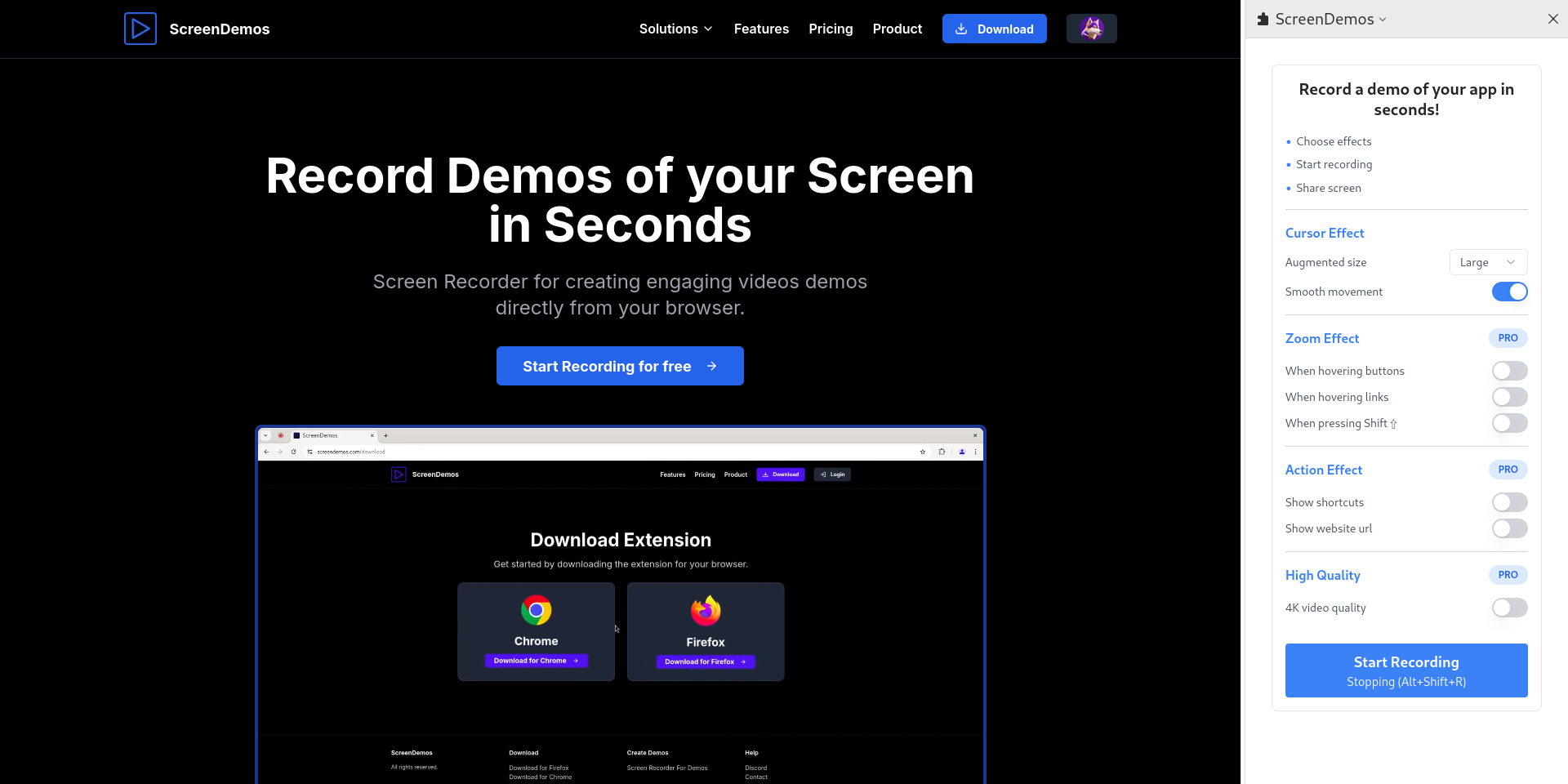
ScreenDemos

Record demo videos with professional effects for your product

Launch
27
B

before-and-after

Add existing screenshots or screen recordings

Get
28
B

baoyu-design

Create polished design artifacts as self-contained HTML: UI mockups

Get
29
I

image-to-ui

Recreate an image, screenshot, or mockup as a 1:1 UI implementation

Get
30
O

Online HTML Viewer

Simple, fast, and real-time HTML preview

Launch
31

Canva

Design anything, publish anywhere

Launch
32
D

design

Produces distinctive, production-grade UI for pages, components

Get
33
U

ui-design

Use this to design a nice UI in single html as inspiration & UI exploration

Get
34
2

21st-ai

Generate and iterate on UI with 21st AI from the terminal via the `21st` CLI

Get
35
W

Website Screenshot Online

Free Online Website Screenshot Tool

Launch
36
W

web-design-builder

Create professional HTML5/JavaScript web designs from specifications

Get
37
S

ScreenPolish

Free in-browser screenshot editor with gradients, rounded corners & shadows

Launch
38
C

Carbon

Create and share beautiful images of your source code

Launch
39
D

design-handoff

Generate developer handoff specs from a design

Get
40
F

frontend-design

Strict frontend design guardrails for building modern, minimal-visual-noise

Get
41
W

Webbon

Turns any website URL into a structured rebuild prompt for AI coding tools

Launch
42
K

Kwik UI

Pre-Optimized AI Prompts for Efficient Front-End Development Stop wasting hours

Launch
43
U

ui-designer

Craft one-of-a-kind, ship-ready frontend interfaces with elevated design quality

Get
44
F

figma-design-to-code

**MANDATORY prerequisite**

Get
45
F

frontend-dev

Full-stack frontend with cinematic animations, AI-generated media

Get
46
P

PasteScreenshot

Paste screenshot online, store locally, and organize

Launch
47
S

ScreenshotOne

Turn websites into screenshots via API

Launch
48
D

Design Vault

Real-world design inspiration & UX patterns from exceptional products

Launch
49
A

Accessibility by Embed.im

Free Accessibility Widget

Launch
50
F

firecrawl-website-design-clone

Extract any website's design system into an agent-ready DESIGN.md

Get

About KoppieSnap

K

KoppieSnap

Instantly Snap Beautiful ScreenShot Free for Showing Your Code

KoppieSnap is a free screenshot tool for Mac and Windows that frames a capture so it is ready to share. You pick a border preset in an Arc, Windows or Mac style, and a gradient or solid background, with transparency if you want it. One click changes the image size to 16:9, 4:3, 9:16 or 1:1 for PC or mobile, which suits posts on Product Hunt, YouTube, LinkedIn, TikTok or Instagram. The corner radius can be set from 0 to 40 pixels for both the outer background and the inner capture, and the content can be centered or aligned to the bottom, left or right with a position preset. Snaps are rendered offline in real time, so you can take many and adjust them quickly. Exports are PNG files, and transparent backgrounds are supported for web designers making snapshots for web pages. The site says KoppieSnap is free as part of its KoppieOS Eco tools, with no watermarks, and that a 3D effect is planned next.

Price
Free
Category
Design
Website
koppiesnap.webflow.io