








Description
Localtunnel exposes a web service running on your local development machine, so you can share it without changing DNS or firewall settings. You install it with npm, start your local web server on a port, and then run the lt command with that port. It gives you a unique public HTTPS URL that proxies requests to your local server for as long as the lt process runs. The site says you can use it to share your work, to test webhooks through its API and to test your UI in cloud browsers. Clients in other languages and the full tunnel API are documented on the project's GitHub page and wiki. The project takes support through GitHub Sponsors and Buy Me a Coffee, and its code is on GitHub.…
Highlights
- Public HTTPS URL for a local server
- Command-line tool lt
- Test webhooks with the API
- No DNS or firewall changes
- Installed with npm
Ratings & Reviews
No ratings yet
Be the first to rate localtunnel.
People also visit

localhost.run
Connect web applications running on your computer to the internet instantly
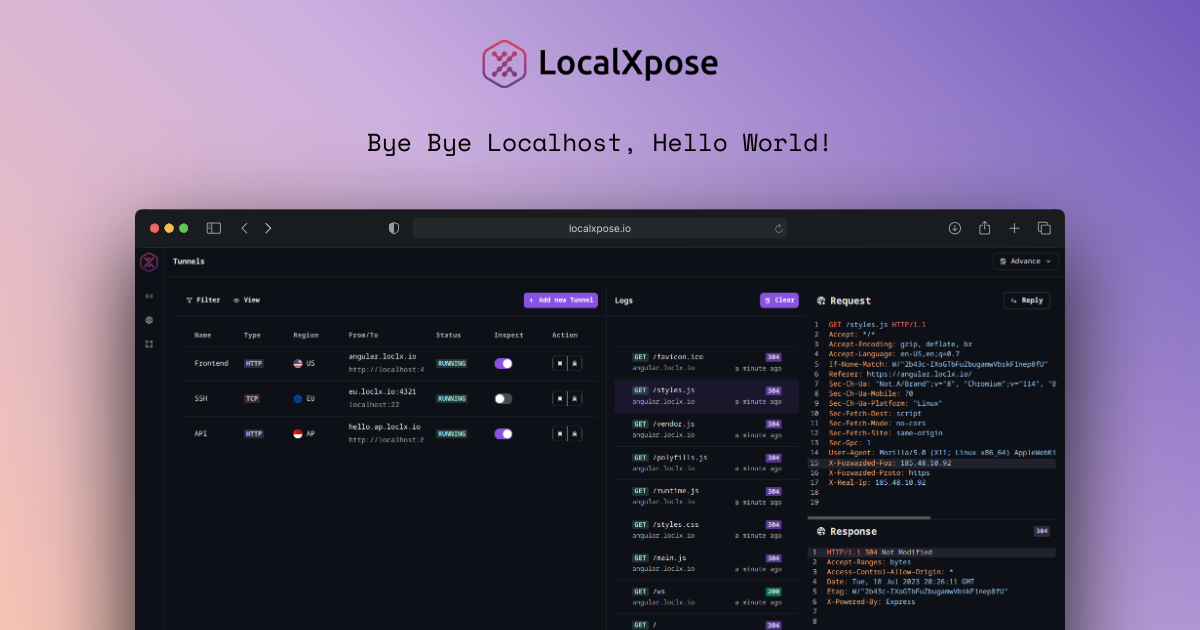
LocalXpose
Reverse proxy that enables you to expose your localhost servers to the internet
hostc
Localhost, anywhere. One command gives your dev server a public HTTPS URL
localtunnel FAQ
What does Localtunnel do?
It makes a server running on your computer reachable from the internet through a public URL.
How do I install it?
Run npm install -g localtunnel. The site says it requires Node.js.
How do I start a tunnel?
Start your local server, then run lt --port with its port number, for example 8000.
How long does the URL last?
The URL works for as long as your local lt process stays running.
Is it open source?
Yes. The project is on GitHub at github.com/localtunnel/localtunnel.
What are the best localtunnel alternatives?
Popular alternatives to localtunnel include tunnelto.dev, localhost.run and Portr. See all localtunnel alternatives