









Description
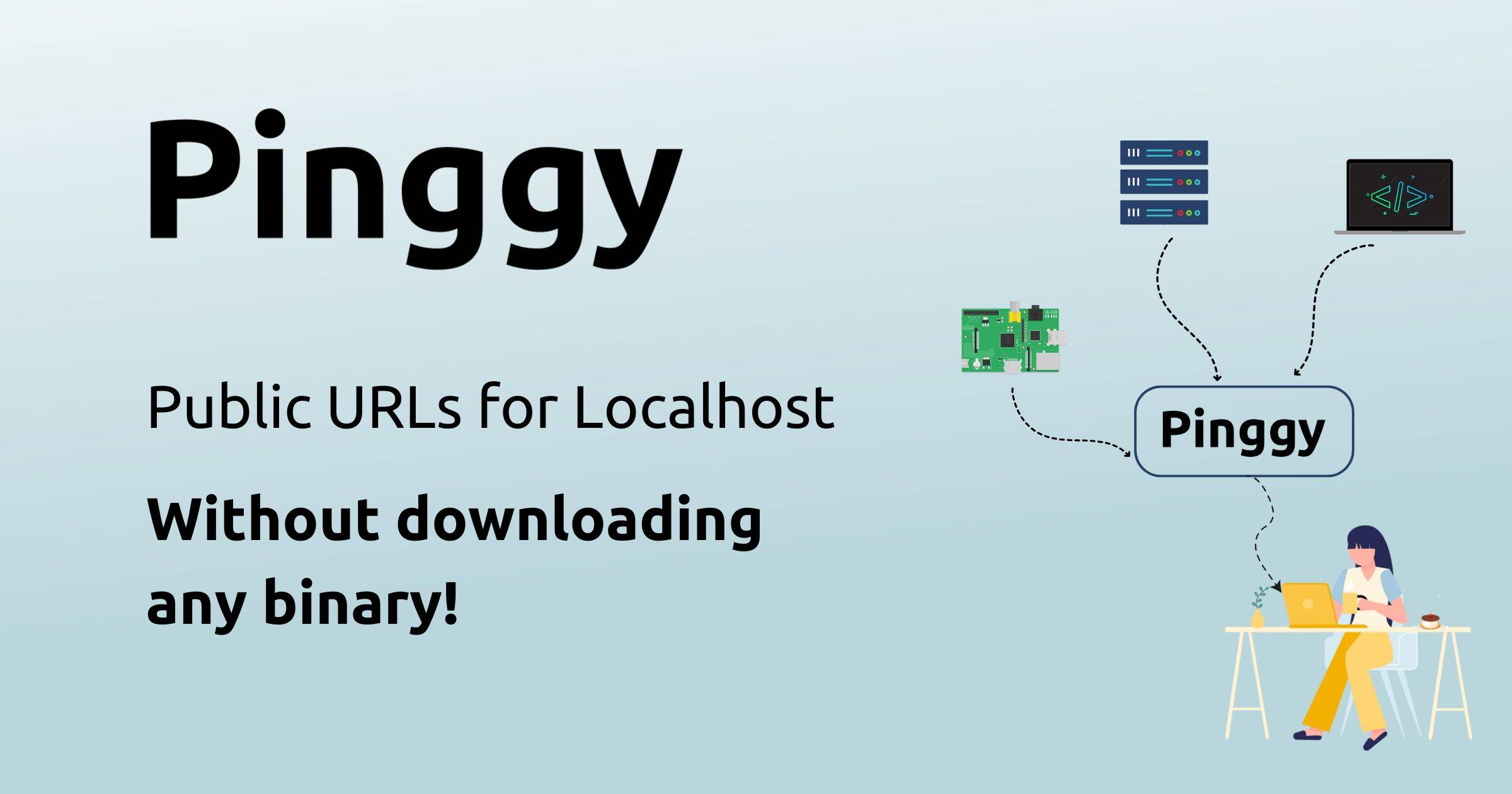
Pinggy makes localhost projects reachable on the internet by creating secure tunnels with a public URL. You can run a tunnel with the command line, a desktop app or the Node.js and Python SDKs, and there are HTTP, TCP, UDP and TLS tunnel types. The site says you can start without downloading a binary by pasting a command from the page. The free tier gives a public address that changes when the tunnel reconnects, and the free persistent URL with custom domain support comes with a free trial. Settings include region selection, password protection, a QR code for sharing, keep-alive and auto-reconnect, and IP whitelisting and key authentication. A web debugger is built into the dashboard, where you can inspect, modify and replay tunnel traffic in the browser. Pinggy compares itself with ngrok, LocalXpose, LocalTunnel and Cloudflare, and its help pages cover common problems such as password prompts. Pinggy Pro adds persistent URLs.…
Preview
Highlights
- Public URLs for localhost
- HTTP, TCP, UDP and TLS tunnels
- Command line, desktop app and SDKs
- Built-in web debugger
- Password protection and IP whitelisting
Ratings & Reviews
No ratings yet
Be the first to rate Pinggy.
People also visit

localhost.run
Connect web applications running on your computer to the internet instantly
Pinggy FAQ
What is Pinggy?
Pinggy creates secure tunnels that give your localhost project a public URL, so you can share or test it from anywhere.
Do I need to install anything?
The site says you can start a tunnel by pasting a command, without downloading a binary. There is also a command line tool, a desktop app and SDKs for Node.js and Python.
Does the URL stay the same?
On the free tier the public URL changes when the tunnel reconnects. Pinggy Pro offers persistent URLs, and the free plan includes a persistent URL for seven days.
Can I inspect the traffic?
Yes. The web debugger in the dashboard lets you inspect, modify and replay tunnel traffic in your browser.
What are the best Pinggy alternatives?
Popular alternatives to Pinggy include localhost.run, tunnelto.dev and Portr. See all Pinggy alternatives