Skip to content
Moo.do

Self-hosted alternatives to Moo.do

200 self-hosted apps like Moo.do, closest match first.

Top picks

  1. F

    Flow

    Launch

    Butterfly is a note taking app where your ideas come first. You can paint, add texts, and export them easily on every device. This app works on android, windows, linux, and in the web. * Simple and intuitive Every tool is in the right place

    FreeOpen sourceSelf-hosted

  2. D

    dayGLANCE

    Launch

    Day planner with drag-and-drop time blocking, inbox, recurring tasks, habits, routines, goals, projects and Pomodoro focus mode, plus iCal and CalDAV calendar sync. Data stays in the browser, with optional WebDAV or GLANCEvault sync. (Sourc

    FreeOpen sourceSelf-hosted

  3. P

    Pomodoist

    Launch

    Turn thoughts into tasks, plan your day, and stay focused in one calm workspace. Pomodoist combines practical task management with a built-in Pomodoro timer so planning and focused work stay connected. PLAN YOUR WORK • Capture tasks quickly

    FreeOpen sourceSelf-hosted

  4. P

    Plainspace

    Launch

    Plainspace puts your group's plan on one shared page: tasks, notes, polls, and reminders. Everyone joins with a single link. No account or app needed.

    FreeOpen sourceSelf-hosted

  5. T

    Trilium Notes

    Launch

    Trilium Notes is a hierarchical note-taking application designed for building large personal knowledge bases. It offers a robust set of features to help you organize and manage your information effectively, whether for personal or professio

    FreeOpen sourceSelf-hosted

  6. T

    Trilium

    Launch

    Trilium Notes is an open-source app for note-taking and building a personal knowledge base. You can use it locally on your desktop, with no account needed and no need for a server, or sync it with a self-hosted server to keep the same notes

    FreeOpen sourceSelf-hosted

More like Moo.do

7
O

Owlistic

Free open-source notetaking app with real-time sync

Launch
8
W

Will Be Done

Offline-first task manager

Launch
9
R

React Glass Keep

Glass Keep is Keep Notes alternative using Glass design

Launch
10
P

Poznote

Powerful note-taking without the hassle

Launch
11
K

Kept

A self-hosted, Google Keep style notes app

Launch
12
M

Mindwendel

Brainstorm and upvote ideas and thoughts within your team

Launch
13
T

TodoMini

Self-hosted TODO list webapp

Launch
14
I

itsnotes

A self-hosted, open-source note-taking app

Launch
15
T

tududi

Task management tool with hierarchical structure, smart recurring tasks

Launch
16
T

TriliumNext Notes

Cross-platform hierarchical note taking application

Launch
17
V

Vikunja

The open-source to-do app to organize your life

Launch
18
4

4ga Boards

Straightforward realtime kanban boards management for intuitive task tracking

Launch
19
M

memEx

Structured personal knowledge base, inspired by zettlekasten and org-mode

Launch
20
T

Textpod

Extremely simple note-taking app inspired by "One Big Text File"

Launch
21
T

Tiro Notes

An open-source, cross-platform markdown editor

Launch
22
J

Jotty

Simple app for checklists and notes

Launch
23
T

Tellor

Minimalist single-user kanban todo app

Launch
24
F

Focalboard

Centralize, plan, and track work

Launch
25
H

HedgeDoc

Formerly CodiMD (community). An awesome platform to write and share markdown

Launch
26
A

Alexandrie

The open-source, offline-first Notion, Obsidian & Confluence alternative

Launch
27
M

Mindwtr

Get tasks and ideas out of your head

Launch
28
L

LeafWiki

A fast wiki for people who think in folders, not feeds

Launch
29
S

Scrumboy

Self-hosted project management • Customizable boards • Cross-project workload

Launch
30
W

Webobsidian

Web based Obsidian Notes App

Launch
31
D

Dnote

A simple command line notebook with multi-device sync and a web interface

Launch
32
T

Tracim

Collaborative Platform for team collaboration: file,threads,notes,agenda,etc

Launch
33
F

FluidCalendar

Intelligent task scheduling and calendar management

Launch
34
L

LifeGLANCE

Your life, at a glance

Launch
35
Z

ZenNotes

Keyboard-first Markdown note-taking

Launch
36
H

Haptic

A new local-first, privacy-focused and open-source home for your markdown notes

Launch
37
S

Simple Notes Sync

Minimalist offline note-taking app with automatic Wi-Fi synchronisation

Launch
38
S

Starbase 80

A simple homepage with an iPad-style application grid, for mobile and desktop

Launch
39
C

Crossnote App

📝 Local-first markdown notebook - notes live in your browser or local…

Launch
40
M

Many Notes

Markdown note-taking web application designed for simplicity

Launch
41
C

Collabst

Self-hosted collaborative workspace for Typst

Launch
42
M

Memory

A self-hosted editor and note taking app

Launch
43
N

Notion Caldav Sync

Self-hosted two-way Notion and CalDAV sync on Cloudflare Workers + D1 or…

Launch
44
T

Taskwarrior Webui

Self-hosted Responsive Web UI for Taskwarrior based on Vue.js and Koa.js

Launch
45
T

Tasks.md

A self-hosted, file based task management board that supports Markdown syntax

Launch
46
W

Wide

Run Go with full intellisense code-completion, expression-info

Launch
47
C

Crumbs

Crumbs by Bretzel - a self-hosted, privacy-first Google Keep alternative

Launch
48
C

CollabMD

Realtime collaboration for markdown folders, diagrams, and git-backed docs

Launch
49
A

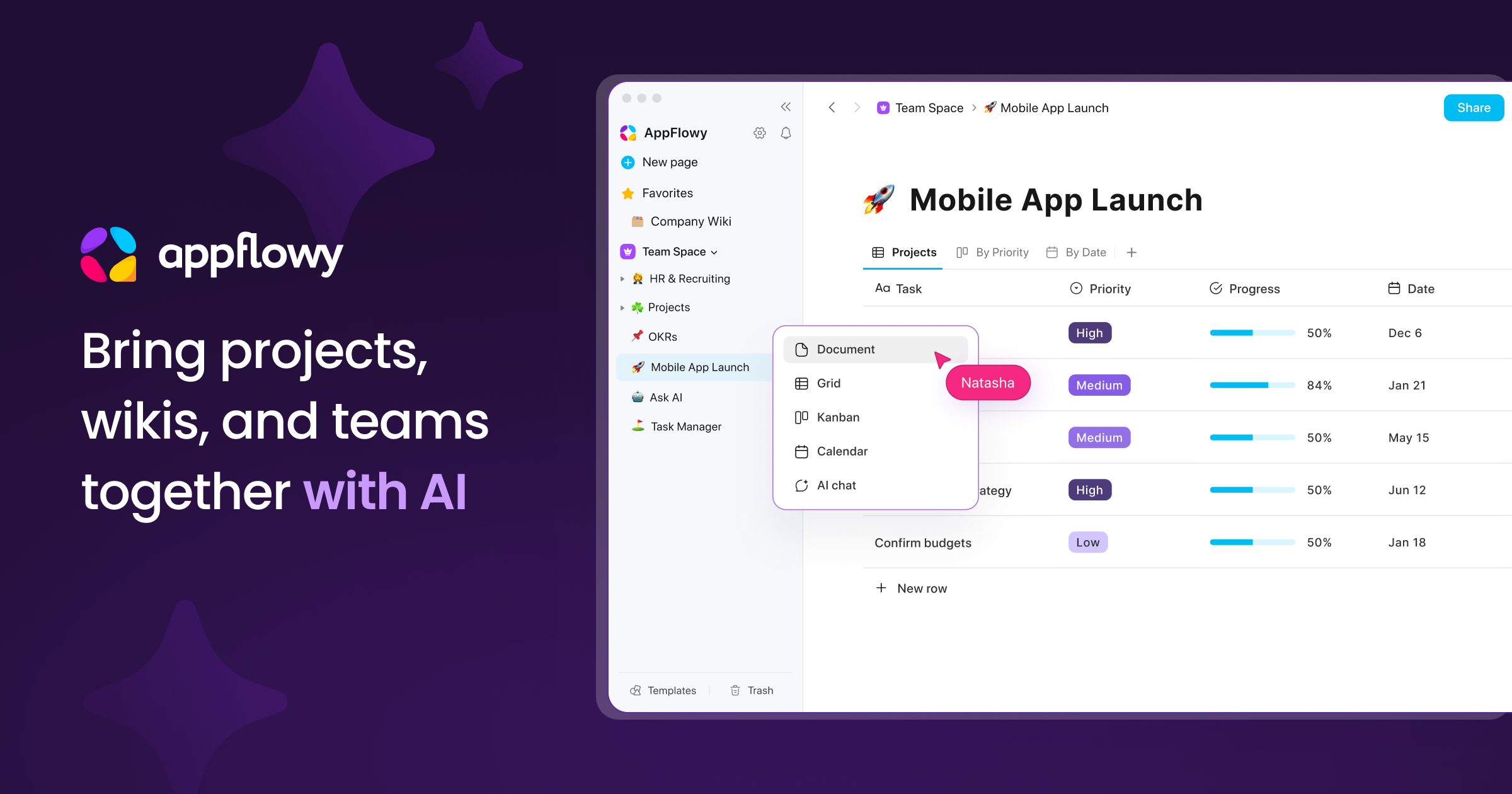
AppFlowy

Open Source Notion Alternative

Launch
50
F

flatnotes

Database-less note-taking web app

Launch

About Moo.do

M

Moo.do

Moo.do Application

Legend is a productivity workspace that puts documents, notes, to-do lists, emails, files, outlines and projects in one interface, so you do not have to switch between apps. Its main layout uses panes that show your urgent tasks across projects, with filters and sorting, and you can build Boards to save sets of panes for each area of your work and switch between them. A calendar view shows the day's events. The site describes Legend as adapting to how you think and organise, with beautiful documents that can be written in Markdown or with formatting hotkeys, and an infinite outline view. It says more than 80,000 users work in it. The site has a pricing page, a help section and a download, and it links to a blog and social accounts. It suits people who want one place to plan their day and keep their notes, tasks and documents in step with each other.

Category
Productivity
Website
moo.do