


















Description
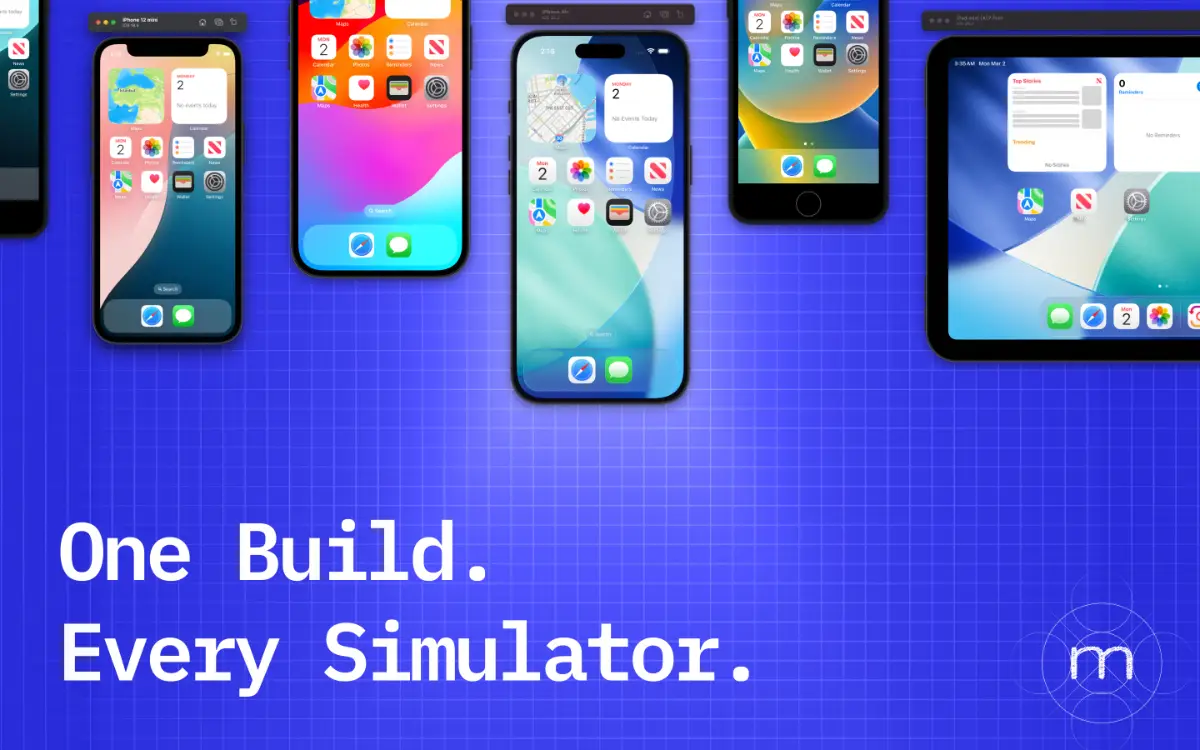
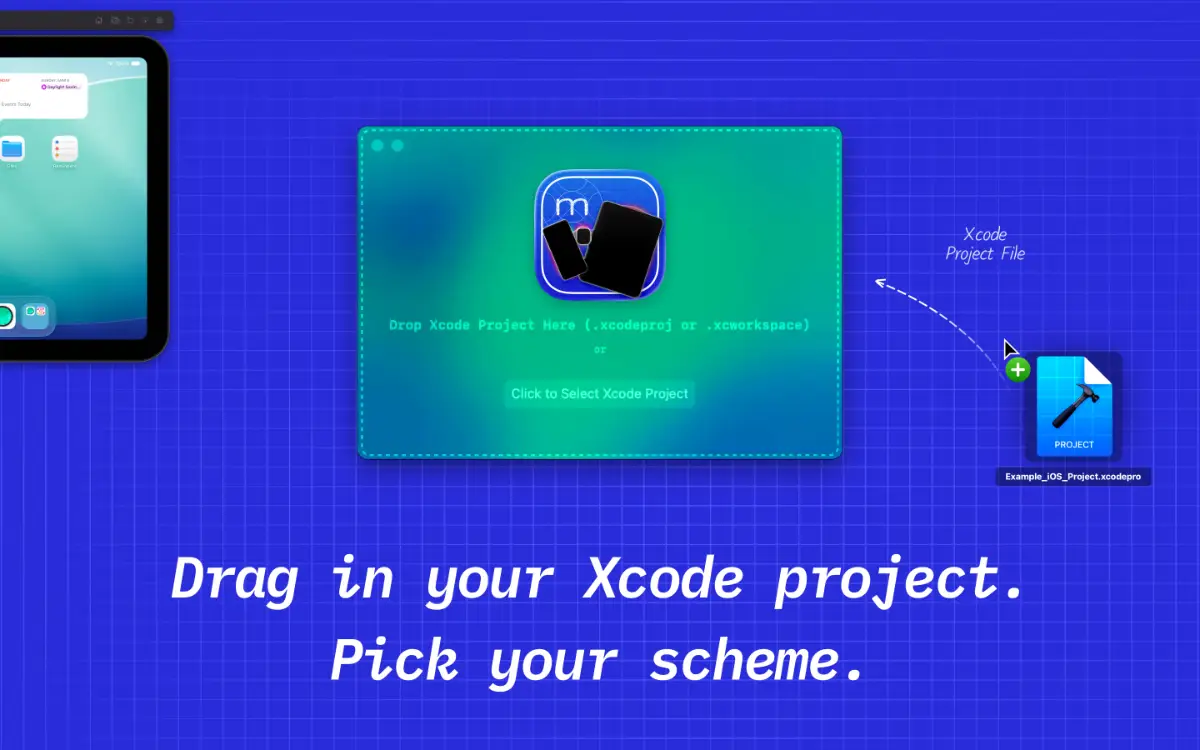
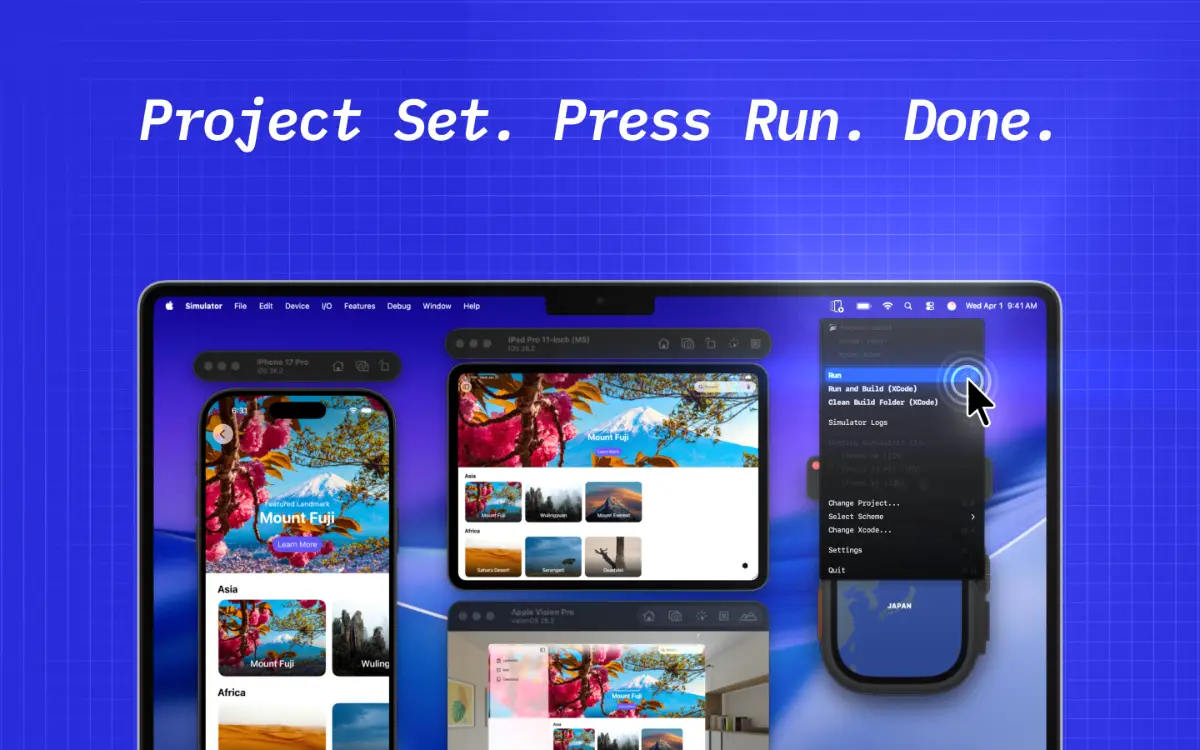
Xcode forces you to test one simulator at a time. Switch simulator, rebuild, run. Repeat for every screen size. Minutes wasted, focus broken. MultiSim ends this loop. Press one shortcut and your app installs and launches on every open simulator at once. iPhone SE to iPad Pro, all updated in one shot. Up to 20x faster. Focus stays in your editor. Logs persist across builds.…
Preview
Information
People also visit
Apps people often open alongside MultiSim.
MultiSim FAQ
What is MultiSim?
Xcode forces you to test one simulator at a time. Switch simulator, rebuild, run. Repeat for every screen size. Minutes wasted, focus broken. MultiSim ends this loop. Press one shortcut and your app installs and launches on every open simulator at once. iPhone SE to iPad Pro, all updated in one shot. Up to 20x faster. Focus stays in your editor. Logs persist across builds.
Is MultiSim free?
Yes. MultiSim is free to use.
Do I need to download MultiSim?
No. MultiSim runs in your browser at multisim.tr, so there's nothing to install.
What are the best MultiSim alternatives?
Popular alternatives to MultiSim include CodeEdit, ButterKit and ProcessSpy. See all MultiSim alternatives