















Description
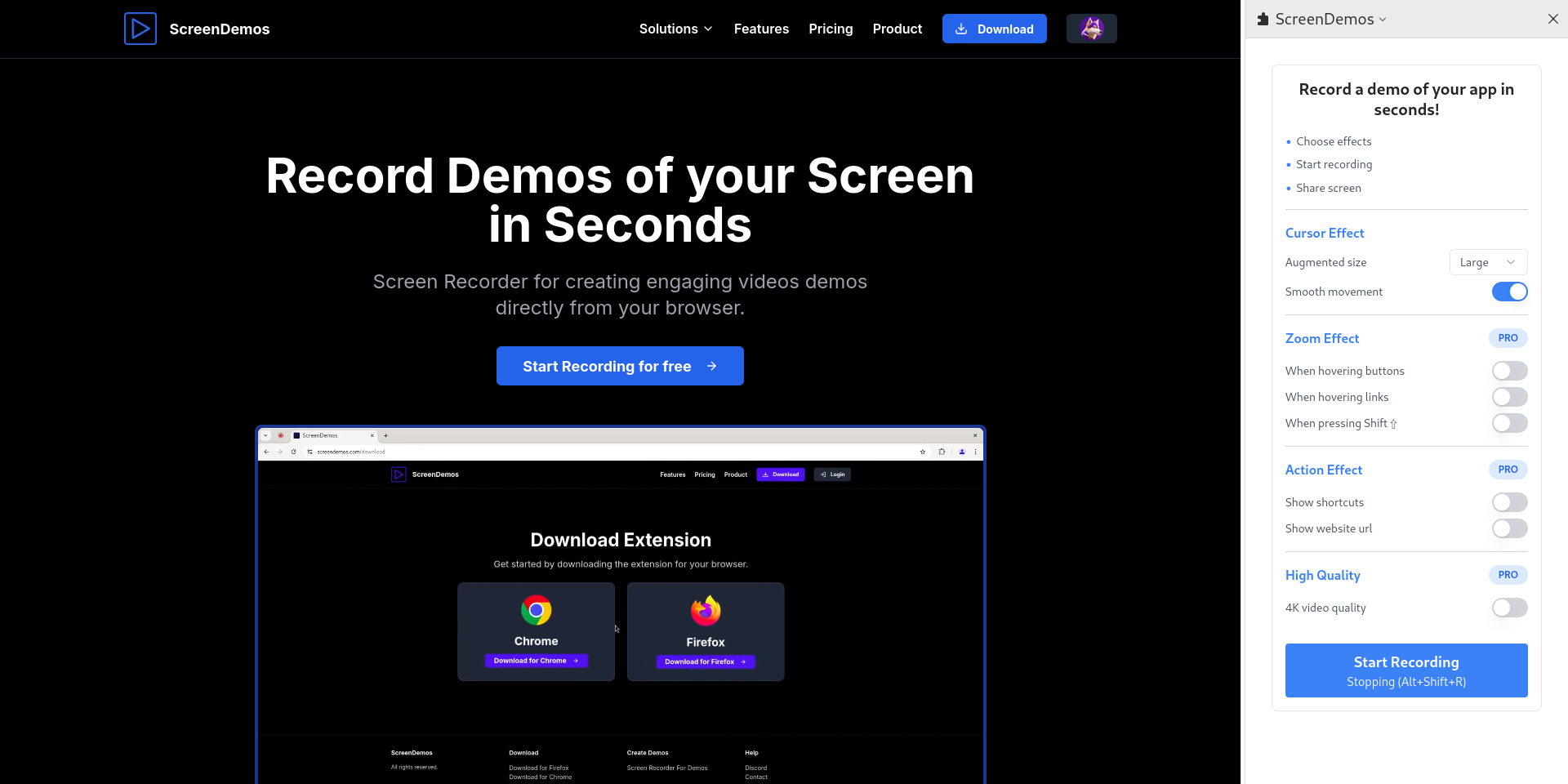
Openvid is a free, AI-powered online video editor that runs in your browser. It records your screen and turns recordings into polished demos, with cinematic zooms, 3D device mockups, custom backgrounds, camera and audio controls, elements such as text overlays and SVG shapes, blur effects, and a multi-track timeline for layering videos, audio and zoom. You can upload MP4, WebM or MOV files, or photos in JPG, PNG or WEBP for static exports. The site says there is no watermark and no install is needed, and it lists more than 500 backgrounds and HD export. The GitHub listing describes Openvid as an open-source browser-based video editor for recording and editing screen captures, with H.264, WebM, GIF and image export, and device mockups for common browsers. The project is on GitHub under CristianOlivera1.…
Highlights
- Screen recording and cinematic zooms
- 3D device mockups and 500+ backgrounds
- Multi-track timeline in the browser
- HD export with no watermark
Ratings & Reviews
No ratings yet
Be the first to rate Openvid.
People also visit
Openvid FAQ
What is Openvid?
A free, AI-powered online video editor for building demos from screen recordings.
Is it free without a watermark?
The site says the exports have no watermark, and the editor is free.
Do I need to install anything?
No. The site says no installs are required, and it runs in the browser.
What formats can I use?
Upload MP4, WebM or MOV video, or JPG, PNG or WEBP images.
Is it open source?
The GitHub listing describes it as an open-source browser-based video editor.
What are the best Openvid alternatives?
Popular alternatives to Openvid include Demogent, Screenshot Studio and iMockup. See all Openvid alternatives