























Description
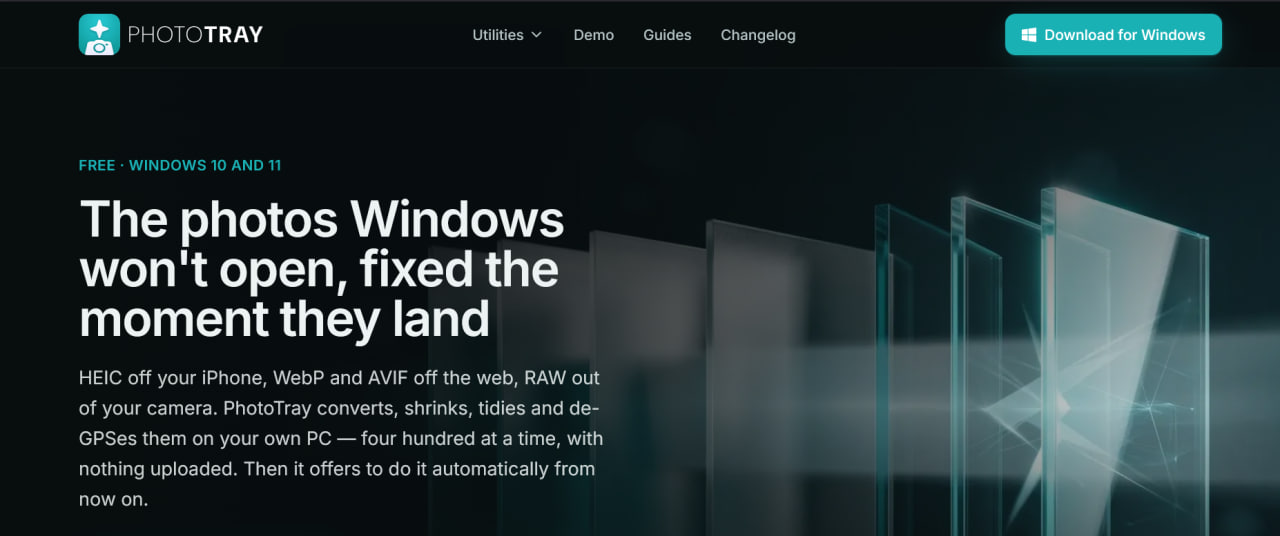
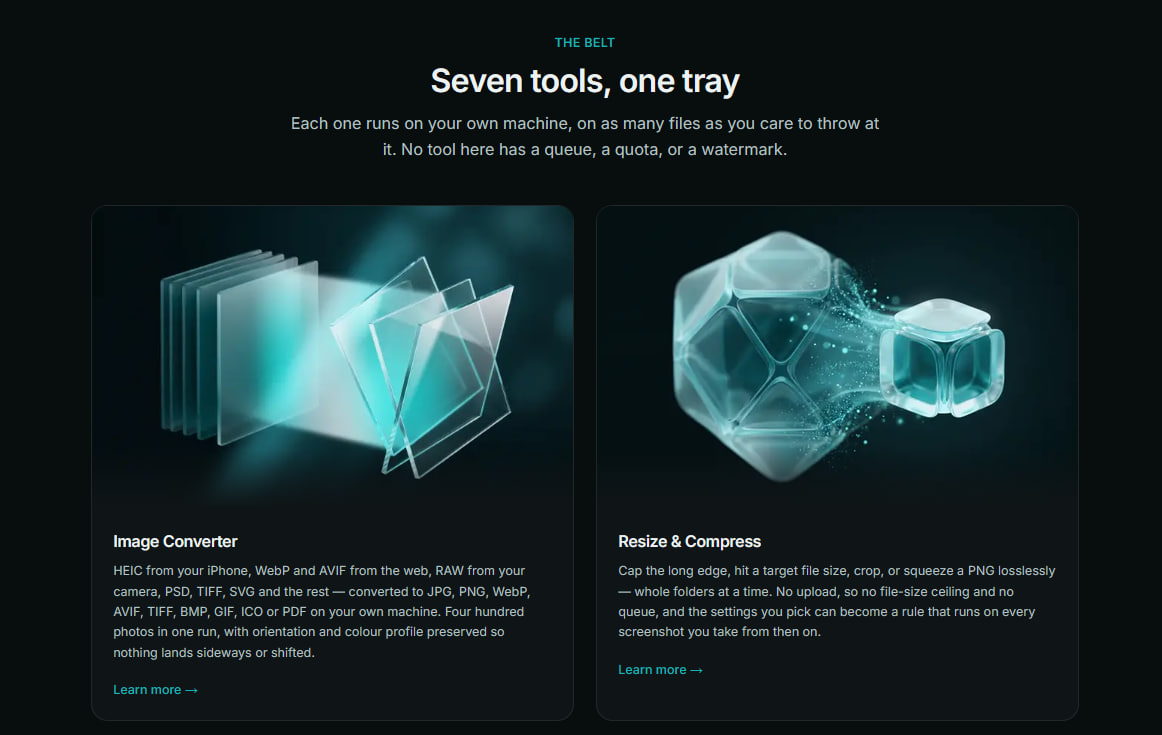
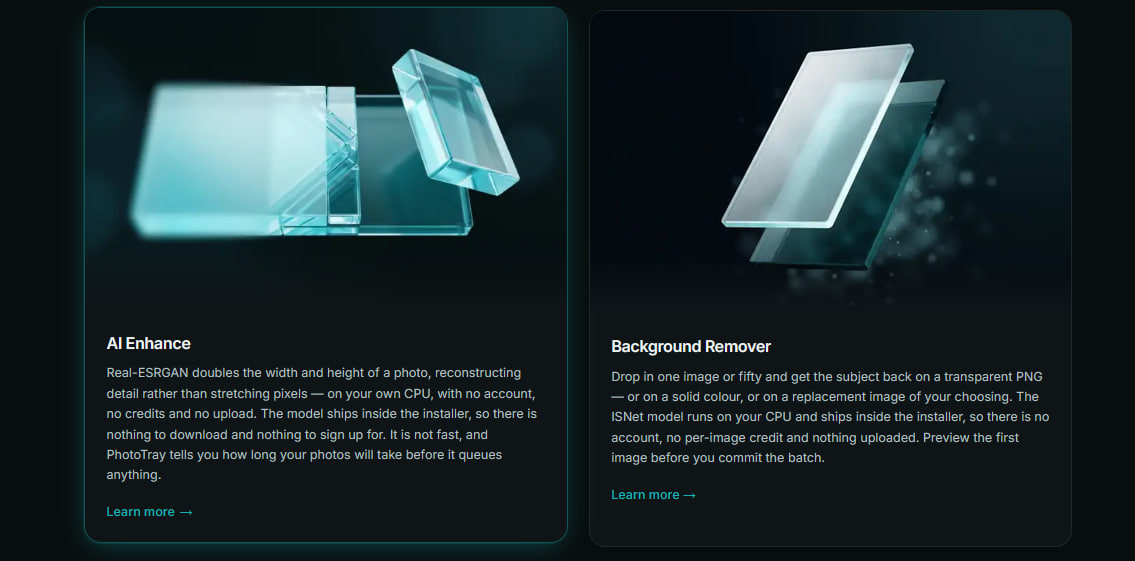
PhotoTray is a Windows desktop application that acts as an all‑in‑one utility belt for working with photos, built around a simple principle: everything happens locally on your own machine, with no uploads, no file‑size caps, and no account required. It's designed for people who regularly wrangle images from iPhones, cameras, and the web and who care about keeping those files private.…
Preview

Highlights
- Convert
People also visit
Apps people often open alongside Photo Tray.
Photo Tray FAQ
What is Photo Tray?
PhotoTray is a Windows desktop application that acts as an all‑in‑one utility belt for working with photos, built around a simple principle: everything happens locally on your own machine, with no uploads, no file‑size caps, and no account required. It's designed for people who regularly wrangle images from iPhones, cameras, and the web and who care about keeping those files private.
Is Photo Tray free?
Yes. Photo Tray is free to use.
Do I need to download Photo Tray?
No. Photo Tray runs in your browser at phototray.io, so there's nothing to install.
What can you do with Photo Tray?
Main features: Convert.
What are the best Photo Tray alternatives?
Popular alternatives to Photo Tray include PhotoToA4, TypeAnySymbol and Penpot. See all Photo Tray alternatives