P





















#481in Design
–In stores
Description
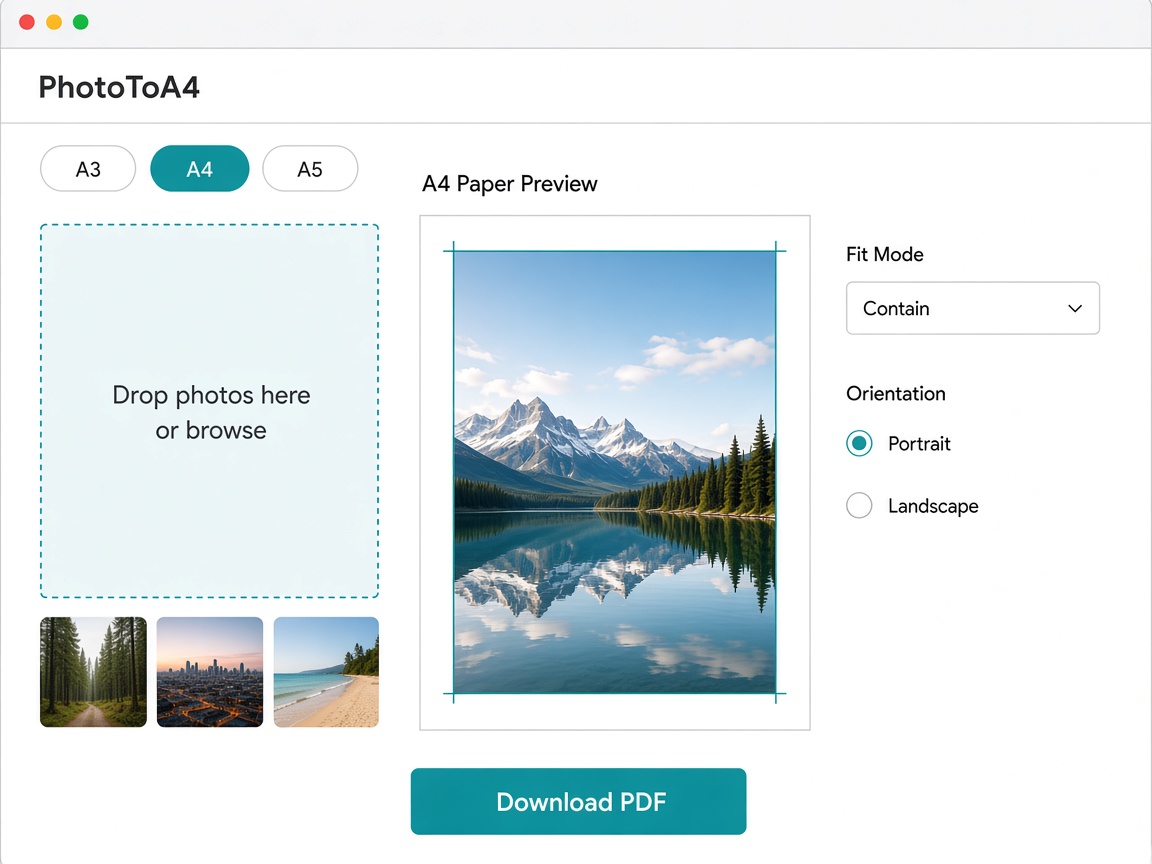
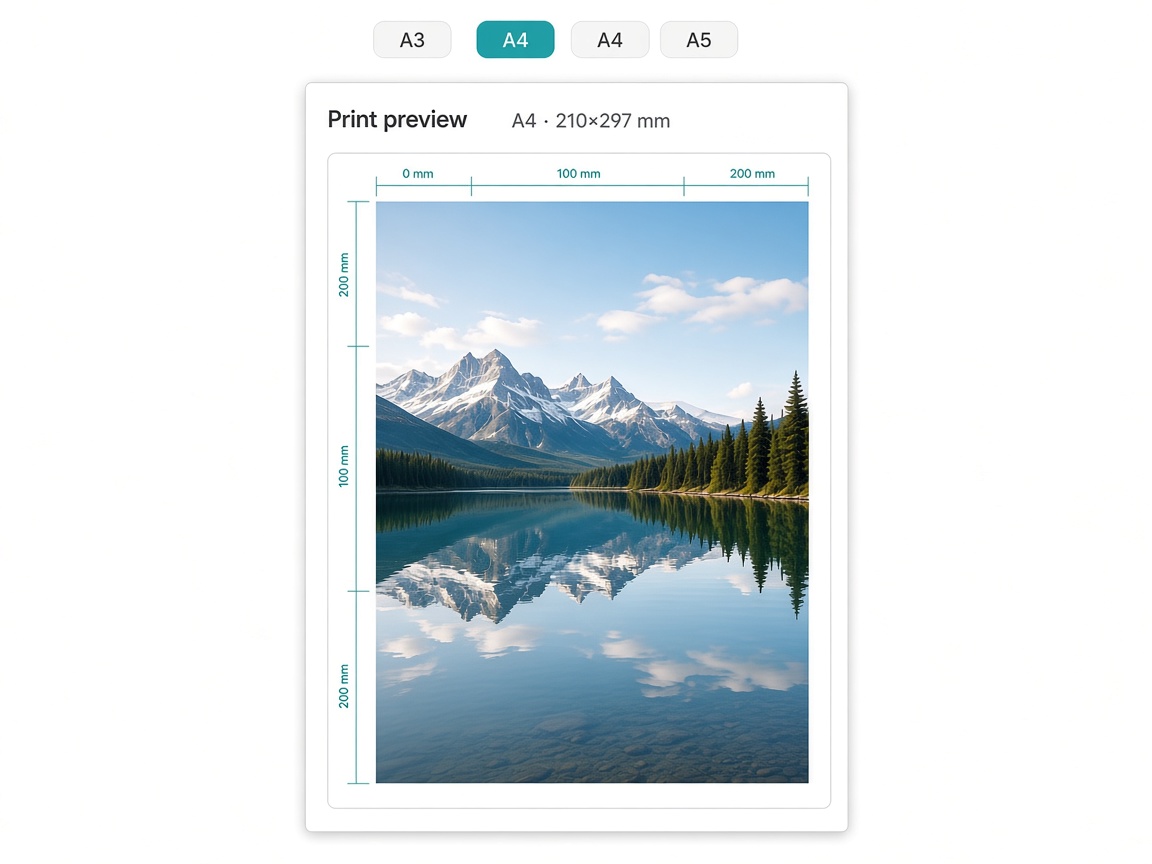
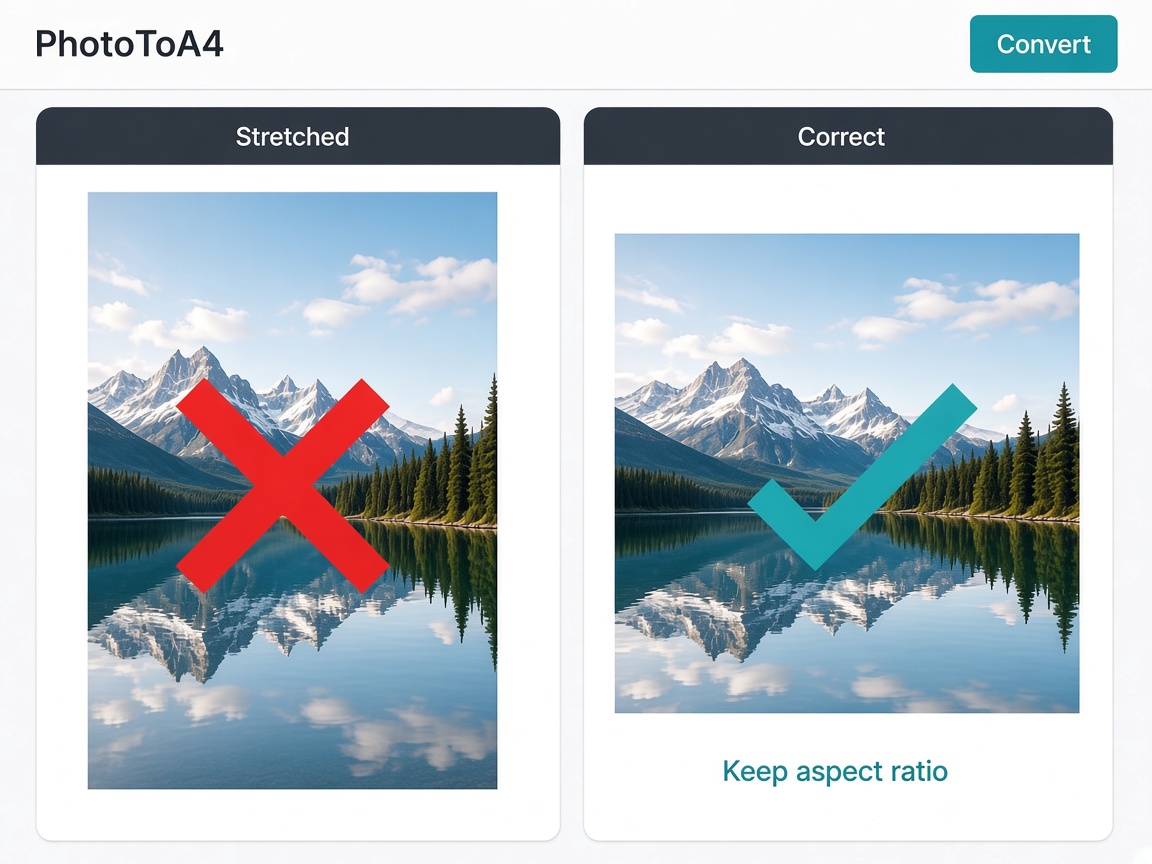
PhotoToA4 helps you fit any photo to A4 and other A-series paper sizes in the browser. Preview margins and orientation, then export print-ready PDF or image files without guessing printer settings.…
Preview
Highlights
- - Fit photos to A4, A3, A5 and more A-series sizes.
People also visit
Apps people often open alongside PhotoToA4.
PhotoToA4 FAQ
What is PhotoToA4?
PhotoToA4 helps you fit any photo to A4 and other A-series paper sizes in the browser. Preview margins and orientation, then export print-ready PDF or image files without guessing printer settings.
Is PhotoToA4 free?
PhotoToA4 is freemium.
Do I need to download PhotoToA4?
No. PhotoToA4 runs in your browser at phototoa4.com, so there's nothing to install.
What can you do with PhotoToA4?
Main features: - Fit photos to A4, A3, A5 and more A-series sizes..
What are the best PhotoToA4 alternatives?
Popular alternatives to PhotoToA4 include Photo Tray, Export to Figma and MockShot. See all PhotoToA4 alternatives