Open source alternatives to Pixian.AI
200 open source apps like Pixian.AI, closest match first.
Top picks
- B

Backgroundremoverai
LaunchBackground Remover AI is a web service that removes the background from images and videos using AI. You upload a file, the AI removes the background, and you download the result. The site also offers a Background remover AI API for develope
Open source
- C

Cut It Out
LaunchCutItOut removes the background from an image inside your browser. You click or drag a JPG, PNG or WEBP file of up to 10 MB onto the page, and the background removal runs on your device with a U2-Net AI model. The site says no images are ev
FreeOpen source
- U

Unbagrnd
Launchunbagrnd removes the background from images entirely on your device using on-device AI. No cloud API, no account, no telemetry. Free, open source, cross-platform.
FreeOpen sourceSelf-hosted
- R

Refloow-Photo-Studio
LaunchPowerful local photo editor built for quick, professional results. No accounts, no ads, no watermarks, no data collection - just editing, filtering, 1 click background removing, cropping & layering
FreeOpen source
- R

removerized
LaunchRemove backgrounds from any image with on-device AI. 100% private, free, and works offline.
FreeOpen source
- U

UnderlayX AI
LaunchEverything you need to remove backgrounds, edit photos, and magically place text and logos behind objects—fast and easy.
FreeOpen source
More like Pixian.AI





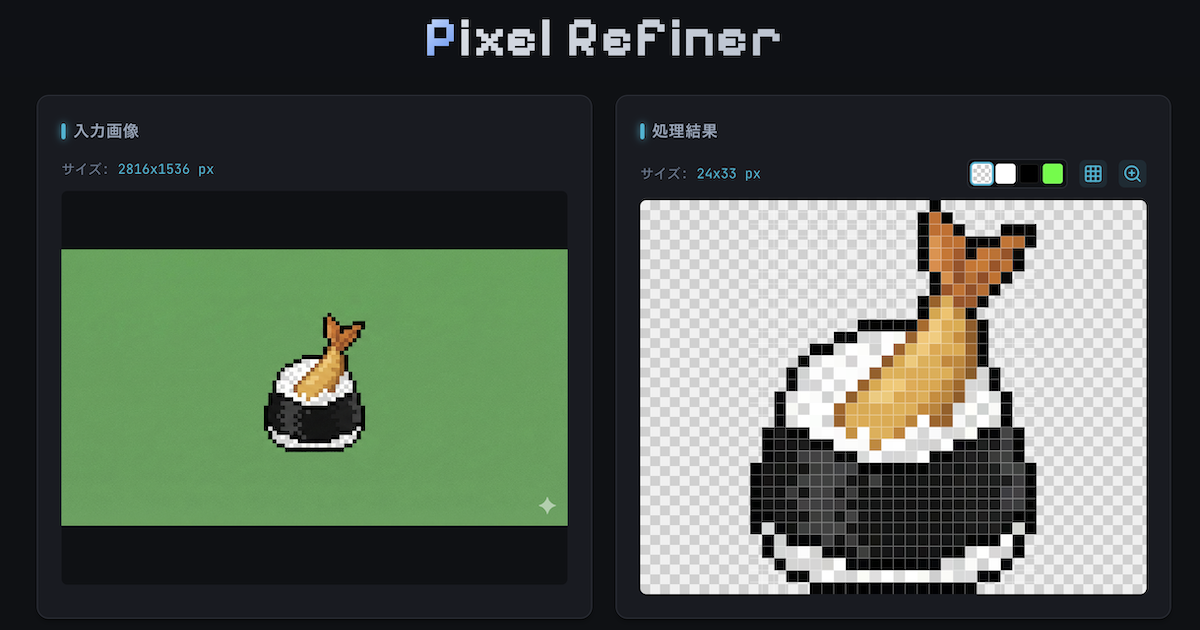






Gpt-image-2.5-for-e-commerce
GPT Image 2.5 for e-commerce: prompt cookbook for listing photos


Palette From Image AI
AI coloring palette-from-image generator for designers and pixel artists



Image compression, webp & jp2 -Squeezeim
Application for site optomozation by compress and convert images
Image Cockpit For Codex Workflows
Local cockpit for Codex imagegen, pixel art, image editing, animation

ComfyUI-PixelArt-Detector
Generate, downscale, change palletes and restore pixel art images with SDXL






About Pixian.AI

Pixian.AI
Remove Background from Image, Free, No Signup
Pixian.AI removes the background from an image in your browser, with no signup needed for the free tier. You upload an image, it processes the picture, and you download the result with a transparent or coloured background. The web app lets you choose the output format, JPEG or PNG, a JPEG quality setting, a crop margin around the foreground, and the result size, including presets such as 1920 by 1080 for HD, 1080 by 1920 for stories and 1200 by 1200 for square posts. You can set a filename suffix and save presets, and there are shortcuts to other tools, such as trace to SVG and face stickers. The free tier is for limited use at 0.25 megapixels with low-priority processing and website use only. Paid use is by credits, priced per megapixel, with no monthly fees or minimums, and it includes high-priority processing for the website and the API. The site says it offers a web app and an API, and that the API requires buying a credit pack.
- Price
- Freemium
- Category
- Photo & Video
- Website
- pixian.ai