











Description
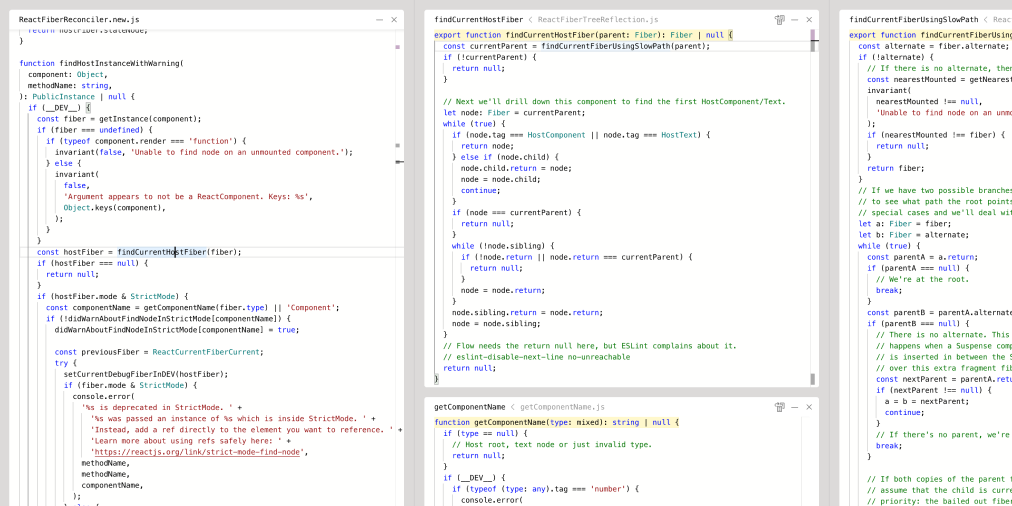
Pythia is a browser-based user interface for the Go source code guru, a tool for navigating Go code. Instead of using the guru from the command line, you start Pythia with a Go package path and it opens the results in your browser. Pythia listens on port 8080 by default and tries to open the application in your browser automatically, and you can choose another port with the -http flag. Installing it takes one command with the Go toolchain, and it also needs the guru tool, which you install from golang.org/x/tools. The binary is placed in your GOBIN or GOPATH bin directory. Run pythia -help for the full list of options. Pythia is a small, focused tool for Go developers who want a browser view of the guru's code analysis. The project is open source on GitHub, and the README links to the guru documentation for background on how the analysis works.…
Highlights
- Browser interface for the Go guru
- Start with any Go package path
- Opens in the browser automatically
- Configurable port with -http
- Installs with go install
Ratings & Reviews
No ratings yet
Be the first to rate Pythia.
People also visit

golang-gopls
Golang semantic code intelligence via `gopls`, the official Go language server
Pythia FAQ
What is Pythia?
A browser-based interface for the Go source code guru, used to navigate and explore Go code.
How do I install it?
Run go install github.com/fzipp/pythia@latest. You also need the guru tool, which you install with go install golang.org/x/tools/cmd/guru@latest.
How do I start it?
Run pythia with a package path, such as net/http. It listens on port 8080 by default, and you can change the port with the -http flag.
Is it open source?
Yes. The project is published on GitHub, and its README links to the guru documentation.
What are the best Pythia alternatives?
Popular alternatives to Pythia include Gdbgui, Pyroscope and Escale Browser. See all Pythia alternatives