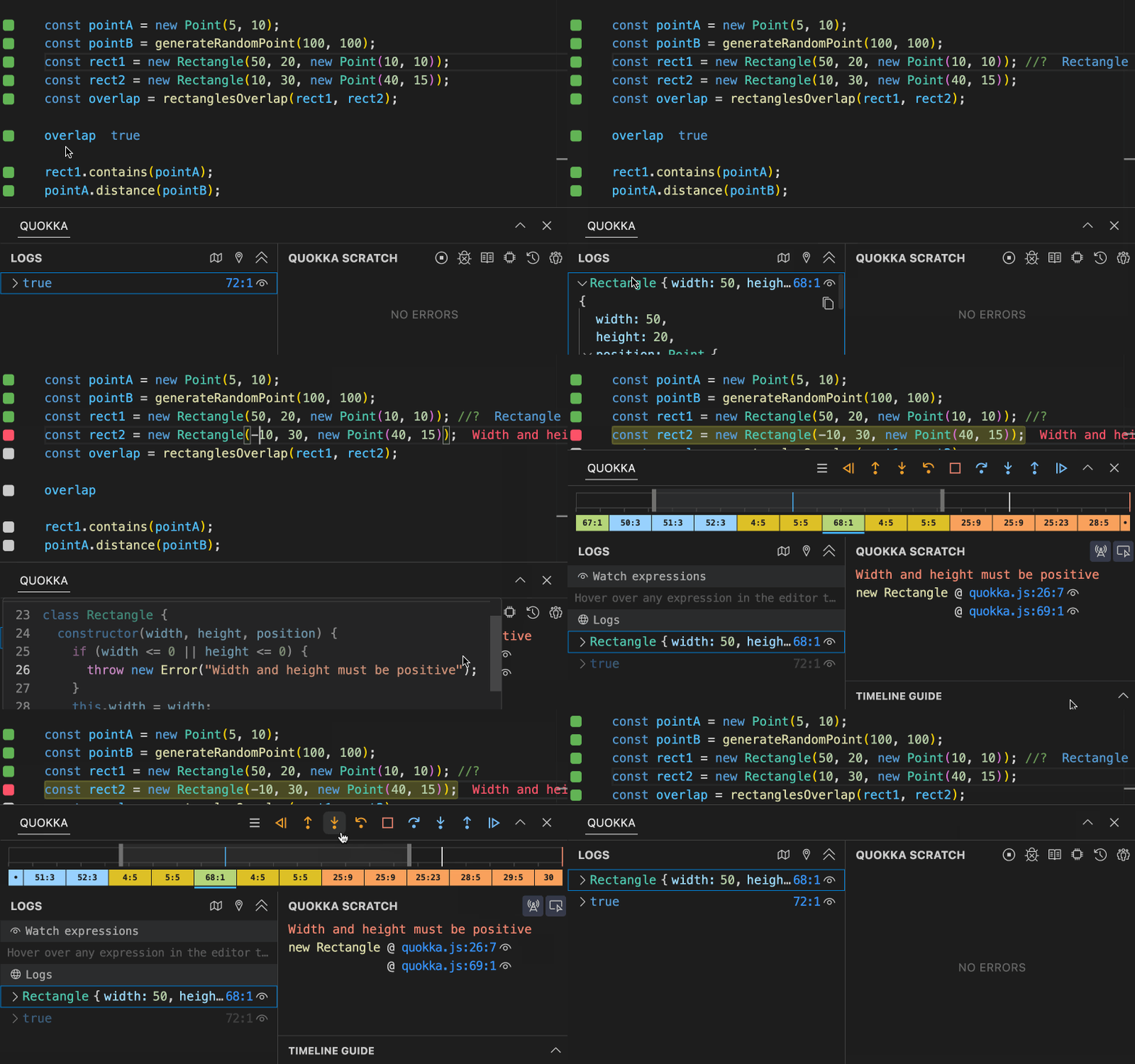
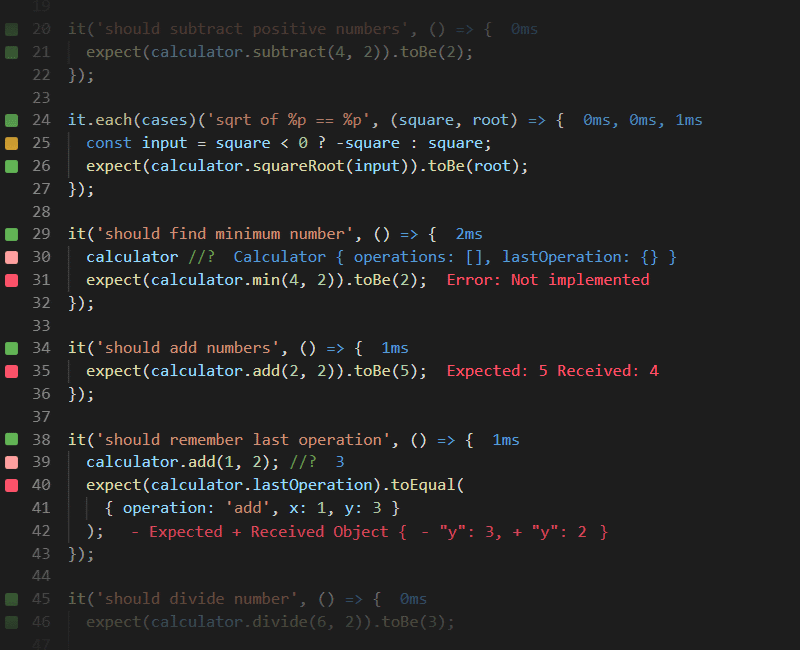












Description
Quokka is a JavaScript and TypeScript playground that runs inside your code editor. You open a new Quokka file and start typing, and runtime values appear inline as you go, with no config needed to try an idea or learn a language feature. It works in VS Code, WebStorm and Sublime Text, so you do not have to switch to an online REPL, and it can import and run files and modules from your project. Code runs on unsaved changes, so results update as you type. The Community edition is free for everyone and is built by the team behind Wallaby.js, using the same technology. A commercial Pro edition adds features such as displaying and exploring runtime values without changing your code. The site also points to Wallaby.js for the same live feedback while you write unit tests. The homepage links to the docs, a What's New page, support and install instructions for the current version, Quokka v3.…
Highlights
- Runtime values shown inline as you type
- Works in VS Code, WebStorm and Sublime Text
- No config needed for a new file
- Imports and runs project files and modules
- Free Community edition
- Pro edition with advanced features
Ratings & Reviews
No ratings yet
Be the first to rate Quokka.
People also visit
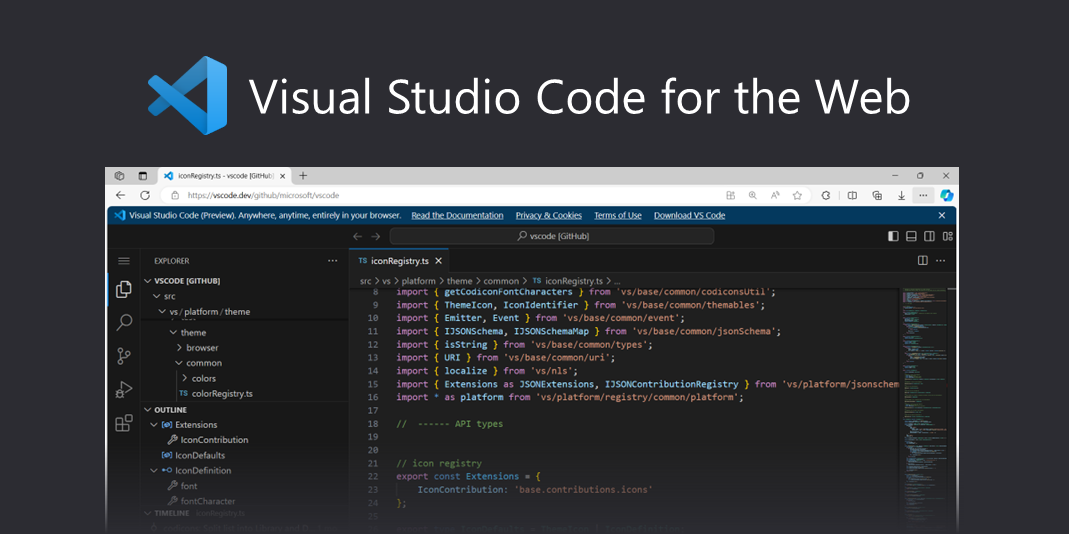
VSCode for Web
Build with Visual Studio Code, anywhere, anytime, entirely in your browser
Quokka FAQ
What is Quokka?
A JavaScript and TypeScript playground that runs your code inside your editor and shows results inline.
Which editors does it support?
VS Code, WebStorm and Sublime Text.
Is it free?
The Community edition is free for everyone. The Pro edition adds advanced features, such as exploring runtime values without modifying your code.
Does it need configuration?
By default no config is required. Open a new Quokka file and start experimenting.
Who makes it?
The team behind Wallaby.js, which uses the same technology for Quokka.
What are the best Quokka alternatives?
Popular alternatives to Quokka include Wallaby, JSLog and JSitor. See all Quokka alternatives