200 open source apps like Satyrn, closest match first.
Myrlin Workbook
Open-source workspace manager for AI coding CLIs: Claude Code
Harness Terminal
Native macOS terminal with GPU rendering, durable sessions
TablePro
A native database client for MySQL, PostgreSQL, SQLite, MongoDB, Redis, and more
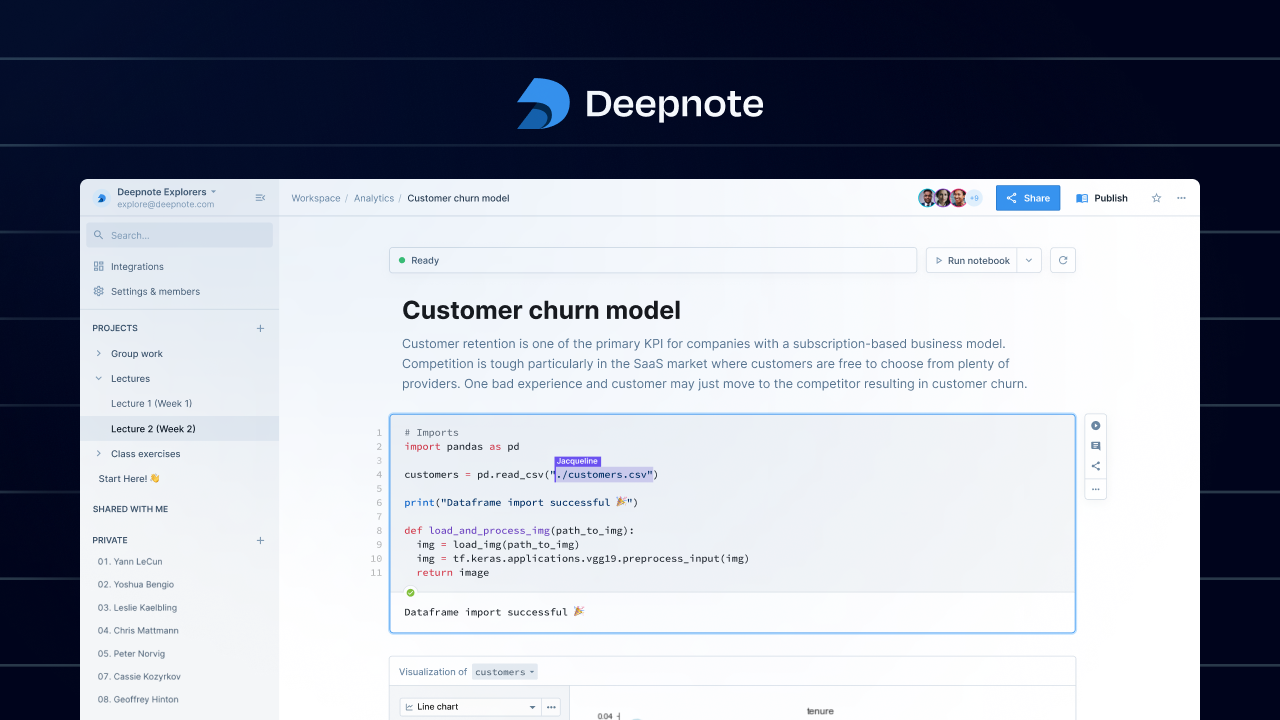
Deepnote
Explore data with Python & SQL, work together with your team
Harnss
Open-source, desktop client/UI build to harness Claude Code
Commuter
Notebook sharing hub
Sarala
A Markdown editor that gets out of your way
purple
Free, open-source terminal SSH manager and SSH config editor in Rust
Tabby
Open source, self-hosted code completion assistant
Bdash
Simple SQL Client for lightweight data analysis
Nodeterm
Node-based terminal manager for AI coding agents
molab
A cloud-hosted Marimo notebook workspace
Bromure
Proper sandboxing for agentic coding and web browsing
OpenBookLM
Open Source alternative to NoteBookLM from Google
Echolon
Open-source API client and Postman alternative
Compiiile
The most convenient way to render and deploy a folder containing markdown files
massCode
Open-source developer workspace for code snippets
Openhare
AI-powered desktop SQL client. Cross-platform. Built with Flutter
Headroom Desktop
Menu Bar App on MacOS and Windows that cuts Claude Code and Codex token costs…
Jean
Run multiple AI coding agents in isolated Git worktrees
Proxypal
A desktop app that lets you use your AI subscriptions
Abtop
Like htop, but for AI coding agents
OrcaQ
Modern database client and IDE for managing, querying
cctop
Open-source menu bar monitor that shows live status for AI coding sessions
dbtarzan
Database browser
Fern
Knowledge management from your Terminal
Markamd
local-first markdown editor with live preview, reading mode, diagrams…
Mkdocs Jupyter
Use Jupyter Notebook in mkdocs
Janus
Switch between Claude Code accounts and clear developer caches
Appmode
A Jupyter extensions that turns notebooks into web applications
agent-manager
The fastest developer workflow for every AI coding agent
tlbx.ai
Self-hosted terminal browser multiplexer for persistent shells
Deepseek Harness Desktop
Open-source Windows desktop client and GUI for DeepSeek Harness
Better Agent Terminal
Multi-workspace terminal aggregator with Claude Code AI integration
Hermes IDE
AI-powered shell wrapper for zsh, bash, and fish
OpenSesame
OpenSesame. OpenSesame is a program to create experiments for psychology
Devspace
Minimal Coding Agent Harness on MCP for ChatGPT, Claude, Hermes, Grok Bot
Atlas
Source control for agents
Atuin
Sync shell history across devices
ModelDeck
macOS menu bar app that tracks usage limits across all your Claude Code
Codeman
Self-hosted mission control for AI coding agents: run Claude Code, OpenCode, Pi
Briefer
Dashboards and notebooks in a single place
FlyEnv
Local development environment manager for languages, databases, and services
Gptme
Your agent in your terminal, equipped
Bettercode
Every coding agent in one desktop workspace
Alethe Agents
A local-first desktop workspace for running, organizing
Quota Float
A lightweight Windows/macOS desktop widget
Kooky
A minimal modern terminal for AI coding experience
srelens
The Kubernetes control room—built in Rust, ready for engineers and AI agents
dorabot
macOS app for 24/7 AI agents in an IDE