Open source alternatives to Screenshot Editor - Blur Text
200 open source apps like Screenshot Editor - Blur Text, closest match first.
Top picks
- S
ScreenshotFaker
LaunchA privacy protection tool for screenshots with strong anti-detection capabilities.
FreeOpen source
- U

UnderlayX AI
LaunchEverything you need to remove backgrounds, edit photos, and magically place text and logos behind objects—fast and easy.
FreeOpen source
- T

Tokokino
LaunchTokokino is an in-browser editor for product screenshots and animated product demos. You drop in a capture, post or screen flow, add device frames and backgrounds, then export still images or animated GIF and WebM demos. Device frames cover
FreeOpen source
- S

Sitch
LaunchSitch is a free, open-source screenshot annotation app for Windows 10 and 11 and for macOS 15 and later. It is a replacement for Skitch, the markup tool that Evernote stopped developing for Windows in 2016. Press one hotkey, drag over part
FreeOpen source
- R

Refloow-Photo-Studio
LaunchPowerful local photo editor built for quick, professional results. No accounts, no ads, no watermarks, no data collection - just editing, filtering, 1 click background removing, cropping & layering
FreeOpen source
- S
Shots
LaunchClaude Code/Agent Skill for making App Store screenshots with GPT Image 2 that you can upload. Give it your App Store link & screenshots of your app and it will produce beautiful app store screenshots ready to upload to Apple (or Google)
FreeOpen source

More like Screenshot Editor - Blur Text







Image Cockpit For Codex Workflows
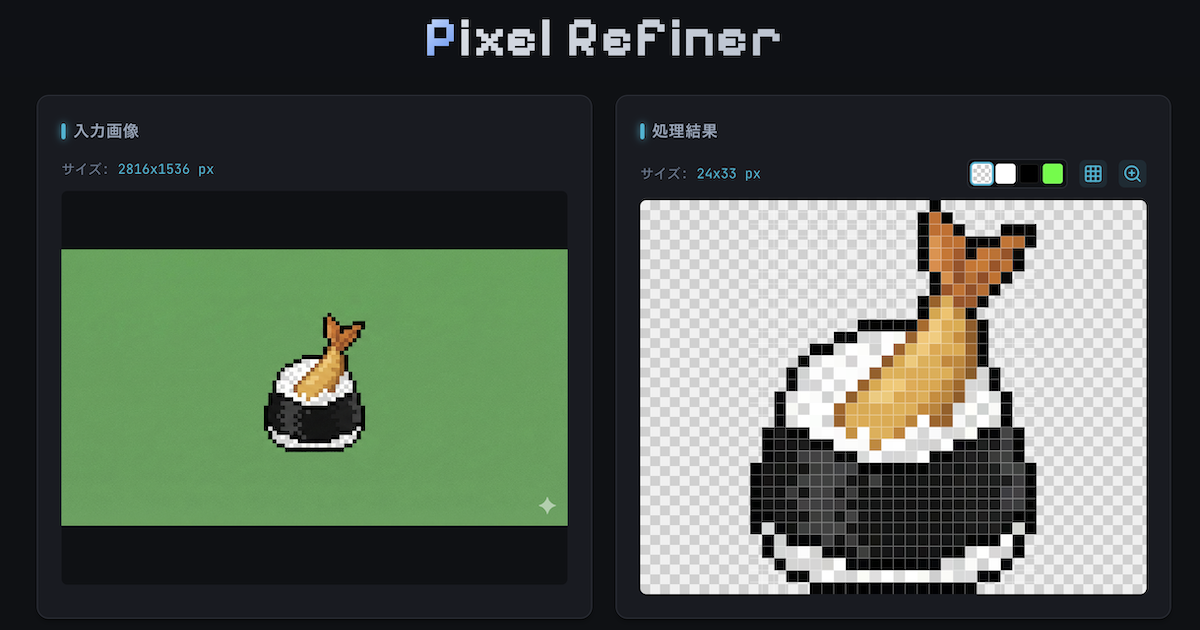
Local cockpit for Codex imagegen, pixel art, image editing, animation
Comfyui Prompt Reader Node
The ultimate solution for managing image metadata and multi-tool compatibility




About Screenshot Editor - Blur Text
Screenshot Editor - Blur Text
Hide secrets, highlight details, and create beautiful guides in seconds
Screenshot Editor - Blur Text. Hide secrets, highlight details, and create beautiful guides in seconds. Protect your privacy and polish your screenshots with professional touches. Detect text on-device to instantly blur or redact, add arrows and shapes, and finish with elegant backdrops - all without your data ever leaving your phone. Screenshot Editor tools. 🔒 Blur, Highlight & Redact Text.
- Price
- Freemium
- Category
- Productivity
- Website
- screenshoteditor.app