Skip to content
SiteHaul

Free alternatives to SiteHaul

200 free apps like SiteHaul, closest match first.

Top picks

  1. W

    Website Screenshot Online

    Launch

    Free online website screenshot tool. Capture any website pages instantly in PNG, JPEG, PDF formats. Custom resolutions, mobile & desktop views, automatic cookie popup handling, ad blocking, and intelligent content loading ensure clean, accu

    Free

  2. S

    Screenshot Pro

    Launch

    Transform messy screen captures into professional marketing assets. Stop sharing boring, raw screenshots. Screenshot Pro is the ultimate design tool for developers, designers, and content creators who need to turn standard screen captures i

    Free

  3. D

    Device Shots

    Launch

    Device Shots is a free, browser-based tool for making device mockups from a screenshot. You drop in an image, pick a phone, tablet, laptop, watch or browser window, add text or shapes, and export a high-resolution image. The site lists 76 d

    Free

  4. S

    Shotzio

    Launch

    Shotzio is an online screenshot editor for making captures look polished. You upload a screenshot, edit it, choose a background, add emojis and a watermark if you want one, and export the result. The site describes the tool as a way to capt

    Free

  5. A

    Article Screenshot

    Launch

    Create professional screenshots for articles in seconds. Perfect for social media sharing, presentations, and content marketing. This helps people who regularly need to post or share articles or to put in their videos.

    Free

  6. F

    full-page-screenshot

    Get

    Capture full-page screenshots of web pages via Chrome DevTools Protocol with zero dependencies. Useful for portfolios, case studies, and audit reports.

    Free

More like SiteHaul

7
S

stitched-full-page-capture

Capture or repair reliable full-page screenshots for lazy-loaded

Get
8
S

screenshots-marketing

Generate marketing screenshots with Playwright

Get
9
M

MockupReel

Free browser-based app mockup generator

Launch
10
M

Mockino

Quickly create and customize beautiful mockups for your screenshots

Launch
11
T

Tokokino

In-browser editor for device framing and mockups

Launch
12
K

KoppieSnap

Instantly Snap Beautiful ScreenShot Free for Showing Your Code

Launch
13
S

ScreenshotOne

Turn websites into screenshots via API

Launch
14
O

OpenScreenShot

Full-Page Screenshots for Chrome & Firefox

Launch
15
D

design

Produces distinctive, production-grade UI for pages, components

Get
16
B

baoyu-design

Create polished design artifacts as self-contained HTML: UI mockups

Get
17
I

imagegen-frontend-web

Elite frontend image-direction skill for generating premium

Get
18
S

SCRNIFY.com

Powerful screenshot API: From URLs to pixels, made simple

Launch
19
R

responsiveness-check

Test website responsiveness across viewport widths using browser automation

Get
20
S

scroll-craft

Premium scroll-driven websites with screenshot-based verification

Get
21
S

SocialScreenshots

Create Stunning Visuals from Your Screenshots for Free!

Launch
22
B

build-awwwards-quality-sites

Art-direct and implement distinctive, motion-rich marketing, editorial

Get
23
O

openai/frontend-skill

Create visually strong landing pages, websites, and app UIs

Get
24

Canva

Design anything, publish anywhere

Launch
25
F

Free scrolling website video generator

Create scrolling webpage videos & gifs for social media

Launch
26
I

imagegen-frontend-mobile

Premium mobile app screen concepts and flows

Get
27
S

screenshot

Capture desktop, app windows, or pixel regions across OS platforms

Get
28
P

Product Shot Builder

Turn screenshots into professional shots with custom backgrounds & frames

Launch
29
T

top-design

Create award-winning, immersive web experiences at the level of

Get
30
F

fakemaker

Create Realistic Chat Screenshots In Seconds

Launch
31
S

ScreenDemos

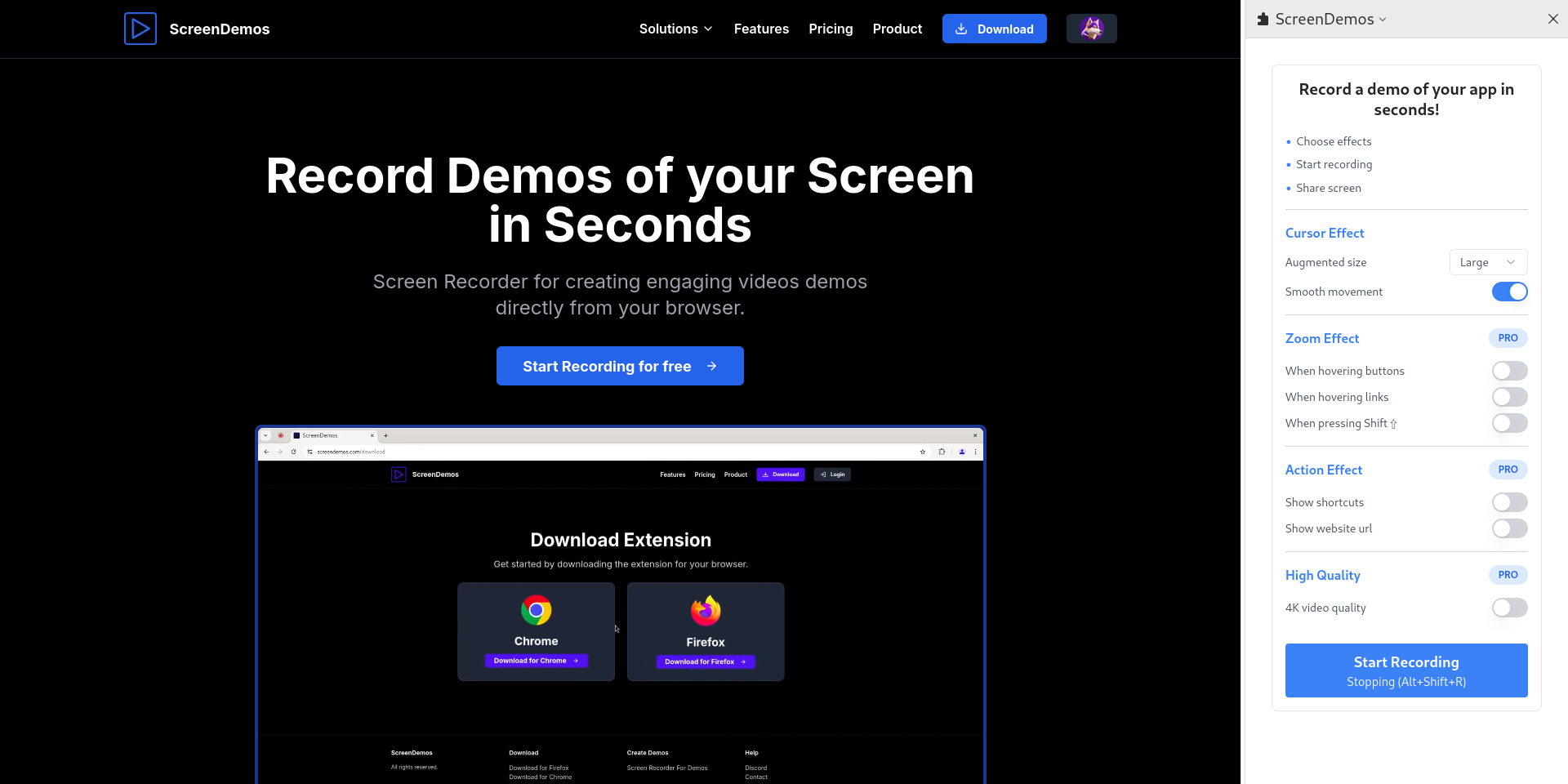
Record demo videos with professional effects for your product

Launch
32
S

ShotFrame

Free screenshot beautifier with gradient backgrounds, device frames, shadows

Launch
33
D

design-taste-frontend

Concise, distinctive landing pages and portfolios

Get
34
F

frontend-skill

Create visually strong landing pages, websites, and app UIs

Get
35
P

PostSpark

Create Stunning Mockups & Annotate Screenshots

Launch
36
D

design-review

Review a web app or page for visual design quality

Get
37
H

html-prototype

Direct-invocation specialist for polished, responsive

Get
38
I

imagegen-frontend-web

Premium frontend image direction for landing pages and marketing sites

Get
39
D

design-handoff

Generate developer handoff specs from a design

Get
40
D

design-artifact

Design principles and creative direction for building HTML artifacts

Get
41
P

PasteScreenshot

Paste screenshot online, store locally, and organize

Launch
42
S

site-specification

Extract comprehensive site specifications from simple descriptions

Get
43
C

claude-design

Produce thoughtful, high-fidelity design artifacts in HTML

Get
44
M

Moocup

Visual editor for stunning screenshots

Launch
45
P

Popshot

Turn screenshots into polished, platform-sized visuals instantly

Launch
46
F

firecrawl-website-design-clone

Extract any website's design system into an agent-ready DESIGN.md

Get
47
E

editorial-portfolio-chapters

Create or redesign creative-studio, agency, photographer, artist

Get
48
I

image-to-code

Premium website design-to-code skill

Get
49
W

web-design-engineer

Build or redesign polished browser-rendered visual artifacts

Get
50
R

refero-design

Primary/default skill for UI design, product design, web design, landing pages

Get

About SiteHaul

S

SiteHaul

Screenshots every page of a website, desktop and mobile, in one run

SiteHaul is a Mac app that captures every page of a website in one run, at desktop and mobile sizes. You paste a URL, and the app finds the site's sitemap and lists its pages. You can untick the pages you do not need or capture the whole site at once. Each page is saved as a desktop and a mobile screenshot, named from its URL, in one folder on your Mac. The gallery view, a ZIP download and framed mockups help you share the result. The app also exports each page's copy as Markdown and produces a free list of URLs grouped by type, which the site describes as a redirect map when you replatform a site. It handles cookie banners by clicking them so the embeds they block load, forces lazy images in, freezes animations, and flags login walls rather than screenshotting them. Everything runs on your Mac and files are saved to folders you choose, so nothing is uploaded anywhere. The free version covers 10 pages a month. One payment of $49 unlocks unlimited pages, the Markdown export and screen recording, which is in beta. The app needs an M1 Mac or newer. It suits designers, agencies and teams that want a visual record of a site before a rebuild or for a moodboard.

Price
Freemium
Category
Design
Website
sitehaul.app