





















Description
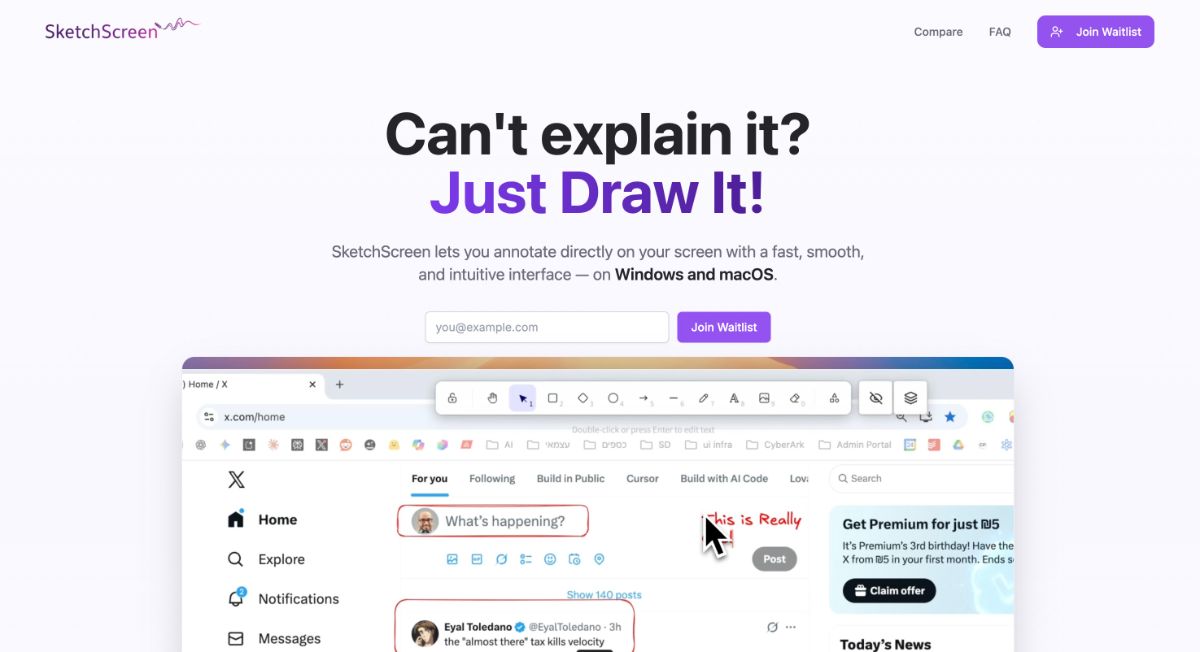
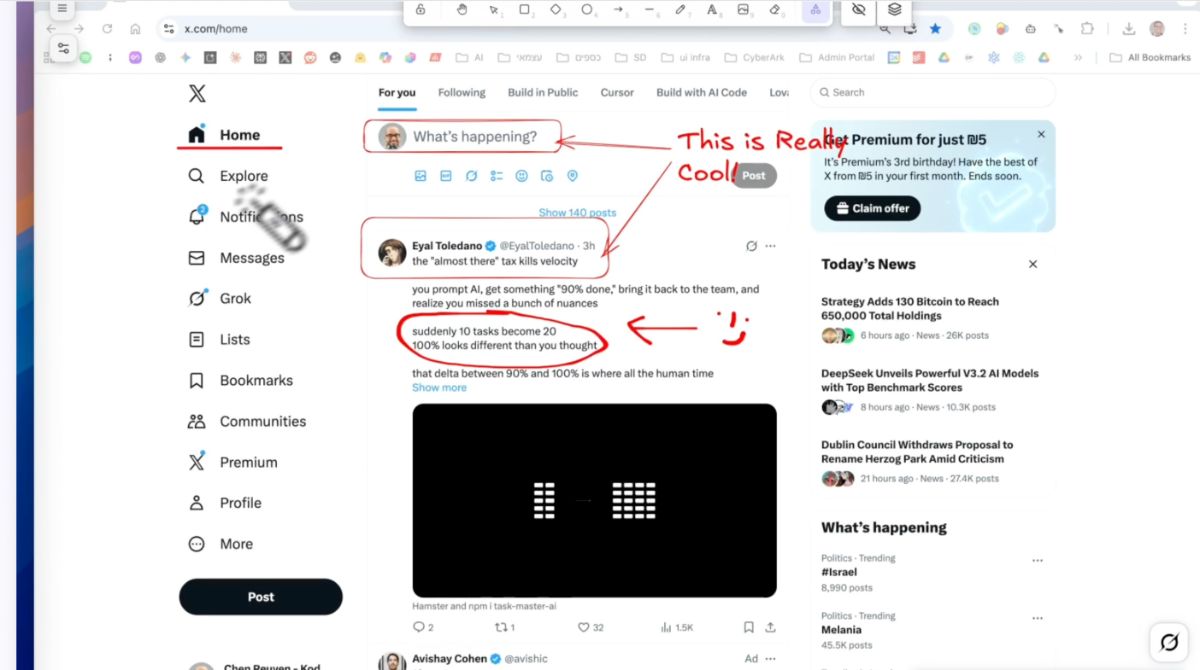
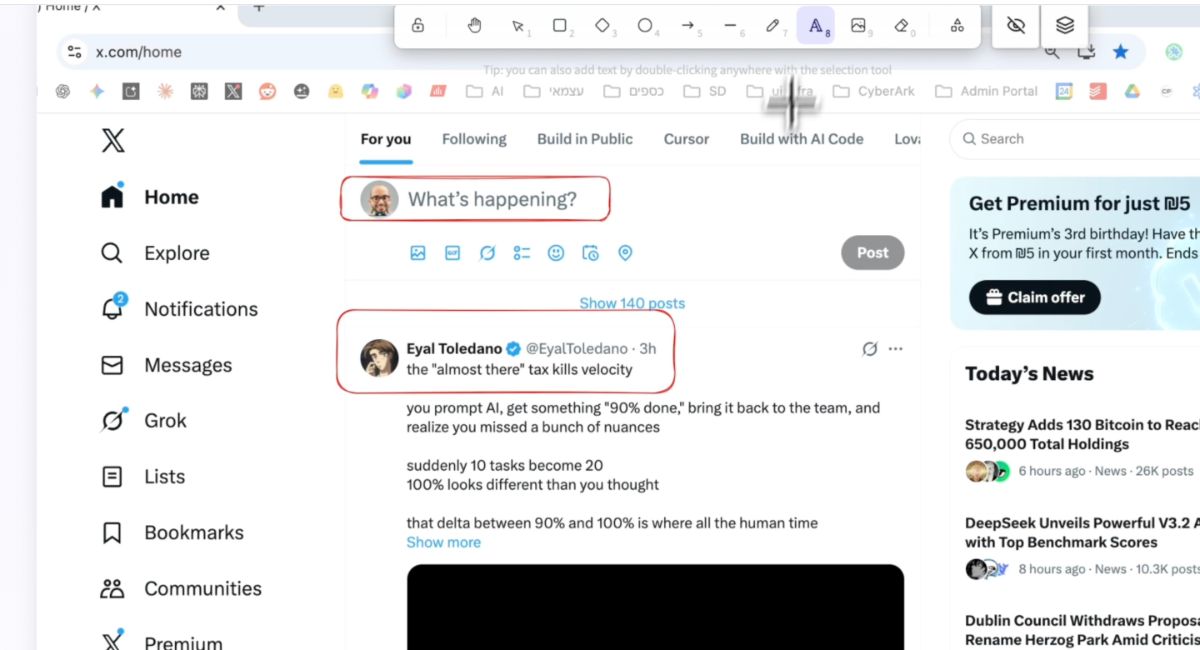
SketchScreen is a versatile application designed for real-time annotation directly on your screen. Ideal for educators, presenters, and professionals, it offers a suite of powerful drawing tools that enhance your presentations, lectures, and demos.…
Preview
Information
People also visit
Apps people often open alongside SketchScreen.
SketchScreen FAQ
What is SketchScreen?
SketchScreen is a versatile application designed for real-time annotation directly on your screen. Ideal for educators, presenters, and professionals, it offers a suite of powerful drawing tools that enhance your presentations, lectures, and demos.
Is SketchScreen free?
Yes. SketchScreen is free to use.
Do I need to download SketchScreen?
No. SketchScreen runs in your browser at sketchscreen.pro, so there's nothing to install.
What are the best SketchScreen alternatives?
Popular alternatives to SketchScreen include Penpot, Plasmic and Webstudio. See all SketchScreen alternatives