

















Description
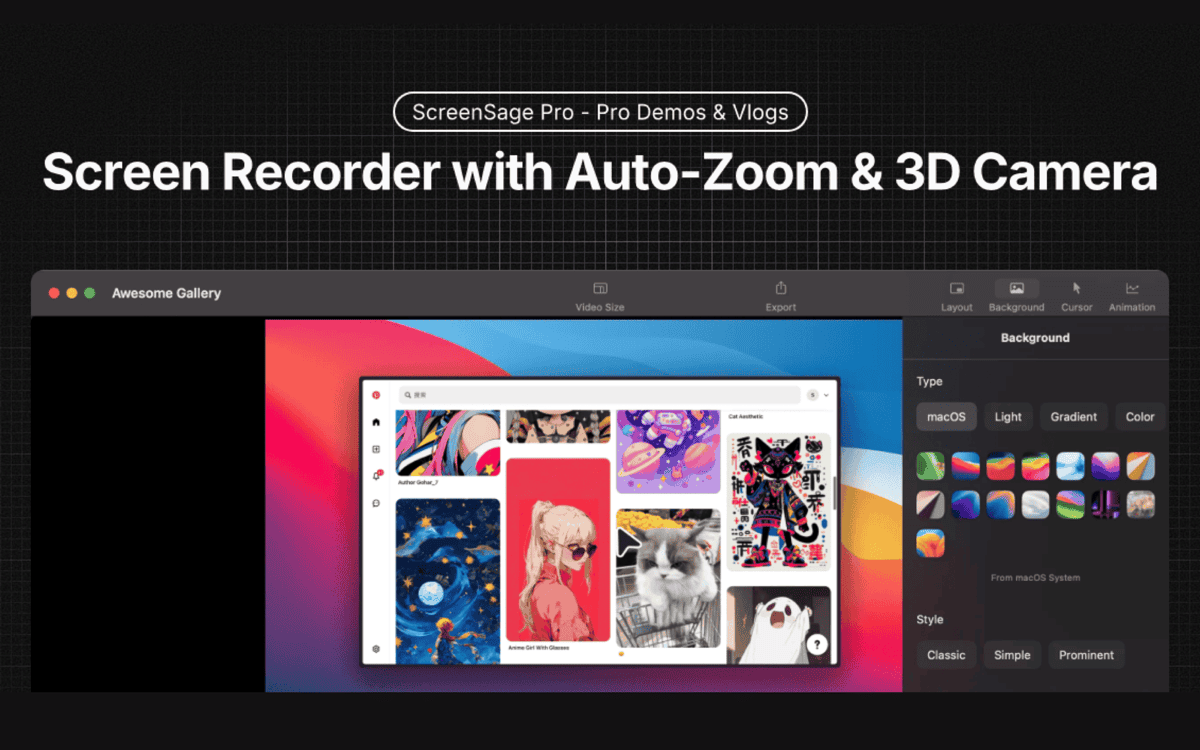
ScreenSage Pro is a screen recorder for macOS, made for product demos, tutorials and promo videos. It records in high quality and adds auto zoom on clicks, 3D camera moves and flexible screen and camera layouts, so you can go from recording to export in one workflow. Built-in editing lets you trim and polish recordings without switching apps. The use cases on the site are professional demos, vlog-style tutorials and 3D promotions. Licenses are one-time purchases with no subscriptions. The Single Device plan covers one Mac, and the Pro plan covers three Macs with priority feature requests and shareable links. The Lifetime plan adds lifetime updates and early access for three Macs. Prices are shown in USD, the product is macOS only, and the site offers a free trial to try it first.…
Pricing
- Single Device$59
- Pro (3 Devices)$99
- Lifetime$299
Highlights
- Auto zoom on clicks and 3D camera moves
- Flexible screen and camera layouts
- Built-in trimming and editing
- One-time licenses, no subscription
- macOS only, one to three Macs per license
Ratings & Reviews
No ratings yet
Be the first to rate ScreenSage Pro.
People also visit
ScreenSage Pro FAQ
Is ScreenSage Pro a subscription?
No. The site says there are no subscriptions, and you pay once for each license.
How many Macs does a license cover?
Single Device covers one Mac, Pro covers three Macs, and Lifetime covers three Mac devices with lifetime updates.
What does auto zoom do?
It zooms in automatically on clicks while you record, so viewers can follow the action.
Does it run on Windows?
No. The site says ScreenSage Pro is macOS only.
Can I try it first?
Yes. The site offers a Try ScreenSage for free option.
What are the best ScreenSage Pro alternatives?
Popular alternatives to ScreenSage Pro include SmoothRecorder, Shotbase and Snapzy. See all ScreenSage Pro alternatives