






Description
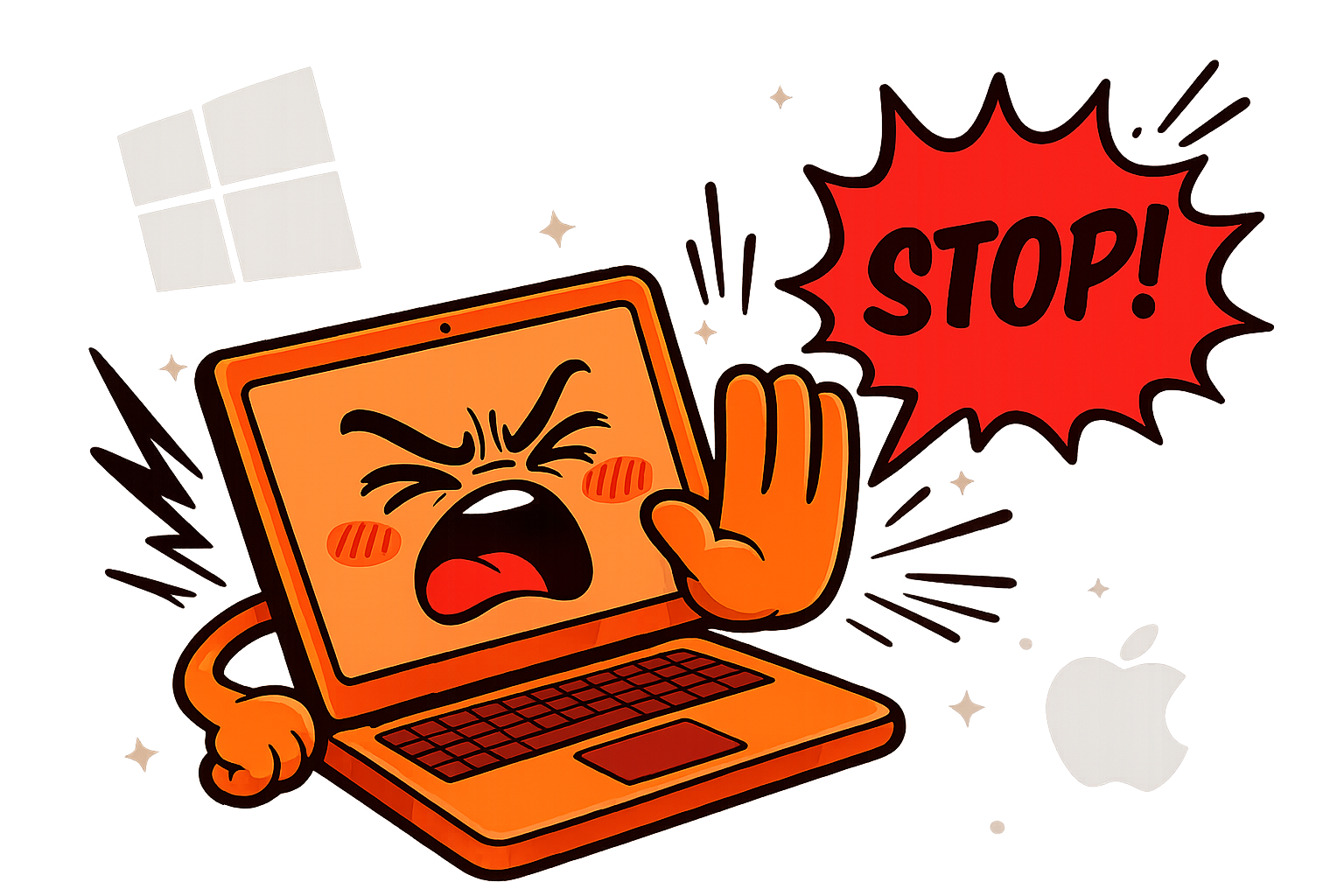
SlapMyLaptop is a novelty app for Windows and macOS that plays a sound when you slap your laptop. The site lists several sound packs, including Halo, Pain, Combo Hit, Evil Laugh and Fart, plus a Shuffle option, and you can preview each sample before you install. You can also upload your own MP3 or WAV file in Settings and pick it as a custom pack. On Windows, the app uses the laptop's built-in accelerometer if there is one, and falls back to a microphone if there is not. On Mac, it uses the built-in accelerometer and needs no microphone. To get started, you download the app, buy a license key and paste it into the app. The site says the key appears on the success page as soon as payment completes. The lifetime license is listed at $5.99 and works on up to two machines. If you lose your key, the site has a Recover Key page. The site also links a setup guide and an FAQ.…
Highlights
- Sound packs that play each time you slap the laptop
- Upload your own MP3 or WAV sounds
- Windows and macOS support
- Lifetime license for up to two machines
Ratings & Reviews
No ratings yet
Be the first to rate Slapmylaptop.
People also visit

Keyboard Sounds Pro
A desktop app that plays customizable keyboard and mouse sounds while you work
Slapmylaptop FAQ
How much does SlapMyLaptop cost?
The site lists a lifetime license at $5.99.
Does it work without an accelerometer on Windows?
Yes. The site says it falls back to the microphone to detect the slap if the laptop has no accelerometer.
Can I use my own sounds?
Yes. You can upload an MP3 or WAV file in Settings and select the custom pack.
Can I use one license on more than one computer?
The site says the license works on up to two machines.
What are the best Slapmylaptop alternatives?
Popular alternatives to Slapmylaptop include LidShutter, Notchling and Beatpad. See all Slapmylaptop alternatives