Self-hosted alternatives to Type Zebra
200 self-hosted apps like Type Zebra, closest match first.
Top picks
- C

coolLabs Fonts
LaunchcoolLabs: Software without compromise. Free, open source, and built for you.
Open sourceSelf-hosted
- G
google-webfonts-helper
Launchgoogle-webfonts-helper is a tool for self-hosting Google Fonts. You pick a font, the styles and the character subsets you need, and download the font files together with CSS snippets to use them from your own site. It can export .eot, .ttf,
FreeOpen sourceSelf-hosted
- F

Fontsource
LaunchFontsource is a catalogue of free, open-source fonts that you can self-host in your web projects. It lists about 2,100 font families, including variable fonts, and you can browse them by category and language, filter them, and preview how a
FreeOpen sourceSelf-hosted
- G
google-webfonts-helper
Launch⚠ - Hassle-Free Way to Self-Host Google Fonts. Get eot, ttf, svg, woff and woff2 files + CSS snippets. (Demo) MIT Nodejs
FreeOpen sourceSelf-hosted
- T
Texlyre
LaunchA local-first LaTeX & Typst web editor with real-time collaboration & offline support
FreeOpen sourceSelf-hosted
- M
Material Icons
LaunchLatest icon fonts and CSS for self-hosting material design icons.
FreeOpen sourceSelf-hosted

More like Type Zebra






























About Type Zebra
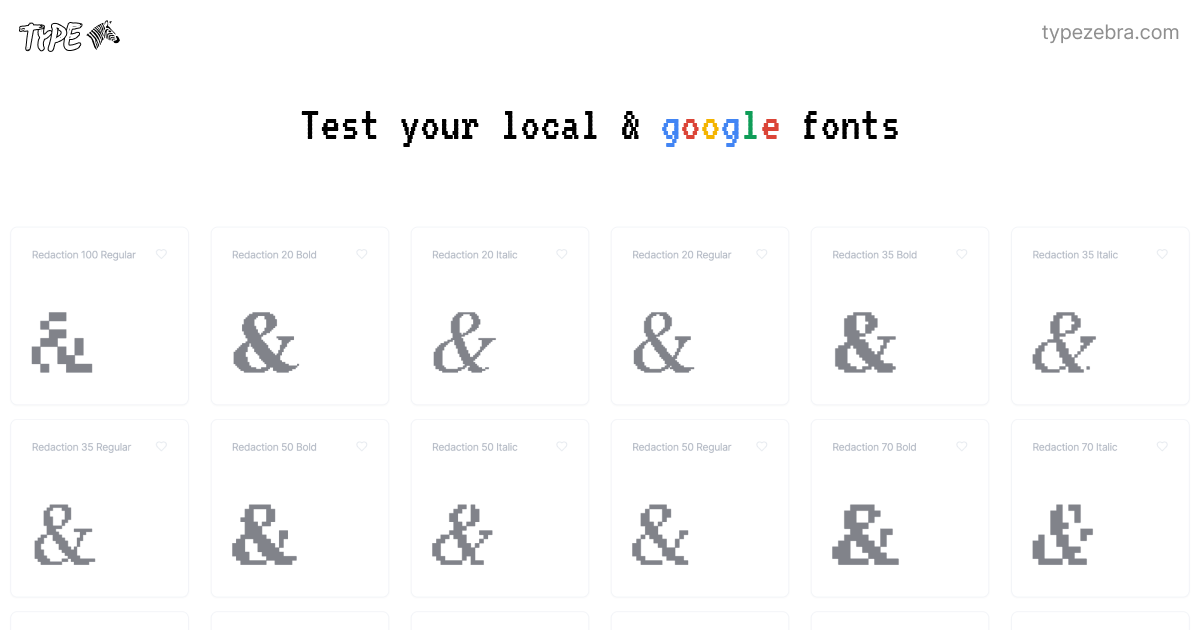
Type Zebra
A simple local + google fonts tester
Type Zebra is a web app for typography, with tools for testing fonts, pairing them and designing with them. The site is organized into four areas: Tester, Font Pairings, Designer and Community. A Login and Register option sits in the header. When you first open it, Type Zebra asks for access to the fonts installed on your computer, so its previews can show your real fonts. Those same installed fonts are then used across the Tester, Font Pairings, Designer and Community tools. The welcome text says the app helps people create good typography with tools for font testing, pairing and design. It is meant for people who work with type and want to see how fonts look before they use them in a project. The welcome screen has an Allow Font Access button that starts the setup.
- Category
- Design
- Website
- typezebra.com