Skip to content
Walkthrough - Screen Recording & Sharing

Free alternatives to Walkthrough - Screen Recording & Sharing

200 free apps like Walkthrough - Screen Recording & Sharing, closest match first.

Top picks

  1. G

    GravityRecorder

    Launch

    Gravity Recorder is a free, browser-based screen recorder with a webcam overlay. You record your screen and camera without installing anything, and you can switch between four live layouts (corner, side by side, camera only or screen only),

    FreeOpen source

  2. C

    Clipshare

    Launch

    ClipShare is an open-source screen recording app built as an alternative to Loom. It is an Electron app that records your whole screen or a single window with audio, can add your camera feed to the recording, and sits in the system tray. In

    FreeOpen source

  3. B

    BetterShot

    Launch

    Screenshot, screen recording, and video editor for macOS. Native SwiftUI app with capture deck, 75+ customizable shortcuts, URL scheme automation, and self-hosted cloud sharing. Open-source alternative to CleanShot X and Loom.

    FreeOpen sourceSelf-hosted

  4. O

    OpenKap

    Launch

    - An affordable loom alternative for individuals - Focused on minimalism and best service

    Free

  5. A

    Awesome Screenshot & Screen Recorder

    Launch

    Capture your screen with Awesome Screenshot & Screen Recorder, a powerful tool for screen sharing. Save screen recordings & screenshots to awesomescreenshot.com and share your videos and images instantly with unique shareable links. The pop

    FreeOpen source

  6. S

    Scre.io

    Launch

    Scre.io is a free screen and camera recorder. You can capture a browser tab, a single window or the whole desktop, or record video from your webcam or front-facing camera. It works on Mac and Windows as an app, and as an extension for Chrom

    Free

More like Walkthrough - Screen Recording & Sharing

7
S

Screendrop

A beautiful screenshot + screen recording + Loom alternative

Launch
8
S

Super Recorder

Your go-to for screen recording

Launch
9
S

Screendrift

ScreenDrift turns screen recordings into demos worthy of Product Hunt, LinkedIn

Launch
10
Y

YoRecord

Record your screen. Share your message. Skip the meeting

Launch
11
R

Recorder

Open-source web app to record screen

Launch
12
Z

Zoomify Studio

An alternative to Screen Studio. But web-based and affordable

Launch
13
S

Screenbolt

Record. Edit. Ship

Launch
14
C

Capptivo

Give your demos the spotlight they deserve ( Mac/Windows/Linux )

Launch
15
L

Lumiko

Lumiko is a privacy-first screen recorder

Launch
16
R

Recordscript

Cross-platform screen recorder, transcript, subtitle

Launch
17
V

Vileo

Record your screen or webcam and download the video from within your browser

Launch
18
E

Electroncapture

Playback video in a frameless electron app for screen-sharing and window capture

Launch
19
K

Kap

Capture, edit, and share your screen with ease

Launch
20
S

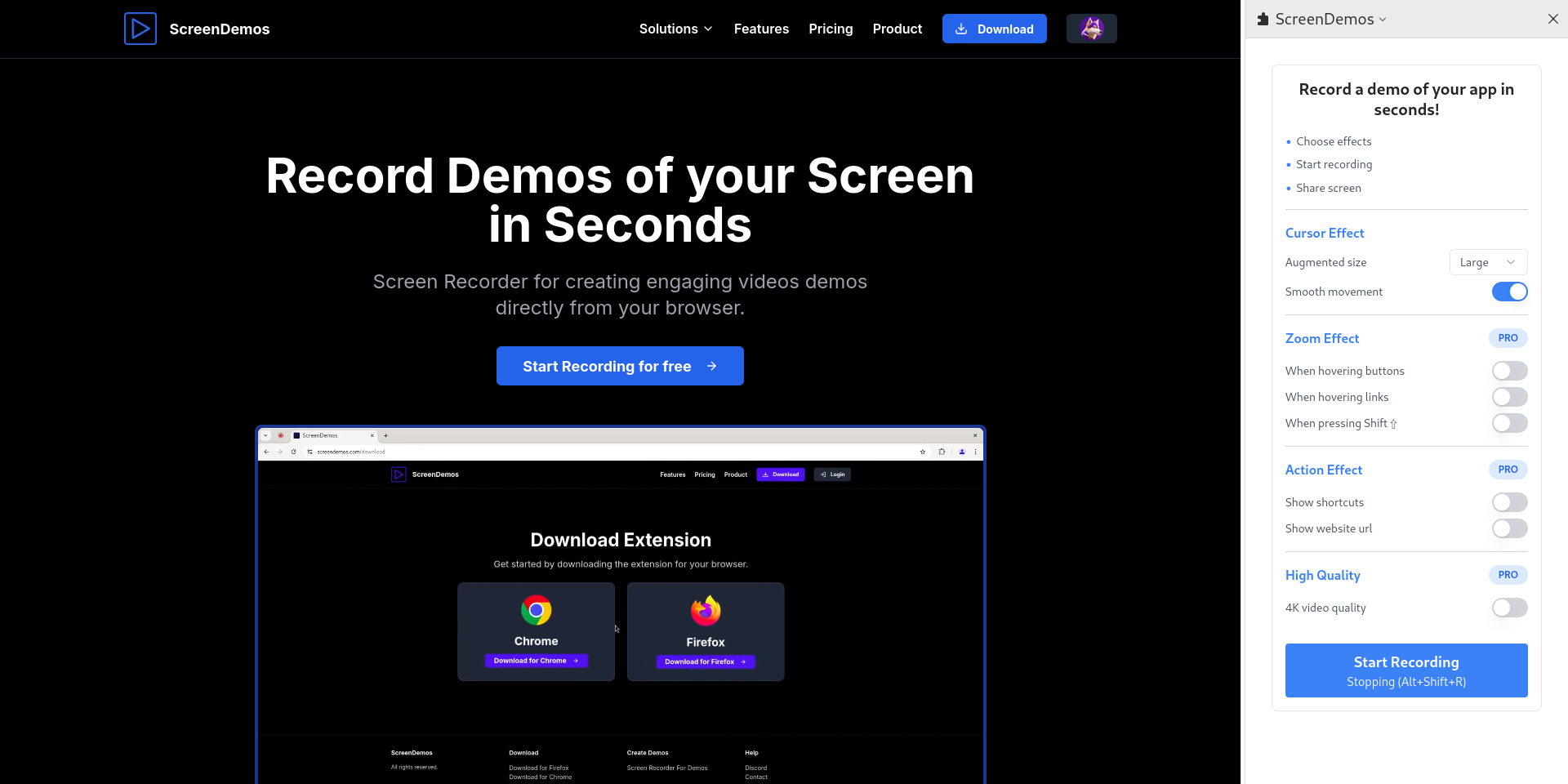
ScreenDemos

Record demo videos with professional effects for your product

Launch
21
S

Screenarc

Cross-platform screen recorder & editor

Launch
22
Z

Zumie

Screen recordings made beautiful

Launch
23
S

Screenize

(Development of Screenize is currently paused) Open-source macOS screen

Launch
24
Z

Zoomr

Screen recorder with live zoom

Launch
25
S

Seamlift

Ship videos, not email threads

Launch
26
W

WowMotion

Create Beautiful Launch video without editing skills

Launch
27
N

NodeTube

Video, audio, image uploads, livestreaming, monetization

Launch
28
T

Tokokino

In-browser editor for device framing and mockups

Launch
29
C

ClipBucket

Start your own video sharing website

Launch
30
O

OpenScreen

Record your screen, ship a demo

Launch
31
K

Kaltura

Create video-on-demand content, host virtual events, and customize

Launch
32
O

Omniclip

Open source video editing web application

Launch
33
S

screenpipe

Local screen and audio recorder that makes your activity searchable

Launch
34
C

Capso

Open-source screenshot and screen recording for macOS

Launch
35
Y

yt-clipper

Trim & Download Only the Clips You Need

Launch
36
A

AlterBase

Stop Overpaying for Software

Launch
37
L

Loominary

Conversations shouldn't just live in a scroll bar

Launch
38
S

screenci

Create, show, and guide with ScreenCI videos in an already-initialized project

Get
39
P

playwright-recording

Record browser interactions as video using Playwright

Get
40
S

Screenize

Open-source screen recorder with auto-zoom, cursor effects, and timeline editing

Launch
41
B

browser-video-recording

Create polished 60 fps 4:3 4K browser screen-recording style videos

Get
42
R

Reframe

Free, open-source video editor that runs in your browser

Launch
43
O

Openreel Video

Professional browser-based video editor

Launch
44
S

ScreenCapture

A feature-rich screen capture software with just a single executable file

Launch
45
1

1001 Record

1001 Record is a simple and reliable Mac screen recorder

Launch
46
A

asciinema.org

Record and share your terminal sessions, the simple way

Launch
47
C

CyTube

Synchronize media, chat, and more for an arbitrary number of channels

Launch
48
S

Screen Sharing via Browser

Share your screen instantly with anyone right from your browser

Launch
49
S

Snapzy

Free and open-source native macOS app for screenshots, screen recording

Launch
50
O

open-payment-host

Sell what you want without paying double commissions

Launch

About Walkthrough - Screen Recording & Sharing

W

Walkthrough - Screen Recording & Sharing

A loom alternative you pay $29 for once, No Subscriptions

Walkthrough is a browser-based screen recorder. It captures your screen, a tab or a window with your webcam, lets you drop chapter markers as you go, and gives you a shareable link when you stop. Nothing needs to be installed, and each finished video is saved to your own Google Drive, with the link backed by that copy. Anyone with the link can watch it without an account, and you can also export the file locally. Walkthrough is a one-time purchase of $29 with lifetime updates, with no subscription, no seats and no renewal. It comes with a 14-day money-back guarantee. It works in any modern browser and suits people who explain products, tutorials, bug reports or feedback to colleagues and customers by video.

Price
Paid
Category
Photo & Video
Website
walkthrough.cc