Skip to content
autozoom - Cross platform

Free alternatives to autozoom - Cross platform

200 free apps like autozoom - Cross platform, closest match first.

Top picks

  1. B

    BetterShot

    Launch

    Screenshot, screen recording, and video editor for macOS. Native SwiftUI app with capture deck, 75+ customizable shortcuts, URL scheme automation, and self-hosted cloud sharing. Open-source alternative to CleanShot X and Loom.

    FreeOpen sourceSelf-hosted

  2. S

    Super Recorder

    Launch

    Super Recorder is a screen recording app for Windows and Linux, built for making product demos, tutorials and walkthroughs. You can record a specific application window or the whole screen, and the site says recordings use native resolution

    Free

  3. B

    browser-video-recording

    Get

    Create polished 60 fps 4:3 4K browser screen-recording style videos from Codex in-app browser captures, with browser-only crop, natural macOS cursor styling,

    Free

  4. A

    automate-this

    Get

    automate-this is an agent skill from the github/awesome-copilot collection for turning a screen recording of a repetitive manual task into working automation. The user records themselves doing the task and hands over the video, and the agen

    Free

  5. R

    Recorder

    Launch

    Recorder is an open source web app that records your screen and camera right in the browser. Nothing needs to be installed. You start by sharing your screen, and the app lets you choose screen only, screen and camera, or camera only. The pr

    FreeOpen source

  6. P

    playwright-recording

    Get

    Record browser interactions as video using Playwright. Use for capturing demo videos, app walkthroughs, and UI flows for Remotion videos. Triggers include

    Free

More like autozoom - Cross platform

7
S

Screenarc

Cross-platform screen recorder & editor

Launch
8
S

Screenize

Open-source screen recorder with auto-zoom, cursor effects, and timeline editing

Launch
9
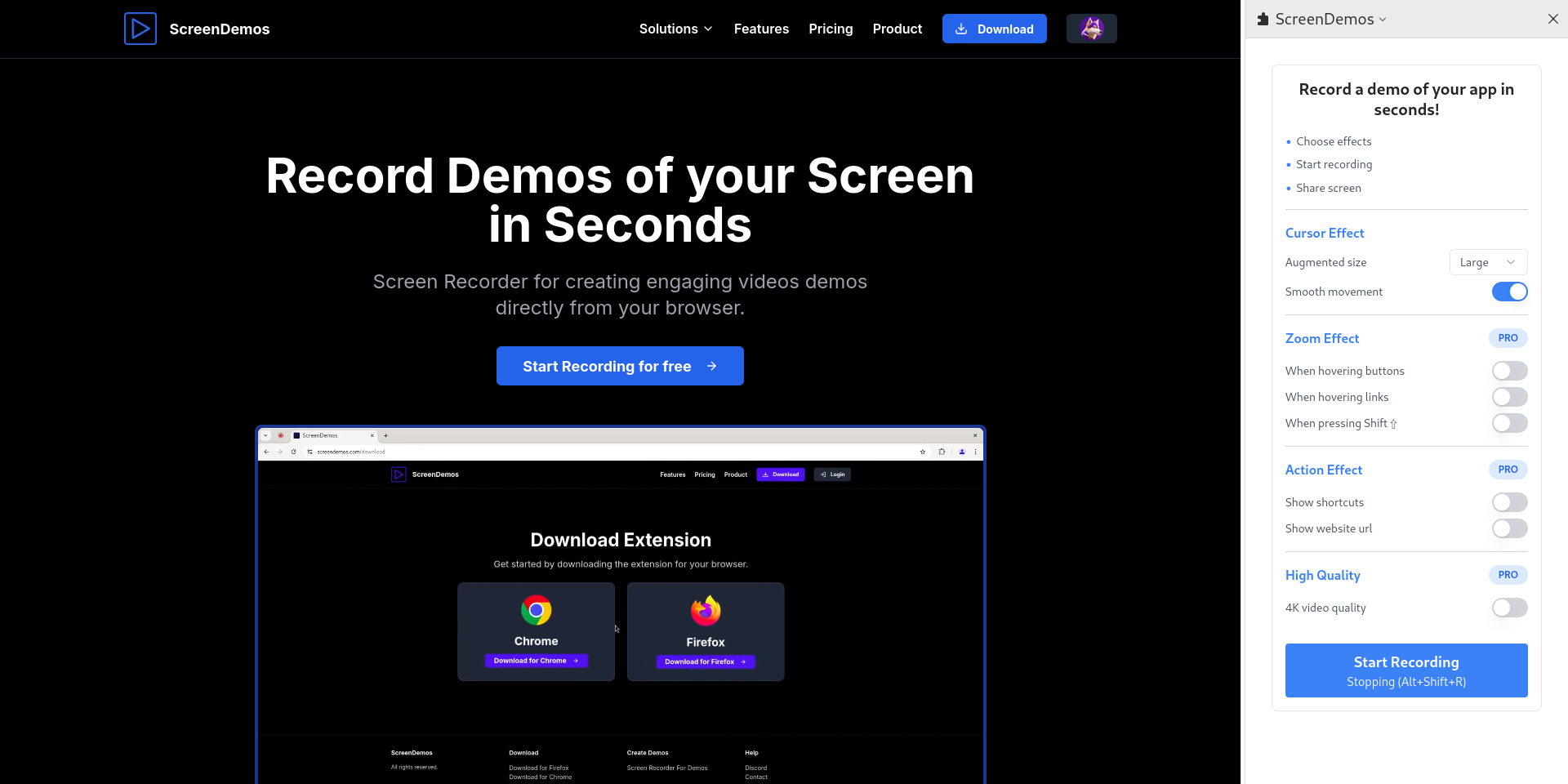
S

ScreenDemos

Record demo videos with professional effects for your product

Launch
10
E

explainroo

Explainer videos and product demos made by your AI agent

Launch
11
V

ViralMint

Open-source video pipeline (clipper, AI video & more)

Launch
12
Z

Zoomify Studio

An alternative to Screen Studio. But web-based and affordable

Launch
13
F

FirstCut Studio

AI video editor that curates your best clips and auto-edits travel videos

Launch
14
S

screenci

Create, show, and guide with ScreenCI videos in an already-initialized project

Get
15
O

OpenFilm

The open source AI video agent: turns any coding agent into a video agent

Launch
16
M

Medusa Clip

Free, open-source AI gameplay clip generator

Launch
17
E

Editor Pro Max

AI-powered video editor by @soyenriquerocha — built with Remotion + Claude Code

Launch
18
Z

zoneclip

Turn gaming VODs into Shorts, TikToks, and Reels with local AI for Free

Launch
19
M

Motion Previs Studio

Open-source desktop app for AI-film motion, depth, pose

Launch
20
A

axiom-media

Working with camera, photos, audio, haptics, ShazamKit

Get
21
A

Autoshorts

AutoShorts is a local-first desktop application

Launch
22
M

Maestro

An all-in-one, 100% local AI video, image, and music studio

Launch
23
B

BaoCut

An AI video agent with an editable timeline

Launch
24
S

SadHorse Studio

Create stunning 1080p AI video with SadHorse Studio, powered by the HappyHorse

Launch
25
L

LTX Video Mac

Native macOS app for local AI video on Apple Silicon

Launch
26
R

Recordscript

Cross-platform screen recorder, transcript, subtitle

Launch
27
S

Super Video Maker Skill

AI video production skill for agents: HeyGen avatars, Seedance b-roll

Launch
28
V

video-hyperframes

Hyperframes / Remotion-compatible continuous frame animation

Get
29
S

SlideVids

Cut Your Video Production Time by 67%

Launch
30
N

Neural

Capture stunning photos & videos with NeuralCam's AI Camera

Launch
31
R

Ralphy

Open-source desktop app for content creation

Launch
32
E

Electroncapture

Playback video in a frameless electron app for screen-sharing and window capture

Launch
33
Z

Zight

Where Collaboration Flows Effortlessly

Launch
34
G

Gemini Youtube Automation

A fully autonomous AI Agent/Python pipeline that utilizes Large Language Models

Launch
35
I

Ima2 Gen

Local-first visual generation runtime and studio for people and coding agents

Launch
36
S

SkyReels V4

World's #1 AI Video Model

Launch
37
A

AI-Youtube-Shorts-Generator

Open-source alternative to Opus Clip, Vidyo.ai, Klap & SubMagic

Launch
38
R

remotion

Create professional walkthrough videos from Stitch app designs

Get
39
T

Tokokino

In-browser editor for device framing and mockups

Launch
40
M

Marketing Studio

Create product launch assets with Remotion, then review and distribute them…

Launch
41
T

tesseract-motion

Create editable motion graphics locally in Tesseract

Get
42
P

plan-zoom-product

Choose the right Zoom building surface for a use case

Get
43
M

Mix-Studio

The cleanest, responsive AI workspace

Launch
44
V

VClip

Automated AI short-video engine

Launch
45
P

Pireel

Open-source browser video editor with an MCP-connected agent plugin

Get
46
V

Video Podcast Maker

Topic → 4K narrated video for coding agents

Launch
47
S

ShowNotes

Share your knowledge one note at a time and build organic audience

Launch
48
C

CutScript

Open-source AI-powered text-based video editor. Edit video by editing text

Launch
49
P

Poko Motion

AI video generator for product demos, slides, and docs

Launch
50
R

Remotion Animated

A delightful way to animate objects in Remotion

Launch

About autozoom - Cross platform

A

autozoom - Cross platform

Screen recording, elevated

AutoZoom is a screen recorder for Windows and macOS that zooms in on your clicks and typing as you record. It follows the cursor and moves into the action with smooth camera easing, so the finished video needs no keyframes or timeline work. After recording it adds speed-aware motion blur to pans and zooms, and it can add AI captions and a voiceover. The editing set includes 3D effects, camera layouts, backgrounds, keystroke display, annotations, click effects and text focus. Exports go up to 4K with no watermark. Windows 10 and 11 and macOS 10.15 or later are supported, and the site says Linux support is coming soon. Pricing is $7.99 a month or a one-time $69 lifetime license, and both plans include all features and updates. The product is aimed at people who need polished demos and tutorials from a raw screen capture.

Price
Paid
Category
AI
Website
autozoom.app