




Description
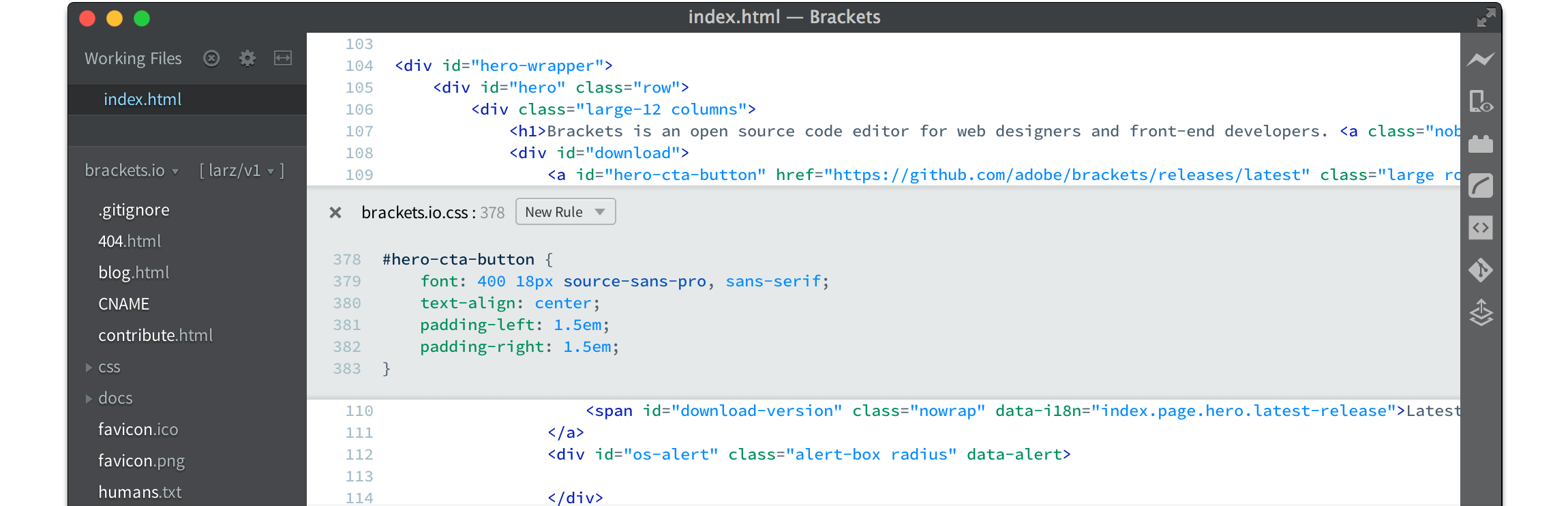
Brackets is a free, open-source code editor for web developers, and its successor is now called Phoenix Code. The editor is built for HTML, CSS and JavaScript, and it blends visual helpers into the text editing so you get help when you want it. Features include inline editors, a live preview that updates the page as you work, preprocessor support, and extensions for Git, Emmet abbreviations, code beautifying, Markdown preview, file icons, indent guides, autoprefixing and W3C validation. The Brackets page now recommends that users move to Phoenix Code, which runs on Windows, macOS and Linux and in web browsers, and it links to phcode.dev for the download and a web editor. The Brackets source code is on GitHub, and an active community of web developers supports the project through discussions, Discord and Reddit.…
Highlights
- Inline editors and live preview for HTML, CSS and JavaScript
- Preprocessor support for CSS tools
- Emmet, beautify and Markdown preview
- Git and W3C validation extensions
- Successor Phoenix Code runs on Windows, macOS, Linux and the web
Ratings & Reviews
No ratings yet
Be the first to rate Brackets.
People also visit

MacDown
Open source Markdown editor for macOS with live preview and HTML/PDF export
Brackets FAQ
Is Brackets still maintained?
The Brackets site says the project has evolved into Phoenix Code, and it recommends users move to Phoenix Code, which is the new version of Brackets.
Is it free?
Yes. The editor is free and open source, and the site links to a download for Windows, macOS and Linux.
Can I use it without installing?
Yes. The site links a web editor at phcode.dev, so you can open Phoenix Code in a browser.
Which languages does it focus on?
HTML, CSS and JavaScript. The live preview and preprocessor support are aimed at front-end work.
What are the best Brackets alternatives?
Popular alternatives to Brackets include Phoenix, MacDown and Codejar. See all Brackets alternatives