Alternatives to Deckboard
200 apps like Deckboard, closest match first.
Top picks
- A
Android Stream Desk
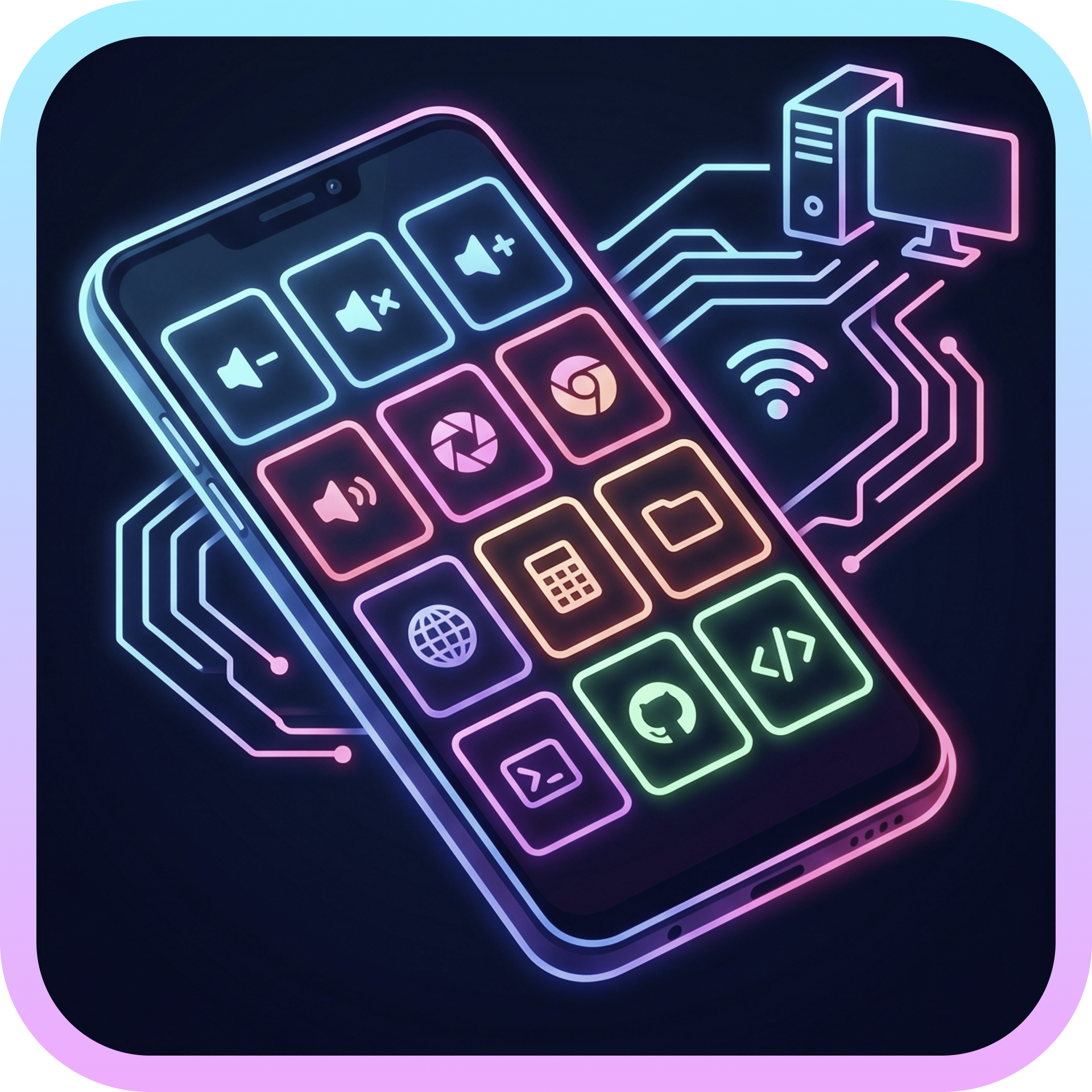
LaunchAndroid Stream Desk turns an Android tablet or phone into a wireless macro pad for a computer on your local network. Keyboard shortcuts, app launches and system monitoring are sent from the Android device over LAN WebSockets, with no cloud
Open sourceSelf-hosted
- W
WebDeck
LaunchWebDeck is a Flask application that turns a phone, tablet or other touchscreen device with a browser into a remote control for your computer, as a free alternative to Elgato's Stream Deck. Unlike the Stream Deck, which needs physical equipm
Open source
- D
Deckboard
LaunchControl your PC with your phone in easy way possible. News and updates on @DeckboardApp.
Open source
- D

DeckPilot
LaunchDeckPilot turns an iPhone or iPad into a touch control panel for a Mac. You install the Mac app, which lives in the menu bar, and pair the companion iOS app over Wi-Fi or USB. Then you tap buttons on the device to trigger keyboard shortcuts
- S

SceneDeck
Launch🎬 **Stream from one machine. Control it from another.** You run _OBS Studio_ on your streaming rig, but you actually work, code, present, or game on a different computer. Every scene switch means alt-tabbing back — or getting up and walking
Open source
- S
StreamController
LaunchStreamController is a Linux app for the Elgato Stream Deck, with plugin support and automatic page switching. You can customise your Stream Deck pages with wallpapers and videos, and a screen saver can show a picture or video when the devic
Open source

More like Deckboard


Remote Mouse Pro
Remote Mouse transforms your mobile phone or tablet into an easy-to-use remote



StreamingNowCompanion
StreamingNowCompnion is an application helper for IOS and IPADOS STREAMING NOW







About Deckboard
Deckboard
Turn your old Android/iOS devices into overpowered macro pad
Deckboard turns a spare Android or iOS phone into a macro pad for your PC. You install the server app on your computer, build a macro block there, and choose the action it performs. You can also set the block's color, icon and label. Then you pair the phone over Wi-Fi or USB by scanning a QR code, and the macro blocks appear on the phone, so one tap launches an action. The site says no accounts or complex setup are needed. Actions include keypress combinations, media control, running a program, opening a folder or file, and opening a website, with more available. The page also lists integrations for streaming and productivity tools. For OBS Studio and Streamlabs Desktop, the blocks control streaming and recording, toggle scenes and sources, and adjust audio. For Twitch, they show channel stats and the live chatbox, create stream markers and clips. For Voicemod, they change voice filters, play sound effects and toggle the voice changer. The site offers a free download, with installers for Windows, macOS and Linux. It is aimed at streamers, gamers and anyone who wants one-tap shortcuts on the desktop.
- Price
- Free
- Category
- Utilities
- Website
- deckboard.app