Self-hosted alternatives to Deckboard
200 self-hosted apps like Deckboard, closest match first.
Top picks
- A
Android Stream Desk
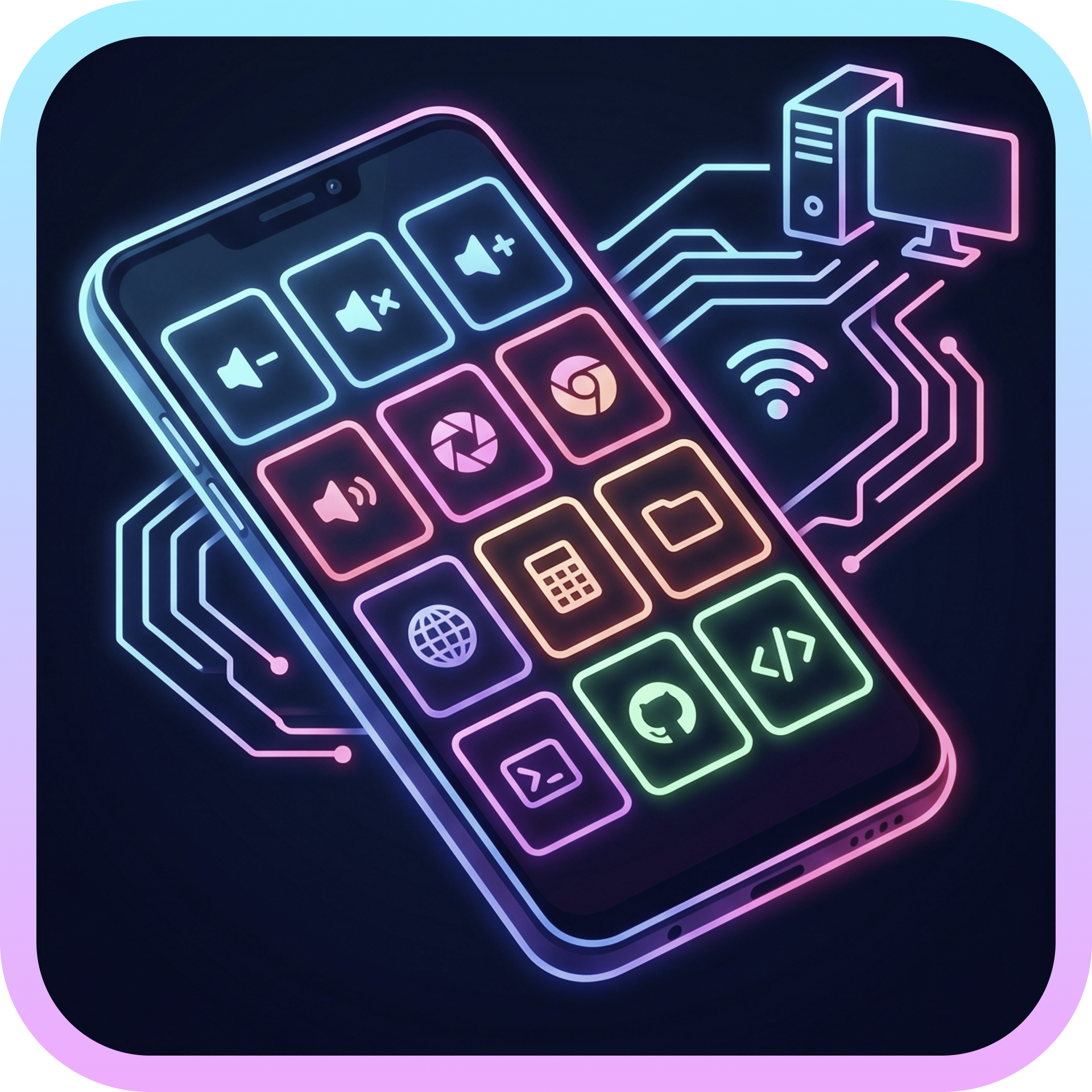
LaunchAndroid Stream Desk turns an Android tablet or phone into a wireless macro pad for a computer on your local network. Keyboard shortcuts, app launches and system monitoring are sent from the Android device over LAN WebSockets, with no cloud
Open sourceSelf-hosted
- P

PlayBridge
LaunchPlayBridge is an open-source casting suite, currently in alpha, that lets you browse on your phone and watch on a big screen. A sender, such as the phone app, a browser extension, the desktop app or the CLI, pushes media to a receiver that
Open sourceSelf-hosted
- B

Beatnik Controller
LaunchOpen-source, self-hosted Snapcast controller for Web, iOS, and Android. Manages clients, groups, and streams. Deploys easily via Docker.
Open sourceSelf-hosted
- X

Xenon
LaunchA 100% local all-in-one dashboard for any screen, tablet or phone. Windows, with macOS and Linux in beta. System monitor, media and mic, a voice AI that can build dashboard pages for you, a Stream Deck style grid, RGB lighting, and Twitch/O
Open sourceSelf-hosted
- D
Deq
LaunchDeQ is a homelab control plane for managing your own servers from a phone, a browser or a watch. The core is a single Python file, server.py, with zero dependencies beyond Linux and Python, and no Docker needed. It runs on your server and e
Open sourceSelf-hosted
- C
ControlR
LaunchControlR is open source, self-hosted remote access and device management software. It is built for managed service providers and IT professionals who need to reach devices remotely. You host everything on your own infrastructure, so your da
Open sourceSelf-hosted
More like Deckboard














About Deckboard
Deckboard
Turn your old Android/iOS devices into overpowered macro pad
Deckboard turns a spare Android or iOS phone into a macro pad for your PC. You install the server app on your computer, build a macro block there, and choose the action it performs. You can also set the block's color, icon and label. Then you pair the phone over Wi-Fi or USB by scanning a QR code, and the macro blocks appear on the phone, so one tap launches an action. The site says no accounts or complex setup are needed. Actions include keypress combinations, media control, running a program, opening a folder or file, and opening a website, with more available. The page also lists integrations for streaming and productivity tools. For OBS Studio and Streamlabs Desktop, the blocks control streaming and recording, toggle scenes and sources, and adjust audio. For Twitch, they show channel stats and the live chatbox, create stream markers and clips. For Voicemod, they change voice filters, play sound effects and toggle the voice changer. The site offers a free download, with installers for Windows, macOS and Linux. It is aimed at streamers, gamers and anyone who wants one-tap shortcuts on the desktop.
- Price
- Free
- Category
- Utilities
- Website
- deckboard.app