
















Description
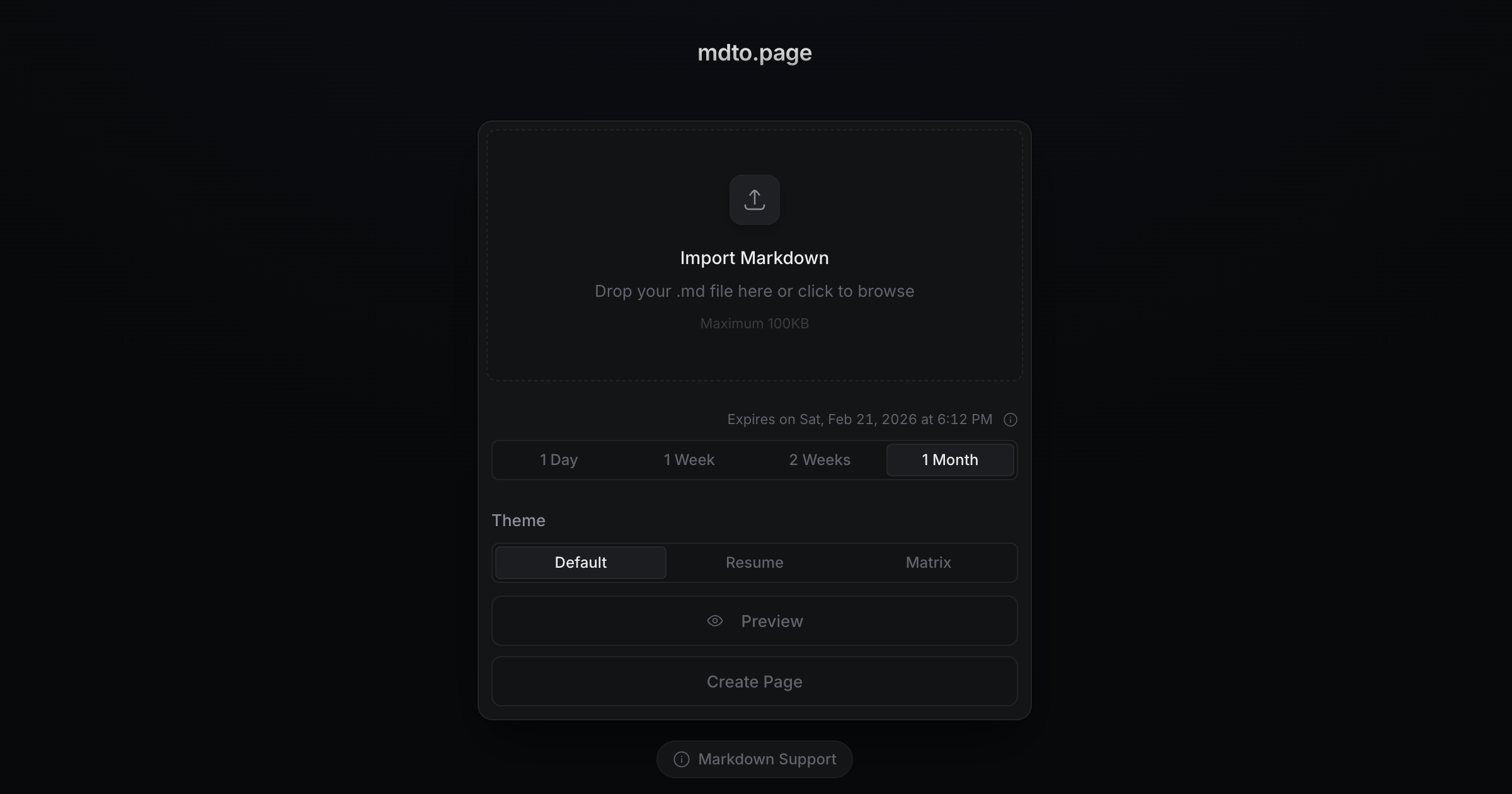
JotBird turns Markdown into a web page with a shareable link. You write or paste Markdown in the editor, or drop in a Word document, PDF or screenshot, check the live preview, and click Publish to get a link. Pages are unlisted by default, and you can update or delete them at any time. Rich Markdown is supported, including syntax-highlighted code, tables, footnotes, maths and Mermaid diagrams. Images can be pasted, dragged or uploaded, and the site hosts them with the page. Four themes are available for different kinds of page, including Default, Terminal and Essay. No account is needed to publish, and the Markdown stays on your device until you publish. Free pages expire, while the Pro plan at $29 a year makes them permanent and adds custom URLs and themes, and lets you password-protect pages.…
Highlights
- Publish Markdown to a shareable link
- Live preview before you publish
- Code, tables, footnotes, maths and Mermaid diagrams
- Pages unlisted by default
- Four themes including Default, Terminal and Essay
Ratings & Reviews
No ratings yet
Be the first to rate JotBird.
People also visit

Docsify This
Turn your Markdown files into shareable web pages, embeddable content
JotBird FAQ
What is JotBird?
A tool that turns Markdown, or a document you upload, into a web page with a link you can share.
Do I need an account?
No. The site says you can publish anonymously, and you can update or delete a page at any time.
Do free pages expire?
Yes. Free pages expire. Pro, at $29 a year, makes them permanent.
Are my pages public?
Pages are unlisted by default. You can make them public and search-indexable, or password-protect them with Pro.
What can I put on a page?
Markdown with syntax-highlighted code, tables, footnotes, math and Mermaid diagrams, plus images you paste, drag or upload.
What are the best JotBird alternatives?
Popular alternatives to JotBird include Flowershow, Docsify This and OpenSite.run. See all JotBird alternatives