Alternatives to JotBird
200 apps like JotBird, closest match first.
Top picks
- F

Flowershow
LaunchTurn your Markdown into a beautiful website instantly. Publish docs, blogs, wikis, and knowledge bases in a fully hosted platform, without dealing with deployment or maintenance. No proprietary format, no vendor lock-in. Import from GitHub,
- M
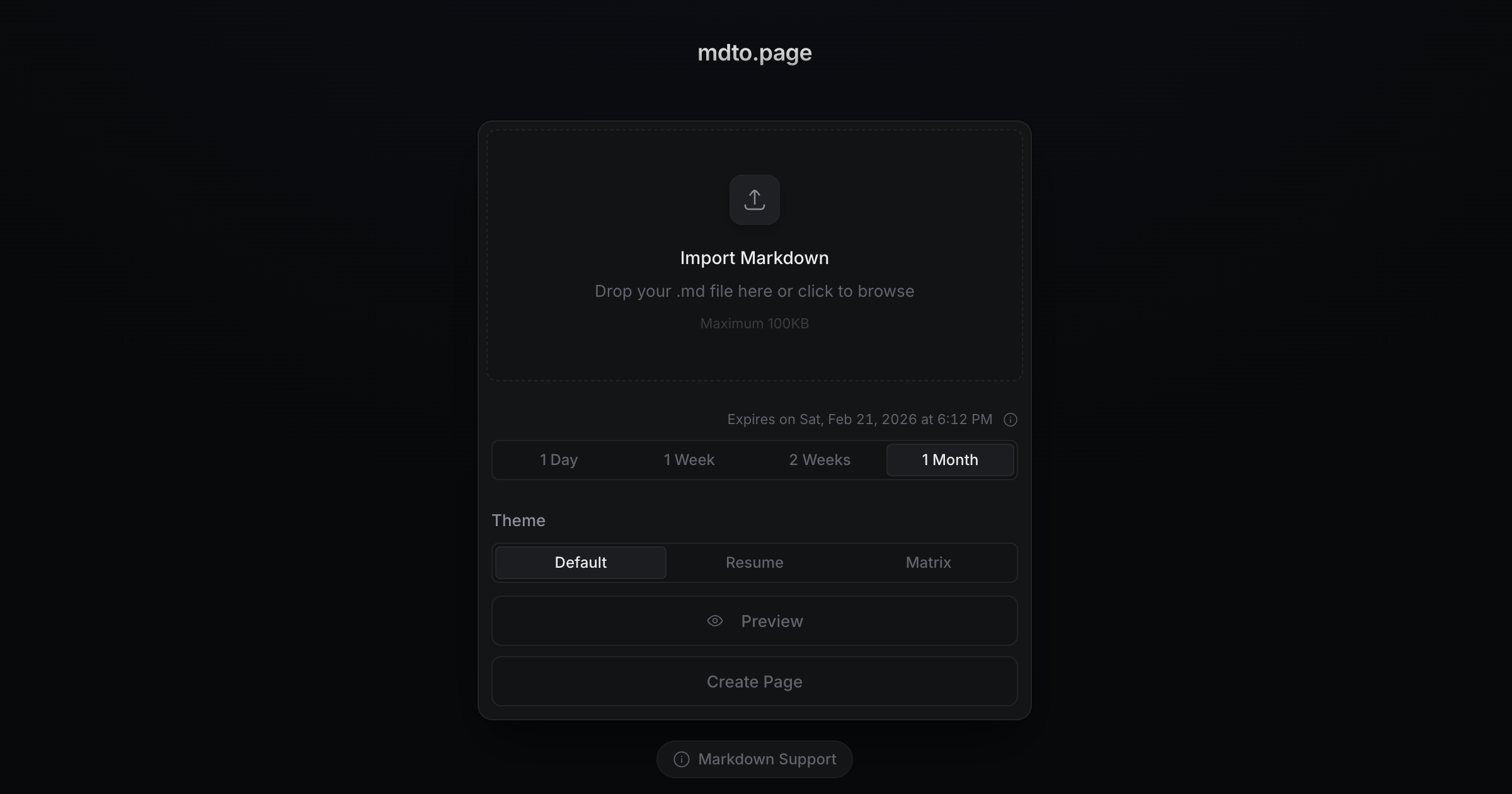
mdto.page
Launchmdto.page is a web tool that turns a Markdown file into a clean, shareable HTML page or a PDF, without needing an account. You drop in a .md file or paste Markdown with Ctrl+V (up to 100 KB), pick a theme such as Default, Resume or GitHub,
- D

Docsify This
LaunchDocsify-This turns online Markdown files, including README files on GitHub or Codeberg, into clean, readable web pages you can share, embed, or present. No setup or server needed, and your source files stay unchanged. Open-source and great
Open source
- O

OpenSite.run
LaunchOpenSite.run is a free hosting service for static websites. Upload HTML, CSS, JavaScript, images and fonts as a folder or zip archive, up to 5MB in total, and the site gives you a live address on its subdomain. You do not need to set up a s
- M
MD To - Markdown Converter
LaunchMD-To.com is a lightweight yet powerful Markdown conversion tool designed for developers and writers. It provides a seamless experience to transform your Markdown files into high-quality HTML, PDFs, or stylized images with just a few clicks
- P

PDF2Link
LaunchEverything you need to share PDFs. pdf2link.com makes sharing PDFs easy, fast, and secure. Instant PDF to Link. Upload a PDF and get a shareable link in seconds. No complicated setup required. Custom PDF URLs. Create memorable URLs like pdf

More like JotBird















Quotion - Apple Notes to blogs in minutes
Publish your notes to a Quotion subdomain or your domain automatically













About JotBird
JotBird
JotBird turns any document into a web page you can share with a link
JotBird turns Markdown into a web page with a shareable link. You write or paste Markdown in the editor, or drop in a Word document, PDF or screenshot, check the live preview, and click Publish to get a link. Pages are unlisted by default, and you can update or delete them at any time. Rich Markdown is supported, including syntax-highlighted code, tables, footnotes, maths and Mermaid diagrams. Images can be pasted, dragged or uploaded, and the site hosts them with the page. Four themes are available for different kinds of page, including Default, Terminal and Essay. No account is needed to publish, and the Markdown stays on your device until you publish. Free pages expire, while the Pro plan at $29 a year makes them permanent and adds custom URLs and themes, and lets you password-protect pages.
- Price
- Free
- Category
- Developer Tools
- Website
- jotbird.com