Skip to content
Lapser Studio

Alternatives to Lapser Studio

200 apps like Lapser Studio, closest match first.

Top picks

  1. I

    iRecord

    Launch

    Lightweight screen recording and video editor for MacOS. Reliable screen recordings for MacOS

  2. D

    debut.sh

    Launch

    Debut is a native macOS screen recorder for making product demo videos. You record your screen and Debut adds the polish: smart zoom that follows your cursor and focuses on the relevant parts, smooth cursor motion, click highlights, and stu

  3. B

    BetterShot

    Launch

    Screenshot, screen recording, and video editor for macOS. Native SwiftUI app with capture deck, 75+ customizable shortcuts, URL scheme automation, and self-hosted cloud sharing. Open-source alternative to CleanShot X and Loom.

    FreeOpen sourceSelf-hosted

  4. Z

    Zoomedin

    Launch

    Elevate your screen recordings from basic captures to studio-grade presentations in seconds.

  5. C

    CleanShot Cloud

    Launch

    CleanShot Cloud is a fast screenshot and screen recording service that allows users to capture, edit, and share visual content efficiently on macOS.

  6. S

    ScreenRun

    Launch

    ScreenRun is a browser-based video studio for turning screen recordings and screenshots into polished videos. You record your screen or import a recording, screenshots, PDFs, images or videos into one project. Then you add smooth camera mot

More like Lapser Studio

7
S

Screen Movie

Record your screen, capture screenshots, edit videos, animate text

Launch
8
S

Super Recorder

Your go-to for screen recording

Launch
9
S

Showkit

Beautiful screen recordings without hassle

Launch
10
S

Smooth Capture

Create polished app demo videos in minutes

Launch
11
D

Detail AI Video Content Maker

Create, customize, and share stunning videos effortlessly

Launch
12
S

Shocase

Turns screen recordings into edited videos and written guides

Launch
13
S

Screentell

Record and edit screen videos

Launch
14
C

Capty

Screen capture and recording tool with built-in editing and annotations

Launch
15
S

ScreenToVideo

Powerful Screen Recorder and Video Editor

Launch
16
R

RxFilmStudio

Your film studio, in one window

Launch
17
Q

QuickRec-Screen Recording

QuickRec (https://quickrec.app): Record Mac screen with system audio easily

Launch
18
T

Tokokino

In-browser editor for device framing and mockups

Launch
19
S

ScreenBuddy

screen recorder and editor for Mac & Windows

Launch
20
R

Rapidemo

Automatically beautiful screen recordings. Made for Windows 10 and 11

Launch
21
B

browser-video-recording

Create polished 60 fps 4:3 4K browser screen-recording style videos

Get
22
S

ScreenX

A simple video editor for developers

Launch
23
G

Gifski

Convert videos to high-quality GIFs on your Mac

Launch
24
S

Shortcast

Native macOS app: drop a long video → auto-cut viral shorts

Launch
25
S

Scre.io

Record videos from the camera or capture from the screen

Launch
26
R

Remocn

Remotion animation components for video production

Launch
27
S

Screen Records

Captions and AI editing for your screen recordings all in one app

Launch
28
S

ScreenStory

Create stunning product videos with automatic zoom and motion effects

Launch
29
H

Hippo Video

Quick Video, webcam, audio, screen recorder straight from Google Chrome browser

Launch
30
P

Prodshort

Document your Builders journey on autopilot

Launch
31
S

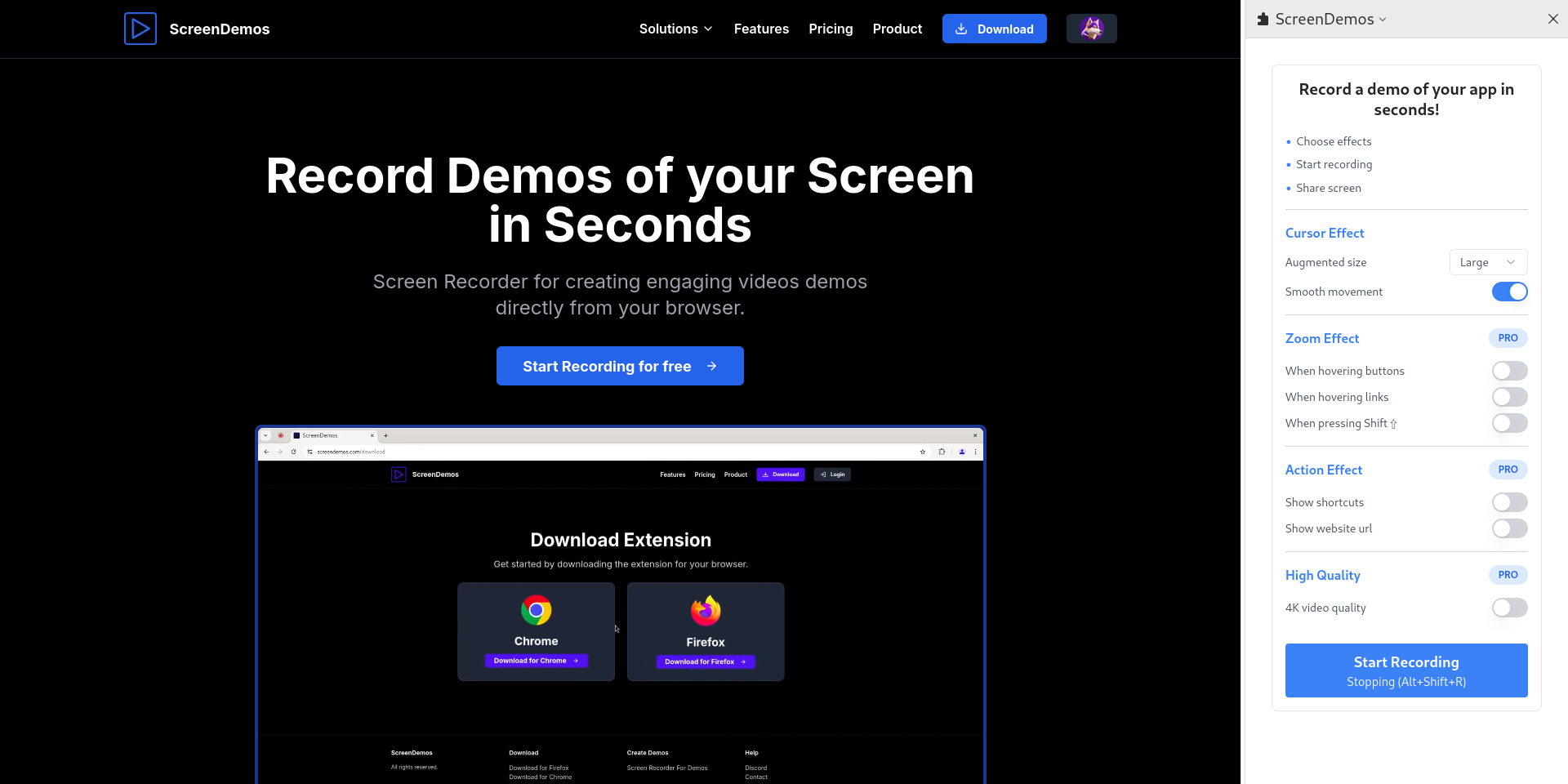
ScreenDemos

Record demo videos with professional effects for your product

Launch
32
S

Screenmailer

RECORD SCREEN AND VOICE ONLINE: SCREENMAILER

Launch
33
M

Monosnap

Make screenshots. Draw on it

Launch
34
G

Gifox

Gif Recording and Sharing

Launch
35
K

Kirocast

Speed up AI debugging. Automate product demo creation

Launch
36
S

Slant it

Create catchy 3D product videos from screen recordings in few minutes

Launch
37
D

DocuFast

Automatically turns recorded processes into docs, videos, and guides

Launch
38
S

SuperMotion

The video editor for founders who need beautiful product videos, fast!

Launch
39
V

Vibrantsnap

Create stunning product demos in minutes

Launch
40
C

Canvid

Create Stunning Screen Recordings. No Editing Skills Needed

Launch
41
P

Picmal: Your Mac's media toolkit

Convert, compress, and edit images, video, audio, and PDFs on your Mac

Launch
42
R

Replay Video Capture

Record videos playing on your PC with ultra high quality video capture

Launch
43
S

ScreenSnap

Create and edit beautiful screenshots without leaving your browser

Launch
44
D

Dropshot

Create cinematic product shots in your browser

Launch
45

Loom

Async video messaging

Launch
46
1

1secNote

Floating Camera Prompter & Live Markdown Note Check your script

Launch
47
R

Reely

AI-powered app video engine that generates promo videos

Launch
48
T

Trupeer.ai

Creating stunning Product videos & Step by Step documentation

Launch
49
R

Reelfolio

Turn messy screenshots into a showreel that wins you clients

Launch
50
K

Kap

Capture, edit, and share your screen with ease

Launch

About Lapser Studio
L

Lapser Studio

Create beautiful timelapse screen recordings, effortlessly

Lapser Studio is a timelapse screen recorder for macOS. It records your work and turns it into a timelapse video, with the recording started from the menu bar in a click. An activity monitor pauses recording while you are inactive, so long sessions stay short. You can customize the video with backgrounds and styles, scale, position and padding, and video quality settings. The app offers more than 40 backgrounds, or your own, along with gradients, blur, rounded corners and a webcam overlay. Export runs from 720p to 4K in MP4 or MOV, with presets for web, social media and studio quality, and aspect ratios of 16:9, 9:16 and 1:1. The site says it is built for macOS and is designed to stay light on CPU during long sessions. Recordings stay on your device, with no cloud uploads and no account required. Lapser Studio is also on the Mac App Store. The site has a changelog, a blog and a pricing page, and the project lists its bug reports and feature requests on GitHub. It is aimed at people who want to show their work as a short timelapse.


Price
Paid
Category
Photo & Video
Website
lapser.studio