









Description
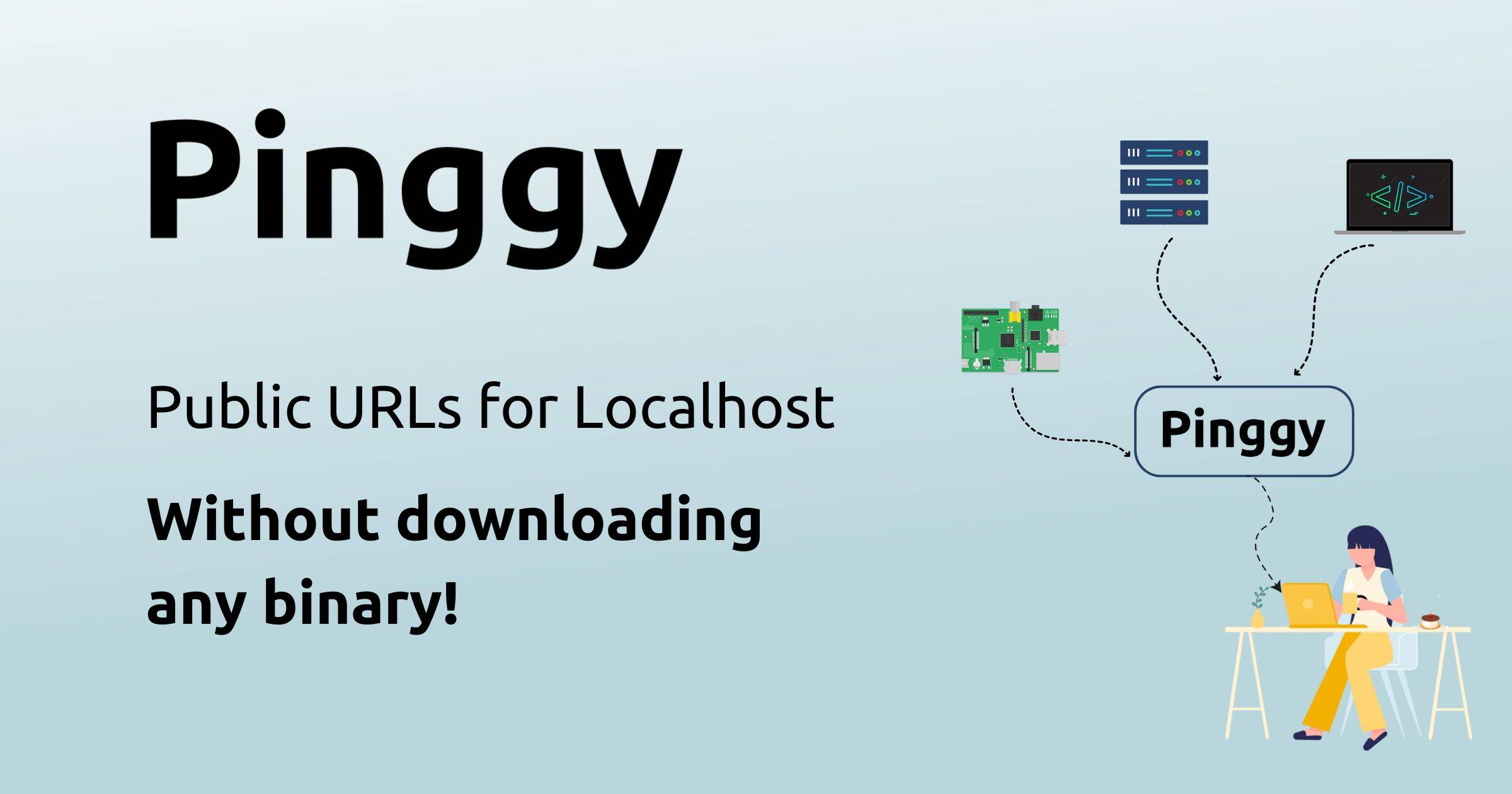
pgrok is a multi-tenant HTTP and TCP reverse tunnel that exposes a local development environment to the public internet. It works through SSH remote port forwarding, and the project calls itself a poor man's ngrok. It is intended for small teams that need to share local services. Each user gets a stable subdomain, and access is gated by your own single sign-on through the OIDC protocol. You bring your own domain name, a server with a public IP address, an SSO provider that can create OIDC clients, and a PostgreSQL server. The README walks through setting up the server daemon, pgrokd, and includes an example HTTPS setup. The author says it is a bare-bones alternative to the enterprise tier of ngrok, not a production service, and recommends buying ngrok for individuals and production systems. The project is aimed at teammates who are not developers and need to share something running locally.…
Highlights
- Stable subdomain for each user
- Access gated by your SSO through OIDC
- HTTP and TCP tunnels over SSH port forwarding
- Self-hosted on your own domain and server
Ratings & Reviews
No ratings yet
Be the first to rate Pgrok.
People also visit
Pgrok FAQ
What does pgrok do?
It exposes a local service to the internet through a reverse tunnel, using SSH remote port forwarding.
Is it production ready?
No. The README says putting it behind a production system will hurt your SLA, and it recommends ngrok for individuals and production.
What do I need to run it?
A domain name, a server with a public IP address, an OIDC-capable SSO provider and a PostgreSQL server.
Where is the source?
On GitHub at pgrok/pgrok.
What are the best Pgrok alternatives?
Popular alternatives to Pgrok include Proxy.py, FRP and Orbien. See all Pgrok alternatives