Self-hosted alternatives to Pinggy
200 self-hosted apps like Pinggy, closest match first.
Top picks
- P

Portr
LaunchPortr is a self-hosted tunnel that exposes a service running on your machine at a public URL. It supports HTTP, TCP and WebSocket connections, so a webhook receiver, an API under development or a socket server can be reached from the intern
FreeOpen sourceSelf-hosted
- S
sish
Launchsish is an open-source SSH server that creates tunnels to localhost, so you can share a local web app or a TCP service with a public URL using only SSH. It handles HTTP, HTTPS, WebSocket, TCP forwarding, TCP aliases for private access, and
FreeOpen sourceSelf-hosted
- D

Drip Tunnel
LaunchA self-hosted tunneling solution to securely expose your services to the internet — on your infrastructure, your domain, your terms.
FreeOpen sourceSelf-hosted
- T

Tunwg
LaunchTunwg is an end-to-end encrypted tunnel that exposes a server running on your machine, such as one on local port 8080, under a secure address. The local tunwg instance on your machine generates an HTTPS certificate for you and decrypts the
FreeOpen sourceSelf-hosted
- S
Selfhosted Gateway
LaunchSelf-hosted Gateway lets you expose Docker containers running on your own machine to the public internet, using a WireGuard tunnel to a small cloud server you control. It is a self-hosted alternative to services such as Cloudflare Tunnels,
FreeOpen sourceSelf-hosted
- N

Netsgo
LaunchNetsGo is a self-hosted tunneling and node management platform. It publishes private services, such as a home server or an internal machine, to the internet through a public host you control. The server runs as a single binary and hosts the
FreeOpen sourceSelf-hosted

More like Pinggy










Password Pusher
Dead-simple application to securely communicate passwords (or text) over the web



About Pinggy
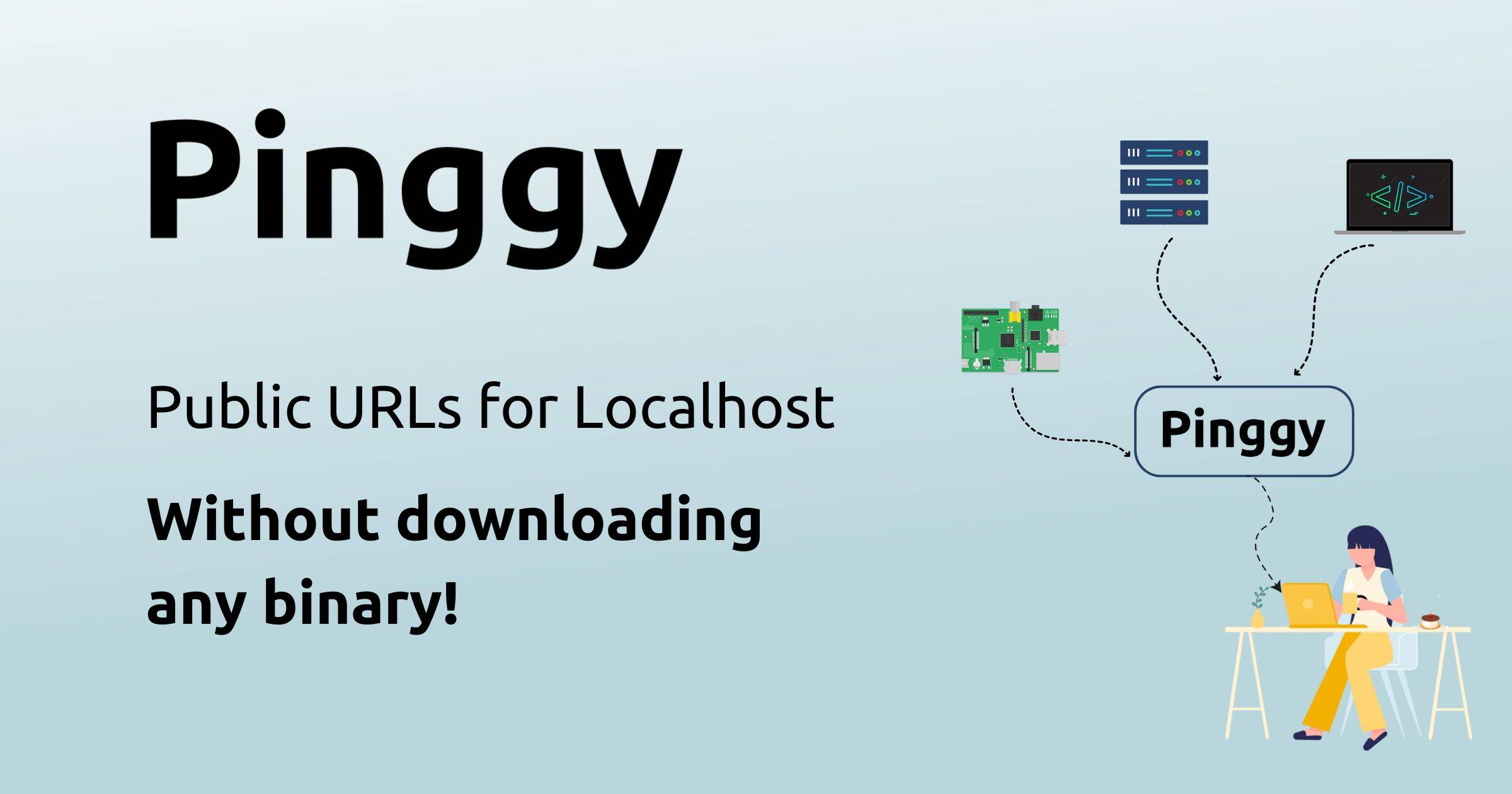
Pinggy
Simple Localhost Tunnels
Pinggy makes localhost projects reachable on the internet by creating secure tunnels with a public URL. You can run a tunnel with the command line, a desktop app or the Node.js and Python SDKs, and there are HTTP, TCP, UDP and TLS tunnel types. The site says you can start without downloading a binary by pasting a command from the page. The free tier gives a public address that changes when the tunnel reconnects, and the free persistent URL with custom domain support comes with a free trial. Settings include region selection, password protection, a QR code for sharing, keep-alive and auto-reconnect, and IP whitelisting and key authentication. A web debugger is built into the dashboard, where you can inspect, modify and replay tunnel traffic in the browser. Pinggy compares itself with ngrok, LocalXpose, LocalTunnel and Cloudflare, and its help pages cover common problems such as password prompts. Pinggy Pro adds persistent URLs.
- Price
- Freemium
- Category
- Developer Tools
- Website
- pinggy.io