Self-hosted alternatives to ray.so
200 self-hosted apps like ray.so, closest match first.
Top picks
- M

Moocup
Launchmoocup is a visual editor for making polished screenshots. You drop in a screenshot, a base style is applied automatically, and you can restyle it however you like before exporting. The author built it for their own portfolio because the ex
FreeSelf-hosted
- I

Imagor Studio
LaunchImagor Studio is a self-hosted image processing app that runs on your own storage. You browse a library of images with virtual scrolling, folder navigation, drag-and-drop management and bulk selection, then build layered edits and preview t
FreeSelf-hosted
- R

rimgo
Launchrimgo is an alternative frontend for Imgur, the image hosting site. It lets you view Imgur content through a separate, lighter interface, and the project's documentation covers features, speed and privacy, plus a comparison with the officia
FreeSelf-hosted
- B
BetterShot
LaunchScreenshot, screen recording, and video editor for macOS. Native SwiftUI app with capture deck, 75+ customizable shortcuts, URL scheme automation, and self-hosted cloud sharing. Open-source alternative to CleanShot X and Loom.
FreeSelf-hosted
- S
SnyPy
LaunchSnyPy is an open-source code snippet manager that you run on your own infrastructure. It helps a development team organize code snippets and share them. You can create, edit and share snippets, and view or edit them in a Monaco editor. Each
FreeSelf-hosted
- P
Photo Stream
LaunchPhoto Stream is a simple, self-hosted home for your photos. It is a static site that you host yourself, on a service such as Netlify or GitHub Pages or in a container, and the README says there is no tracking. You add photos with a drag, dr
FreeSelf-hosted
More like ray.so























About ray.so
ray.so
Turn your code into beautiful images
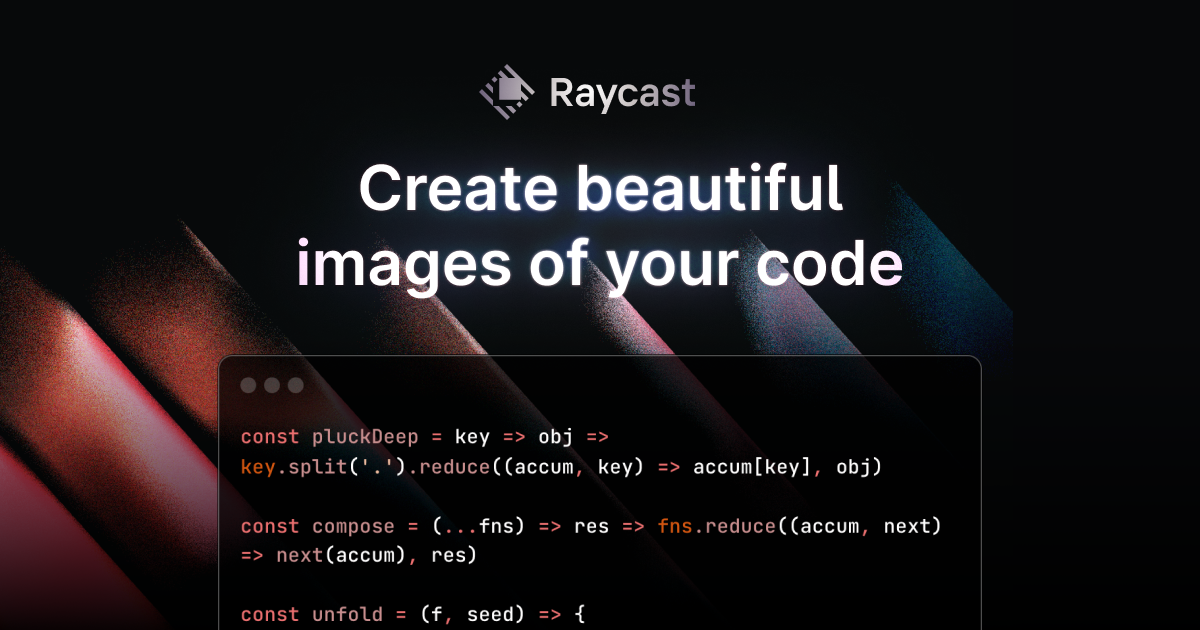
Ray.so, from Raycast, turns a piece of code into an image you can share. You paste or write code in the editor, choose the language, which is detected automatically where possible, and then style the picture. Options include a dark or light window, a choice of syntax colours, whether to show the background and line numbers, and how much padding surrounds the code. Once the image looks right, you export it as a picture for slides, posts or documentation. The tool is a free web app with no sign-in shown on the page, and it is aimed at developers who want clean code screenshots without taking them by hand. The site's own sample shows a short TypeScript React component, and the page is titled Code Images.
- Category
- Photo & Video
- Website
- ray.so