Skip to content
ScreenSage Pro

Alternatives to ScreenSage Pro

200 apps like ScreenSage Pro, closest match first.

Top picks

  1. S

    SmoothRecorder

    Launch

    SmoothRecorder is a native macOS screen recording tool designed for creators and professionals who need polished video content. It automatically adds smooth zooms, enhances cursor visibility, and provides one-click caption generation to spe

  2. S

    Screen Movie

    Launch

    Screen Movie is a native macOS application that combines screen recording, screenshot capture, and video editing in one streamlined tool. Record your screen, capture screenshots, and edit videos directly—adding animated text, images, captio

  3. D

    debut.sh

    Launch

    Debut is a native macOS screen recorder for making product demo videos. You record your screen and Debut adds the polish: smart zoom that follows your cursor and focuses on the relevant parts, smooth cursor motion, click highlights, and stu

  4. S

    Shotbase

    Launch

    Shotbase is a streamlined screen capture and editing workspace designed for macOS users. Capture, edit, organize, and share screenshots and recordings all from one integrated platform. Built for designers, developers, content creators, and

    Rated 4.0

  5. S

    Snapzy

    Launch

    Free and open-source native macOS app for screenshots, screen recording, annotation, and video editing. [![Open-Source Software][OSS Icon]](https://github.com/duongductrong/Snapzy) ![Freeware][Freeware Icon] ![Native App][Native Icon]

    FreeOpen source

  6. S

    Sowiks

    Launch

    You already have a screenshot tool. It came with your Mac, it’s free, and it does exactly one thing: it makes a file. Everything that matters happens after — crop it, mark up what you meant, find somewhere to put it, send a link, hope it op

More like ScreenSage Pro

7
Q

Quick Recorder

A lightweight and high-performance screen recorder

Launch
8
B

BetterShot

Screen recorder featuring cursor zoom and captions

Launch
9
C

Cap

Beautiful, shareable screen recordings

Launch
10
S

Screen Studio

Professional screen recorder for macOS

Launch
11
S

ScreenStory

Create stunning product videos with automatic zoom and motion effects

Launch
12
S

Screenshot

Transform ordinary screenshots into stunning

Launch
13
M

Monosnap

Capture and edit screenshots, upload files, record video and .GIFs!

Launch
14
I

iRecord

Lightweight screen recording and video editor for MacOS

Launch
15
S

Screen Charm

Create screen recordings with auto-zoom in minutes

Launch
16
S

Screenbolt

Record. Edit. Ship

Launch
17
C

Capty

Screen capture and recording tool with built-in editing and annotations

Launch
18
S

SketchScreen

SketchScreen lets you annotate directly on your screen with drawing tools

Launch
19
Z

ZXN Studio

All-in-one screen recording, editing, and effects for Mac

Launch
20
S

Screenpresso

Screenshot and screencast tool

Launch
21
L

Lapser Studio

Create beautiful timelapse screen recordings, effortlessly

Launch
22
C

Canvid

Create Stunning Screen Recordings. No Editing Skills Needed

Launch
23
C

CleanShot X

Discover a superior way to capture your Mac's screen

Launch
24
R

Reframed

Screen recorder with a built-in editor

Launch
25
Z

Zoomedin

Elevate your screen recordings from basic captures

Launch
26
S

Showkit

Beautiful screen recordings without hassle

Launch
27
R

Rapidemo

Automatically beautiful screen recordings. Made for Windows 10 and 11

Launch
28
K

Kap

Capture, edit, and share your screen with ease

Launch
29
S

ScreenKite

3x Faster Screen Recording & Video Editing Powered by AI Agent on Mac

Launch
30
S

ScreenToVideo

Powerful Screen Recorder and Video Editor

Launch
31
S

ScreenOtter

Beautiful screenshots & Cinematic recordings

Launch
32
S

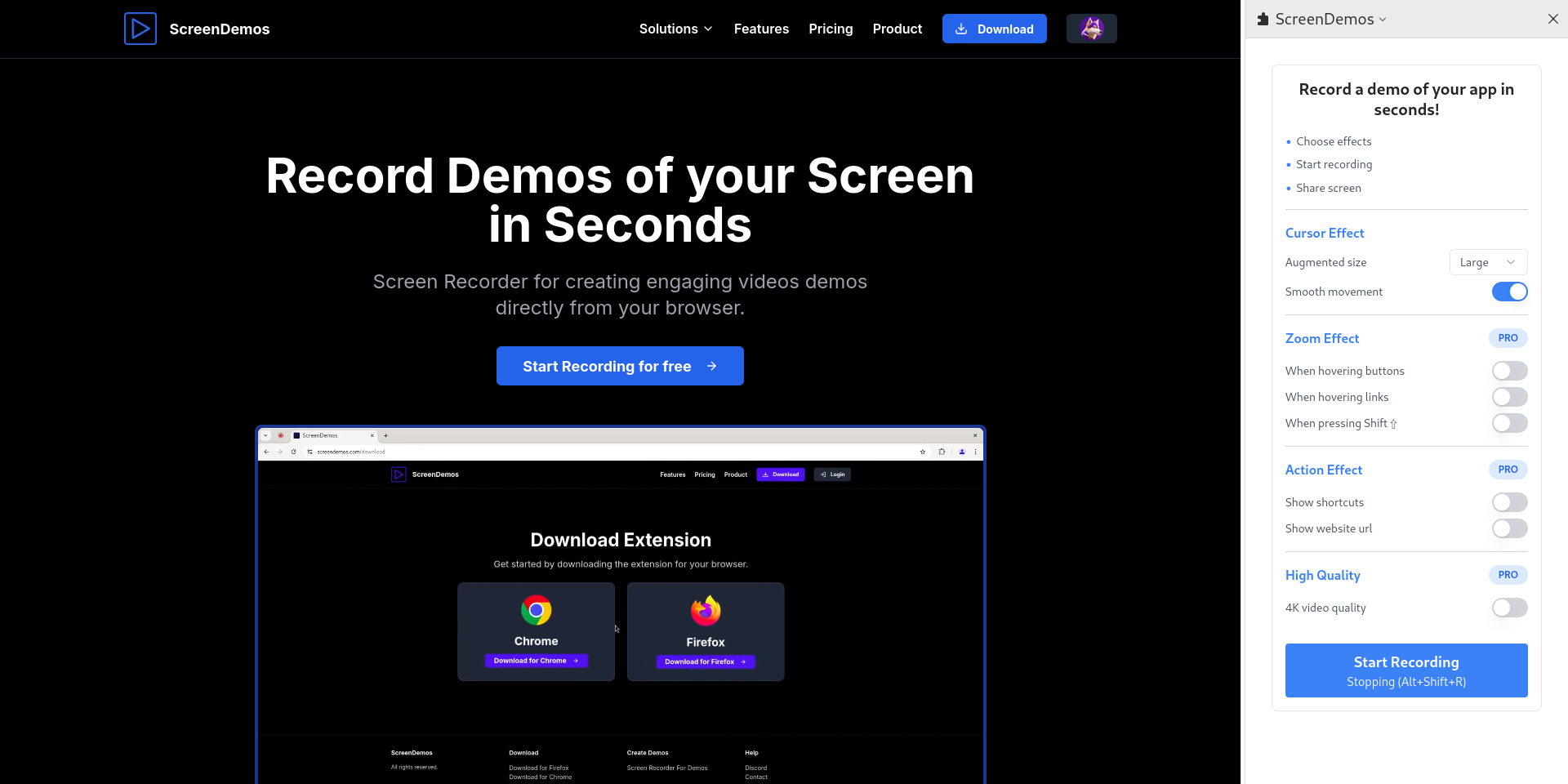
ScreenDemos

Record demo videos with professional effects for your product

Launch
33
A

Articulate Storyline

Create interactive courses with drag-and-drop interface, design content

Launch
34
S

Screentell

Record and edit screen videos

Launch
35
S

Screen Snipe

Screen Snipe is a lightweight, native macOS app for capturing your screen

Launch
36
D

Detail AI Video Content Maker

Create, customize, and share stunning videos effortlessly

Launch
37
C

Capptivo

Give your demos the spotlight they deserve ( Mac/Windows/Linux )

Launch
38
S

ScreenApp

Transform your productivity

Launch
39
D

Deskshare My Screen Recorder Pro

Capture PC screen activity to create demos with audio narration

Launch
40
S

Scre.io

Record videos from the camera or capture from the screen

Launch
41
S

ScreenRec

ScreenRec is a free screen recorder and screenshot tool for Windows

Launch
42
V

Vibrantsnap

Create stunning product demos in minutes

Launch
43
B

BetterCapture

The macOS screen recorder for the rest of us

Launch
44
K

KlipKap Pro

Screen recording that edits itself: auto-zoom, smooth cursor, AI subtitles

Launch
45
S

Screenforge

Screenforge is an all-in-one screen recorder

Launch
46
F

Filmify

Create Stunning Video Mockups—Faster Than Ever

Launch
47
S

Screen Records

Captions and AI editing for your screen recordings all in one app

Launch
48
S

Screen Now

Beautiful browser-based screen recordings

Launch
49
S

Snagit

Screen Capture and Recording Software. Simple and Powerful

Launch
50
S

Screenity

Privacy-friendly screen recorder & video editor

Launch

About ScreenSage Pro
S

ScreenSage Pro

Mac Screen Recorder & Tutorial Maker

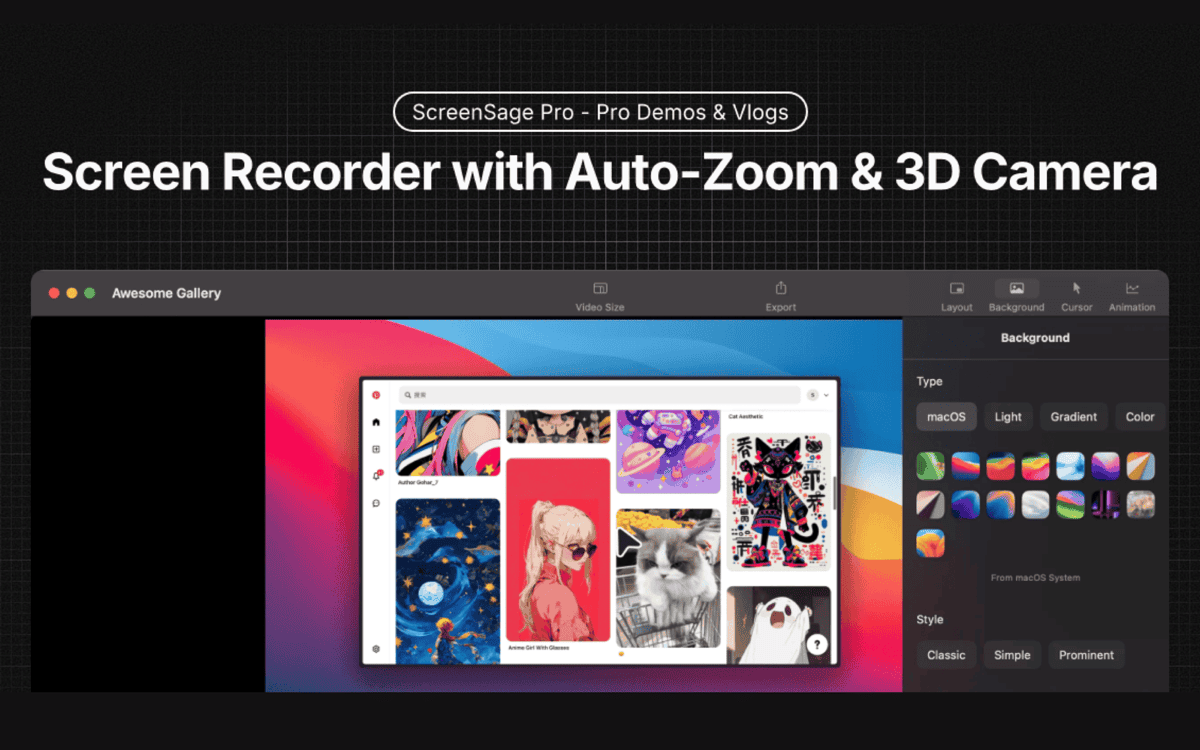
ScreenSage Pro is a screen recorder for macOS, made for product demos, tutorials and promo videos. It records in high quality and adds auto zoom on clicks, 3D camera moves and flexible screen and camera layouts, so you can go from recording to export in one workflow. Built-in editing lets you trim and polish recordings without switching apps. The use cases on the site are professional demos, vlog-style tutorials and 3D promotions. Licenses are one-time purchases with no subscriptions. The Single Device plan covers one Mac, and the Pro plan covers three Macs with priority feature requests and shareable links. The Lifetime plan adds lifetime updates and early access for three Macs. Prices are shown in USD, the product is macOS only, and the site offers a free trial to try it first.

Price
Paid
Category
Design
Website
screensage.pro