













Description
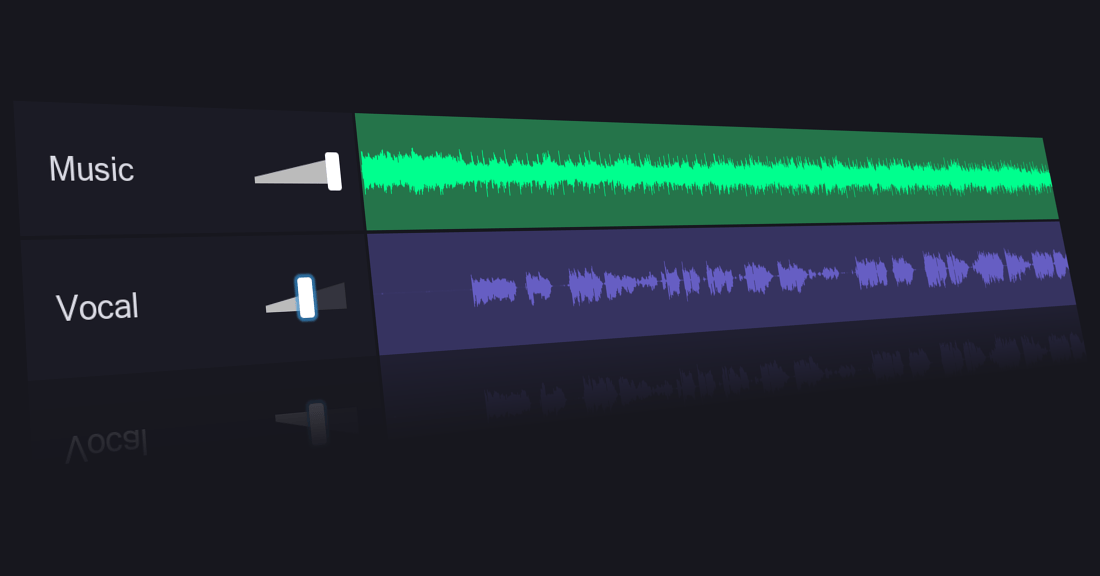
Sievin is an audio tool that separates sounds from a recording using a text prompt. You upload an audio file of up to 10 minutes in MP3, WAV, FLAC or M4A, describe the sound you want to isolate or remove, such as vocals, background noise or drums, and download the result. The engine is Meta's Segment Anything for Audio model, which the site presents as an alternative to fixed stem splitters, because it can isolate sounds you describe in words. It is aimed at video creators, podcasters, educators and musicians who want to clean up speech, remove music or background noise, or pull out an instrument to practise with. The site says files are processed on isolated GPU instances, are auto-deleted after 24 hours, and are never used for AI training. Free use includes three minutes with no credit card. Paid plans are listed as Starter and Creator.…
Highlights
- Separate or remove any sound with a text prompt
- Vocals, background noise, music and speech
- Uploads of up to 10 minutes in common audio formats
- Files auto-deleted after 24 hours
- Three free minutes with no credit card
Ratings & Reviews
No ratings yet
Be the first to rate Sievin.
People also visit
Sievin FAQ
What is Segment Anything for Audio?
An AI model from Meta that isolates any sound from a mixed recording using a text prompt. The site says Sievin is built on it, so creators can use it without audio engineering skills.
What is audio separation?
Pulling one sound out of a mixed recording, such as vocals, music, speech over noise or drums, so you can reuse it in video, podcasts or music.
Do I need audio engineering skills?
No, but the site says a clear prompt helps, because the model is sensitive to how you describe the sound.
How is my audio handled?
The site says files are processed on isolated GPU instances, auto-deleted after 24 hours, and never used for AI training.
What are the best Sievin alternatives?
Popular alternatives to Sievin include Vocal Slice and Silence Slicer. See all Sievin alternatives