















Description
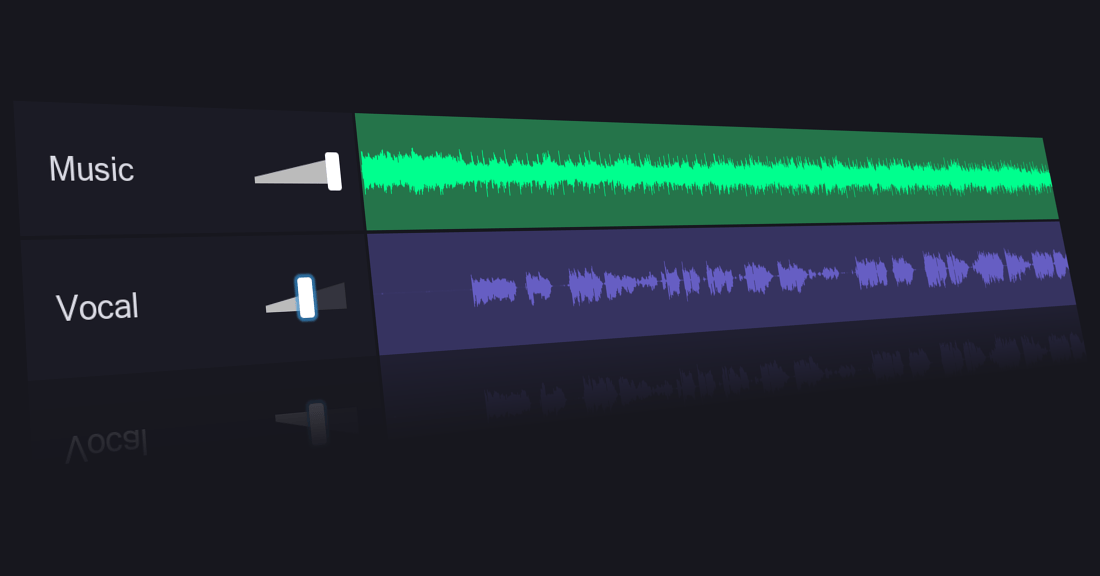
SplitSong uses artificial intelligence to split a song into separate instrument tracks. You upload a song file or paste a YouTube link, and the site separates it into stems. The example on the page uses Michael Jackson's Thriller, showing the full mix with its drums and percussion, instrumental, bass and voice tracks, and each one has its own download button. The drums track covers drums and percussion, the instrumental track covers keyboards, guitars and other instruments, the bass track is the bass line, and the voice track has voices and choirs. The site has a sign-in and login link and says it was created by a maker who lists a Twitter account. The page does not state prices, limits or the file types it accepts, so check those on the site before you rely on it for a project.…
Highlights
- Splits a song into drums, instrumental, bass and voice stems
- Upload a file or import from YouTube
- Download each track separately
- Sign-in for an account
Ratings & Reviews
No ratings yet
Be the first to rate SplitSong.com.
People also visit

SplitFire AI Audio Separator
SplitFire splits any song into stems, right on your iPhone or iPad
SplitSong.com FAQ
What does SplitSong do?
It uses artificial intelligence to split a song into instrument tracks, such as drums, bass, voice and the rest of the instruments.
How do I get a song in?
Upload your own song, or upload from YouTube, using the options on the home page.
What tracks do I get?
The example shows a full mix, a drums and percussion track, an instrumental track that holds keyboards, guitars and other instruments, a bass track and a voice track for voices and choirs.
Does the page list prices?
No. The scan shows no pricing or limits, so check the site before using it on a project.
What are the best SplitSong.com alternatives?
Popular alternatives to SplitSong.com include Spleeter Web, SplitFire AI Audio Separator and Moseca. See all SplitSong.com alternatives