




















Description
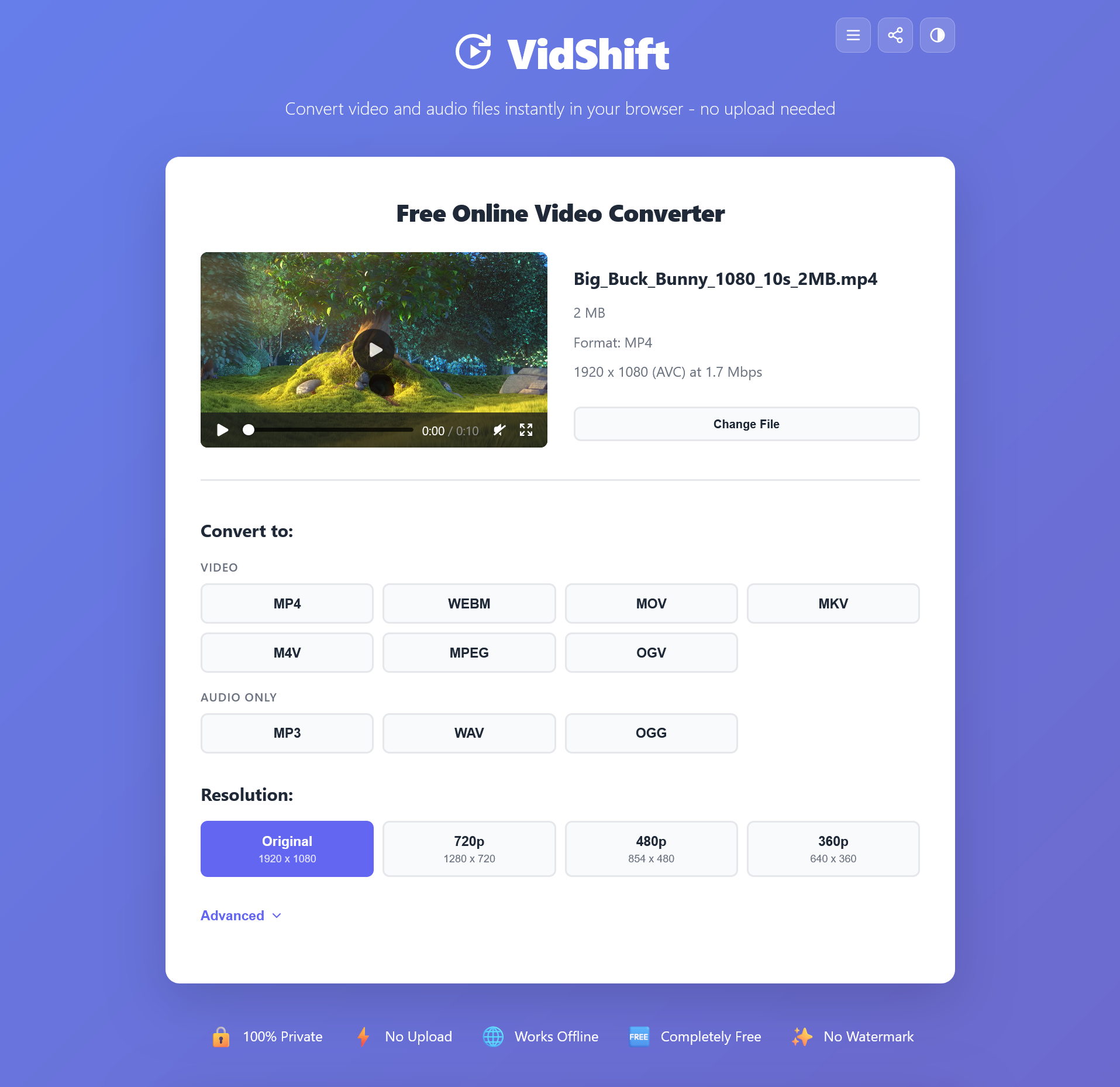
VidShift processes all video and audio files locally in your browser using WebAssembly. Your files never leave your device. Unlike traditional online converters that upload your files to remote servers, VidShift handles everything on your computer. It's the most private way to convert video and audio online. 9 free tools included: Video Converter (MP4, WebM, MKV, MOV, M4V, MPEG, OGV).…
Preview
Highlights
- 100% browser-based processing via WebAssembly
- Convert between MP4, WebM, MKV, MOV, AVI, and audio formats
- Compress videos without noticeable quality loss
- Trim and cut clips with frame-level precision
- Extract MP3 audio from any video
- Create GIFs from video clips
People also visit
Apps people often open alongside VidShift.

Youtube Summary
Summarize any type of YouTube video of any size in under 30 seconds for free
VidShift FAQ
What is VidShift?
VidShift processes all video and audio files locally in your browser using WebAssembly. Your files never leave your device. Unlike traditional online converters that upload your files to remote servers, VidShift handles everything on your computer. It's the most private way to convert video and audio online. 9 free tools included: Video Converter (MP4, WebM, MKV, MOV, M4V, MPEG, OGV).
Is VidShift free?
Yes. VidShift is free to use.
Do I need to download VidShift?
No. VidShift runs in your browser at vidshift.io, so there's nothing to install.
What can you do with VidShift?
Main features: 100% browser-based processing via WebAssembly, Convert between MP4, WebM, MKV, MOV, AVI, and audio formats, Compress videos without noticeable quality loss, Trim and cut clips with frame-level precision, Extract MP3 audio from any video.
What are the best VidShift alternatives?
Popular alternatives to VidShift include Youtube Summary, GetCompress and YTCH. See all VidShift alternatives