












Description
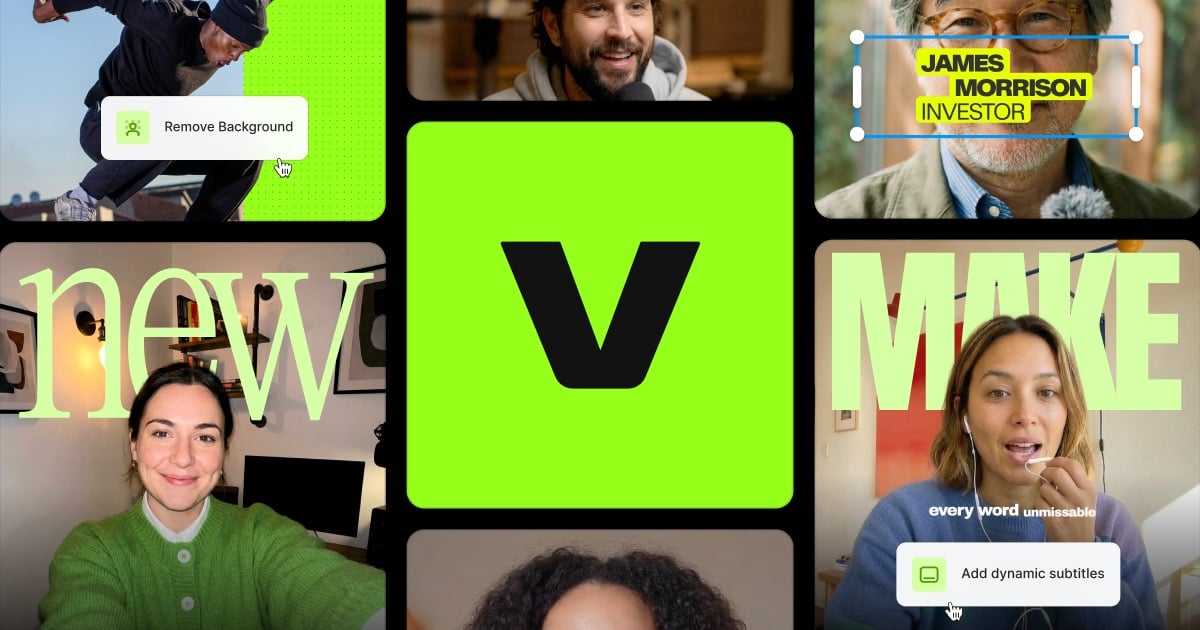
VidStudio is a free online video editor and converter that runs entirely in your browser. The site says there are no uploads to a server and no queue, so your videos are processed privately on your own device. You can resize a video for YouTube, TikTok, Instagram and other formats with letterboxing or cropping, trim and cut clips, batch convert files to a consistent MP4 format, and compress video to a target size or a quality preset. Audio tools extract audio from a video, convert it, mix it and apply effects. Thumbnail tools extract frames, create storyboards, animated previews and sprites. You can add image or text watermarks with timing and movement, use a multi-track video editor with frame-by-frame scrubbing, and add text overlays, burned-in subtitles and animated text. An auto-caption tool transcribes speech, lets you edit the captions and downloads the video with subtitles burned in, also in the browser. The site says there is no signup, no upload and no watermark on the output.…
Highlights
- Runs in the browser, no upload
- Resize, crop and convert video
- Trim, compress and batch convert
- Multi-track editor
- Auto-captions and subtitles
Ratings & Reviews
No ratings yet
Be the first to rate VidStudio.
People also visit
VidStudio FAQ
Are my videos uploaded anywhere?
The site says no. Processing happens locally in your browser, with no uploads to a server.
Do I need to sign up?
No. The site says there is no signup and no watermark on the output.
Can it make captions?
Yes. The auto-caption tool transcribes speech, lets you edit the captions and burns them into the download.
What can it do to a video?
Resize for social formats, trim, compress to a target size, convert to MP4, add watermarks and text, and edit on a multi-track timeline.
What are the best VidStudio alternatives?
Popular alternatives to VidStudio include Reframe, Vididoo and Mastershot. See all VidStudio alternatives