what is chattr? a twitch social network for the hours you're not live
chattr is a free social feed you join with your twitch account. here's what it does, what it can see on your account, and who it suits.
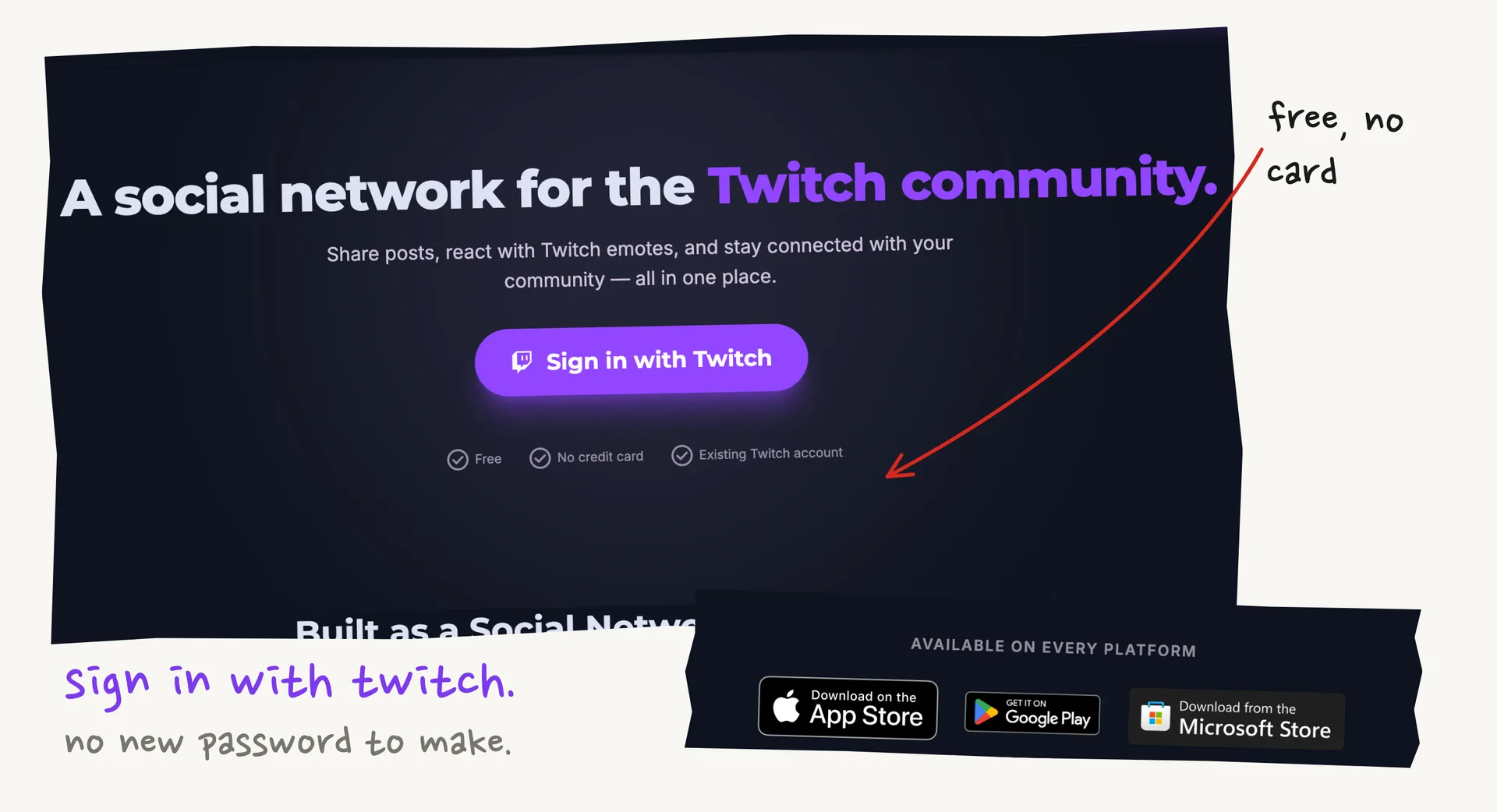
chattr is a free social network for twitch streamers and their viewers. you sign in with your twitch account and get a feed of posts from the people you already follow.
it's aimed at the time between streams. their guide on keeping viewers engaged puts that at 100+ hours a week, when a channel mostly drops out of its viewers' day.
michael brooks, a uk streamer who multistreams on twitch and youtube, is behind it. it launched in june 2026 and isn't affiliated with twitch. his profile shows what an active account looks like.
you can use it in the browser or get the app for ios, android or windows. google play shows 5k+ downloads.
what's in the feed
posts can be text, images, video, twitch clips or voice notes. people can comment, repost, quote and @mention, and tags help the right communities find a post.
clips embed, so you can watch and react without leaving. voice notes get an ai transcript.
reactions are twitch emotes like kreygasm and bleedpurple, and custom emotes work in posts and comments with autocomplete.
that suits lurkers, who would rather tap an emote than type. their post on why twitch chat has gone quiet gets into how many viewers now watch without saying a word.
live alerts
when someone you follow starts streaming, a red ring appears on their profile picture and a live card drops into your feed. the streamer doesn't have to write anything.
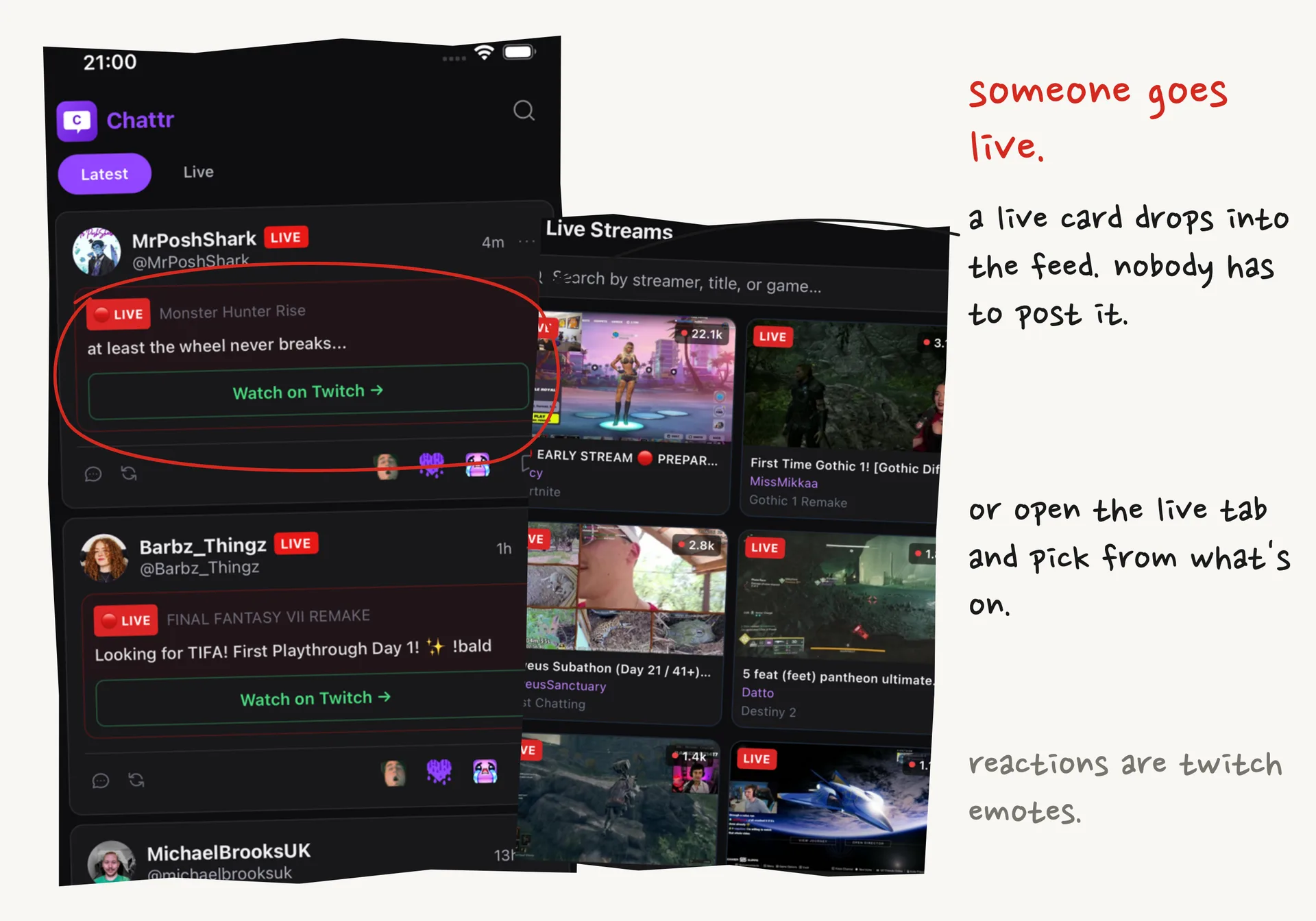
the live tab shows who's on right now, and you can browse it by game.
finished streams show up as posts too, with a link to the vod on twitch. so a profile fills up even if someone never writes a word.
sub-only posts
a streamer can switch on "subs only" for a post, clip or voice note. chattr checks each viewer's sub with twitch, so nobody keeps a list, and access can end when a sub lapses.
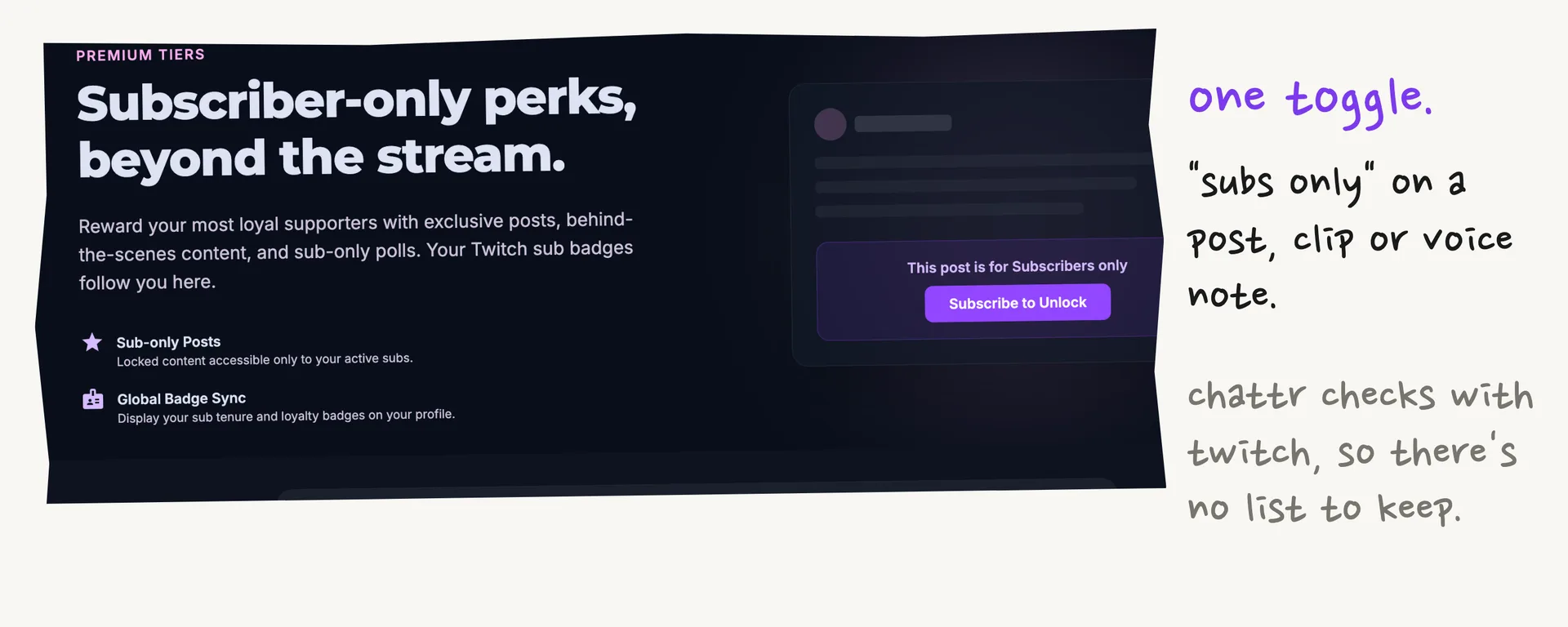
twitch can limit a whole broadcast to subs, but their sub perks guide says that takes 90 unique broadcast days as an affiliate or partner. a gated post works on the days you're offline.
their advice is to try it small: gate one clip or voice note this week and watch what it does to engagement.
viewers can also tip from a profile or a post. stripe handles the payment, and tips are non-refundable. the terms don't mention a chattr fee on tips, so ask them if that matters to you.
what it can see on your twitch account
sign-in goes through twitch's own page, so chattr never sees your password. this is what it asks for.
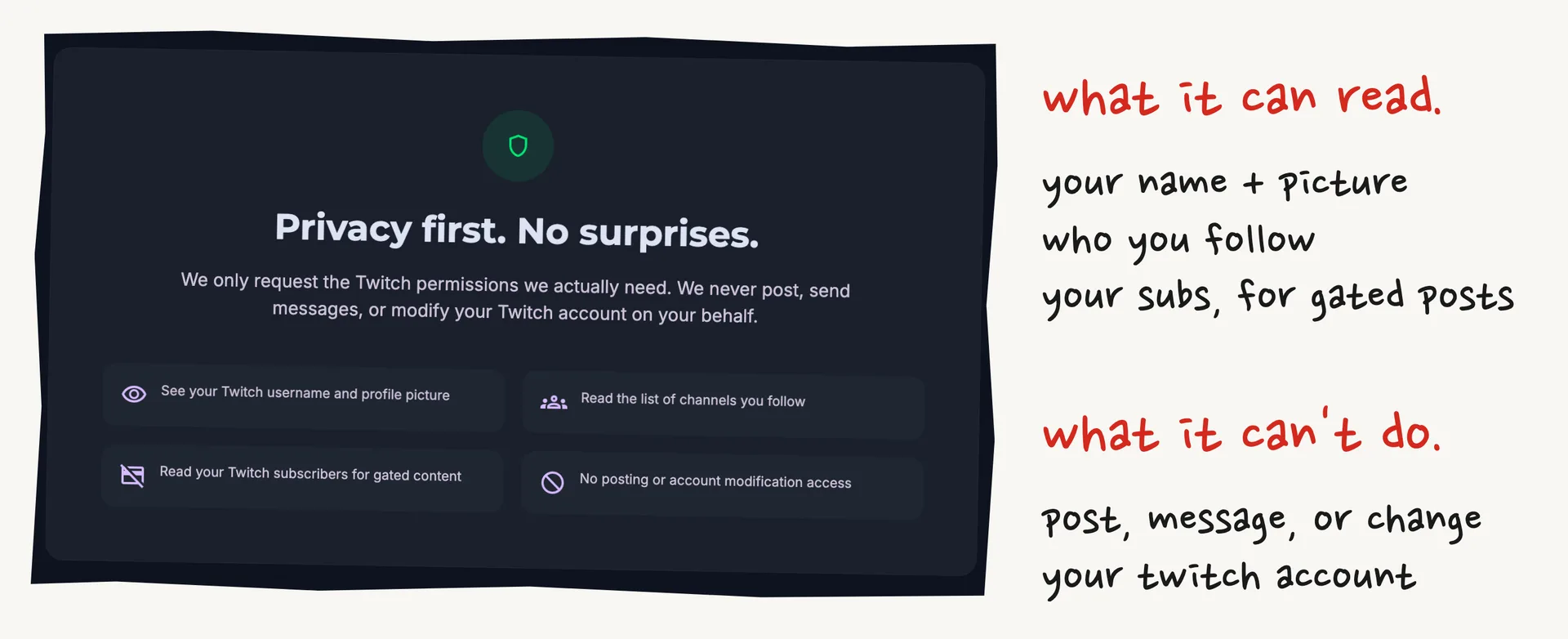
you can delete your account yourself in settings, and the deletion page says what's removed and how long it's kept.
the ios privacy label is worth a look too. it lists usage data as something that may be used to track you across other companies' apps and sites.
chattr or discord
chattr's own answer is to keep both. their twitch vs discord guide says discord wins for voice, live chat and moderation, and a feed is for posts people should still be able to find next week.
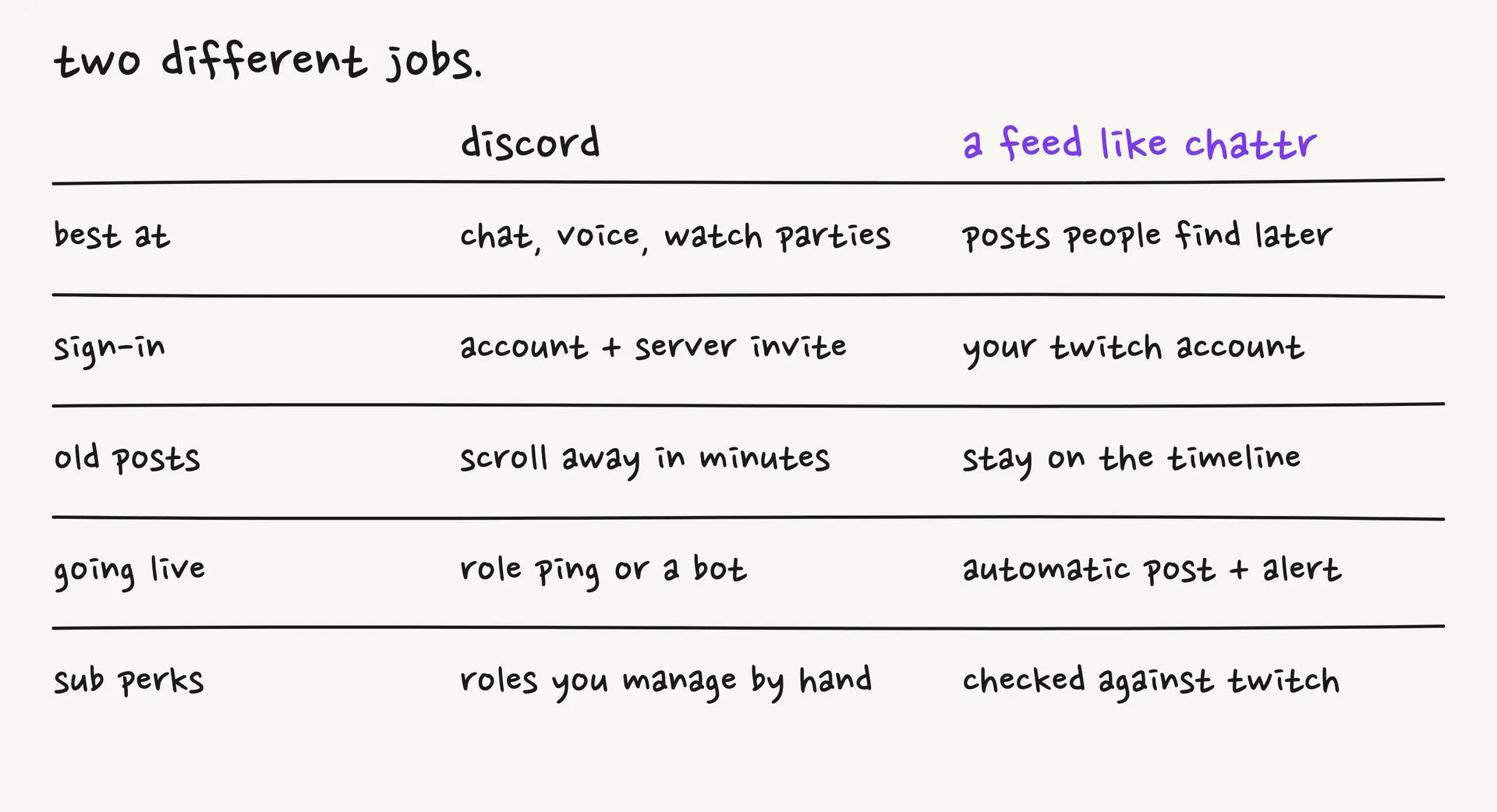
we think that's the right way to pitch it. a streamer with a busy server has no reason to move it, and can add a feed for clips and updates.
what you can use without signing in
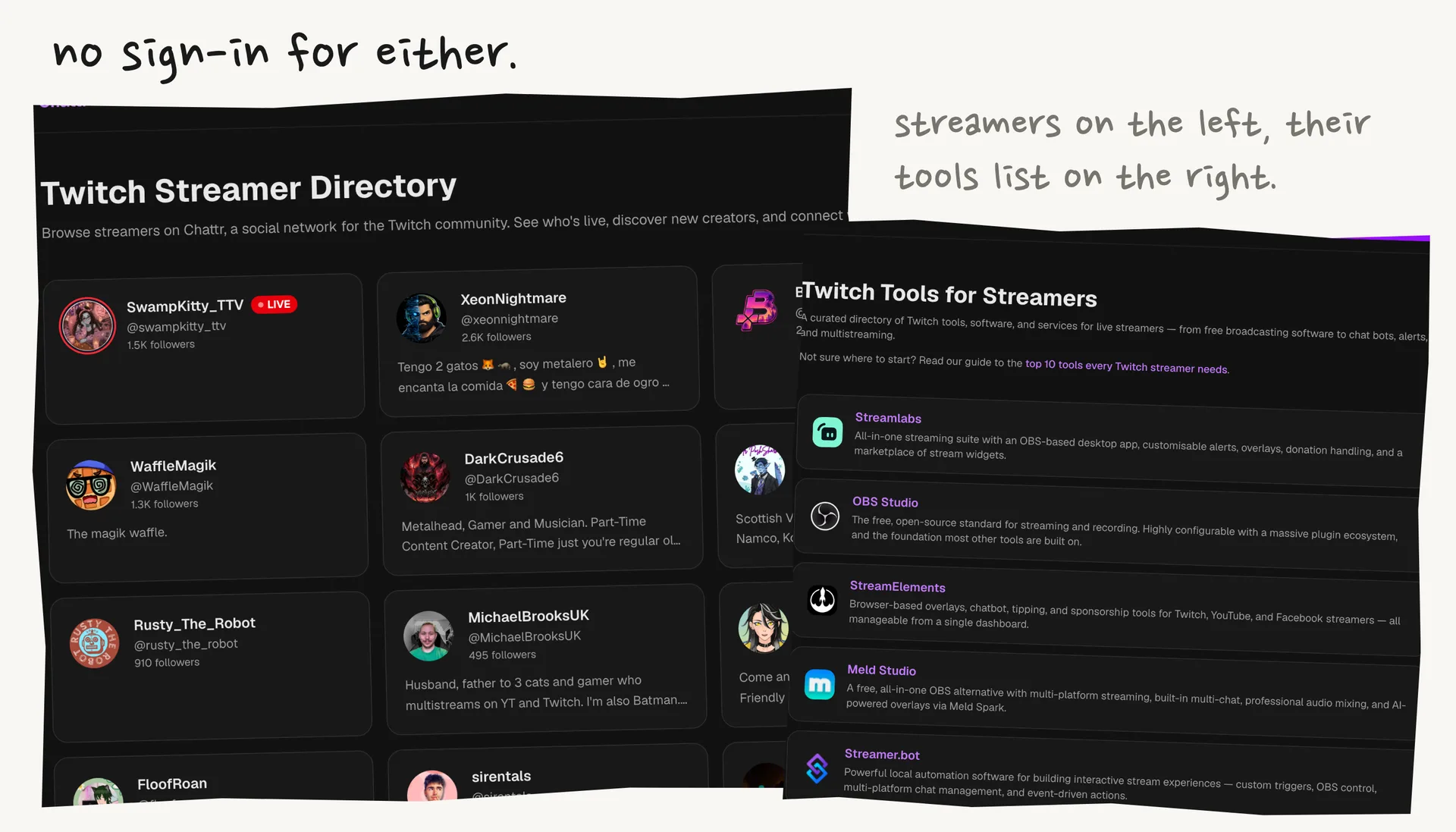
the streamer directory lists who's on chattr. the game pages, like just chatting, put live channels first and then sort by followers.
stream tools is their list of software for streamers, from obs and streamer.bot to sery bot, with a line on what each one does.
the blog is mostly practical twitch guides. two good ones to start with are earning without affiliate, which explains the catch in the may 2026 change, and free chat and moderation tools.
who it suits
it suits streamers with a group of regulars who want somewhere to keep clips, updates and sub perks. viewers who follow a few channels and want a fast live alert get something out of it too.
it suits you less if your community isn't on twitch, because a twitch account is the only way in.
the network is also still small. the directory runs to two pages today, so check that your people are there before you ask everyone to move over.
that's also the easiest first test. sign in, let it sync your follows, and see how many of them are already posting.
Disclosure: This article was sponsored by Chattr as part of the dotstore Ultra plan.