Alternatives to Copy Text Easily
200 apps like Copy Text Easily, closest match first.
Top picks
- T
TextGO
LaunchTextGO is an open-source text tool for macOS and Windows that turns a text selection into an action. When you select text, a floating toolbar offers actions, and clicking one replaces the selected text with the result. Each action can have
FreeOpen source
- C

Copy 'Em
LaunchTurbocharge your copy & paste with Copy 'Em! Automatically capture everything you copy—text, images, links, files—and access, organize, and paste it in an instant. CAPTURE ANYWHERE • Automatically save everything you copy and easily exclude
- C
Cpdown
Launch📥 cpdown - Copy to clipboard any webpage content/youtube subtitle as clean markdown with one click or shortcut
FreeOpen source
- C

Copy Quick
LaunchTired of manually copying email address and other text from a document when the developer has been lazy and not made the textfield a email adapted one? With Copy Quick you just copy the text in the textfield quickly and can use it on any we
- C
CustomPaste
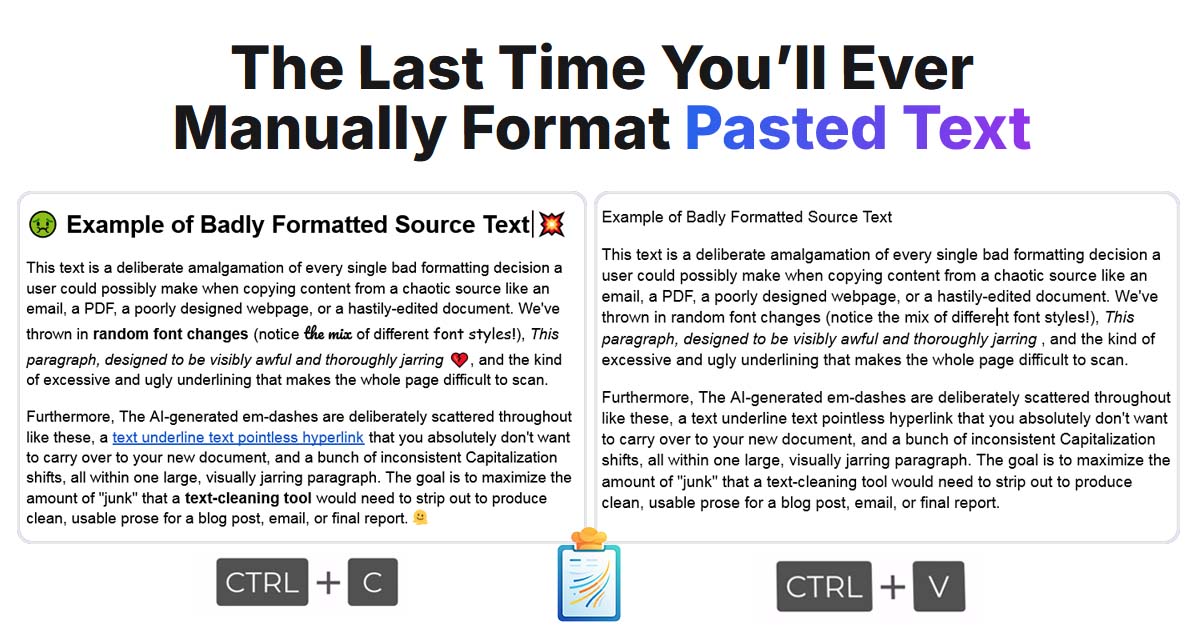
LaunchCustomPaste is a Windows utility that changes how clipboard text is pasted. You set up reusable recipes that clean, format and transform text automatically as you paste it. For example, a recipe can strip hidden formatting, enforce a prefer
- C

Clasp
LaunchKeep copied content and reusable snippets together with Clasp. Browse saved text, links and images, search your content, and organize a paste queue. Use the optional keyboard extension to insert saved snippets in other apps. Record audio no
More like Copy Text Easily


























About Copy Text Easily

Copy Text Easily
Copy any text with one click—no selection needed
Copy Text Easily is a free browser extension for Chrome, Edge, Brave and Opera that copies text with one click. You hover over a paragraph, sentence or custom selection and click it, and the text is copied without highlighting or pressing Ctrl+C. Every copy is saved to a clipboard you can open on any page, so earlier snippets are not lost when you copy something new. Links and dropdowns can be copied without opening them: hover until the preview appears, then press Ctrl+C. The free version covers click-to-copy and the on-page clipboard. A one-time Pro upgrade adds site rules, regex, link copy and system-wide capture of Ctrl+C copies, with per-site controls. Copied text is processed and stored locally, and no account is needed. The extension starts turned off, so you switch it on in the popup and reload the page. It suits researchers, students and writers who collect passages from the web.
- Price
- Freemium
- Category
- Productivity
- Website
- devapt.com