Skip to content
Kapshot

Free alternatives to Kapshot

200 free apps like Kapshot, closest match first.

Top picks

  1. B

    BetterShot

    Launch

    Screenshot, screen recording, and video editor for macOS. Native SwiftUI app with capture deck, 75+ customizable shortcuts, URL scheme automation, and self-hosted cloud sharing. Open-source alternative to CleanShot X and Loom.

    FreeOpen sourceSelf-hosted

  2. K

    Kap is an open-source screen recorder for macOS, built with web technology. You capture your screen and export it as a GIF, MP4, WebM or APNG, with optional audio, highlighted clicks and trimming. It is aimed at tutorials, product demos and

    FreeOpen source

  3. S

    Screenbolt

    Launch

    Screen Bolt is a native macOS app for recording and polishing screen recordings. It is built for tutorials, demos and product videos, and it can record in 1080p or 60fps. Its auto-zoom tracks every cursor movement, click and keystroke, and

    Free

  4. S

    Super Recorder

    Launch

    Super Recorder is a screen recording app for Windows and Linux, built for making product demos, tutorials and walkthroughs. You can record a specific application window or the whole screen, and the site says recordings use native resolution

    Free

  5. O

    OpenScreen

    Launch

    OpenScreen is a free, open source screen recorder and video editor for Windows, macOS and Linux. It is built to turn screen recordings into polished demos, with automatic zooms, a smooth cursor, styled backgrounds and an editable cursor. Yo

    FreeOpen source

  6. S

    Screendrift

    Launch

    ScreenDrift is a browser editor that turns a screen recording into a framed, 3D-style product video. You drop in an MP4, MOV or WebM file, then apply camera transforms such as rotation, scale, offset and depth. You can pick from more than 4

    Free

More like Kapshot

7
S

Screenarc

Cross-platform screen recorder & editor

Launch
8
P

Popshot

Turn screenshots into polished, platform-sized visuals instantly

Launch
9
S

Scre.io

Record videos from the camera or capture from the screen

Launch
10
Z

Zumie

Screen recordings made beautiful

Launch
11
C

Capturer

Screenshot, Screen Recording (Video & Gif), Quick Look

Launch
12
C

Capptivo

Give your demos the spotlight they deserve ( Mac/Windows/Linux )

Launch
13
T

Tokokino

In-browser editor for device framing and mockups

Launch
14
A

Awesome Screenshot & Screen Recorder

Full page screen capture and screen recorder 2 in 1

Launch
15
S

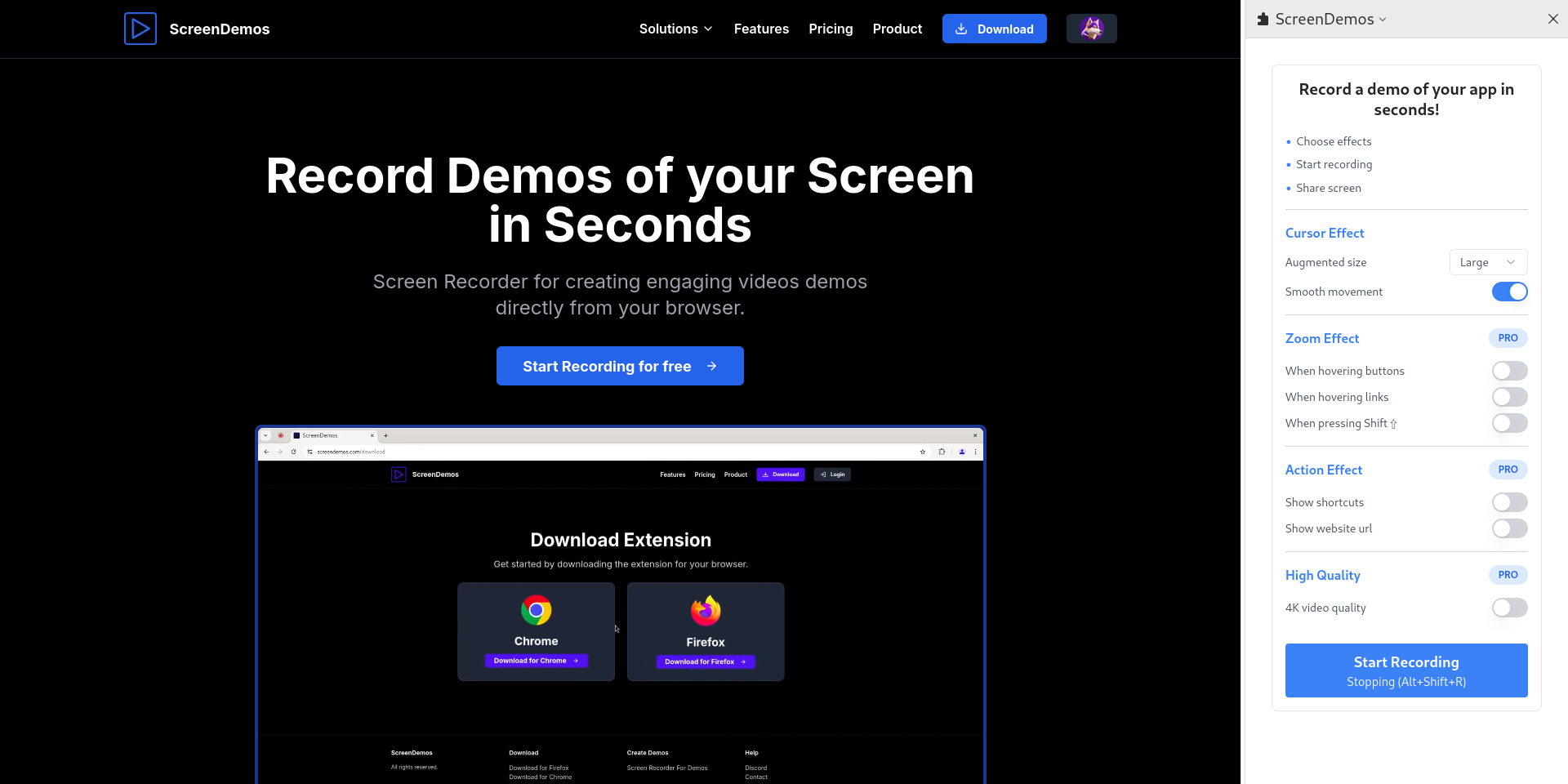
ScreenDemos

Record demo videos with professional effects for your product

Launch
16
S

Screenize

Open-source screen recorder with auto-zoom, cursor effects, and timeline editing

Launch
17
C

Capso

Open-source screenshot and screen recording for macOS

Launch
18
Z

Zoomr

Screen recorder with live zoom

Launch
19
W

WowMotion

Create Beautiful Launch video without editing skills

Launch
20
C

Captura

Capture Screen, Audio, Cursor, Mouse Clicks and Keystrokes

Launch
21
Z

Zoomify Studio

An alternative to Screen Studio. But web-based and affordable

Launch
22
P

Poko Motion

AI video generator for product demos, slides, and docs

Launch
23
S

Snapzy

Free and open-source native macOS app for screenshots, screen recording

Launch
24
R

Recorder

Open-source web app to record screen

Launch
25
V

video-shotcraft

Create cinematic product videos from shot recipe cards, a validated template

Get
26
B

browser-video-recording

Create polished 60 fps 4:3 4K browser screen-recording style videos

Get
27
G

gifcap

Gifcap allows users to create animated GIFs

Launch
28
R

Reframed

Screen recorder with a built-in editor

Launch
29
F

Focshot

Highlight what matters in your screenshots

Launch
30
Y

YoRecord

Record your screen. Share your message. Skip the meeting

Launch
31
E

Electroncapture

Playback video in a frameless electron app for screen-sharing and window capture

Launch
32
G

Guidesnap

Guidesnap turns screen recordings into polished PDF guides

Launch
33
S

screenci

Create, show, and guide with ScreenCI videos in an already-initialized project

Get
34
S

Screendrop

A beautiful screenshot + screen recording + Loom alternative

Launch
35
S

Screenize

(Development of Screenize is currently paused) Open-source macOS screen

Launch
36
S

ScreenPolish

Free in-browser screenshot editor with gradients, rounded corners & shadows

Launch
37
S

Shotzio

Make every screenshot beautiful

Launch
38
B

BlitzRecorder

BlitzRecorder is a macOS screen recording app

Launch
39
S

ScreenCapture

A feature-rich screen capture software with just a single executable file

Launch
40
D

Dev Video Creator

Incredible drastically simplifies creation of developer video content

Launch
41
V

VokoscreenNG

vokoscreenNG is a powerful screencast creator in many languages

Launch
42
S

Shotluma

Open-source, local-first AI App Store screenshot editor

Launch
43
M

Matteshot

Free, open source Windows screenshot and screen recording tool

Launch
44
Z

Zight

Where Collaboration Flows Effortlessly

Launch
45
S

Shortcast

Native macOS app: drop a long video → auto-cut viral shorts

Launch
46
P

playwright-recording

Record browser interactions as video using Playwright

Get
47
1

1001 Record

1001 Record is a simple and reliable Mac screen recorder

Launch
48
S

Seamlift

Ship videos, not email threads

Launch
49
O

Openvid

Create professional demos and 3D mockups in seconds, directly in your browser

Launch
50
T

TidyShot

Paste it. Organize it. Find it. Right after capture

Launch

About Kapshot

K

Kapshot

Creates Screen recordings that look like you edited them

Kapshot is a screen recorder for macOS that turns ordinary screen captures into polished videos. As you record, it zooms in on each click, smooths the cursor and frames every shot, so the result looks edited without you opening a timeline. The cursor can be replaced with a clean, smooth one that you size yourself, with optional click ripples. Zoom levels run from 1x to 4x, and clusters of rapid clicks in one spot become a single zoom. The recording can be placed on a styled canvas with one of seven background presets or your own image, with padding, rounded corners and drop shadows. A built-in editor handles trimming, so you do not need a separate app. The site says capture runs at 60 fps and that you can export one clean MP4 in a single click.

Category
Photo & Video
Website
kapshot.cloud