Alternatives to Remove Audio
200 apps like Remove Audio, closest match first.
Top picks
- S

SimpleClean.app
LaunchSimpleClean removes background noise and wind noise from audio and video files using AI. You upload a file and get a cleaned 30-second preview to hear before you pay. To download the full file you pay a fee per file, and the payment page ac
- A
Audio Cleaner AI
LaunchAudio Cleaner AI is an online tool for removing background noise and unwanted sounds from audio and video files. It sits within AudioMuse, a set of browser-based audio tools for music, podcasts and video. The noise tools include an AI noise
- V

VoxCut – Silence Remover
LaunchVoxCut detects and automatically cuts the silent parts from your podcasts, interviews, recordings and training videos — in one click. 100% local: your files never leave your computer. No cloud, no subscription. FFmpeg is bundled, so there i
- D

Denoiser
LaunchRemove background noise from audio with studio quality results. AI-powered denoiser available as a standalone app and VST3/AU/AAX plugins for Mac and Windows.
- M

MP3 Cut
LaunchMP3Cut is an online audio cutter from the 123apps set of web tools. You upload an audio file, use the sliders to select the part you want to keep, and click Cut to save only that section. The site says it supports more than 300 audio format
- C
Clean Voice
LaunchRemove background noise from audio and remove background noise from video with Clean Voice's AI-powered tool. Make podcasts, voiceovers, interviews, and videos clear.
More like Remove Audio


RemoveFromVideo
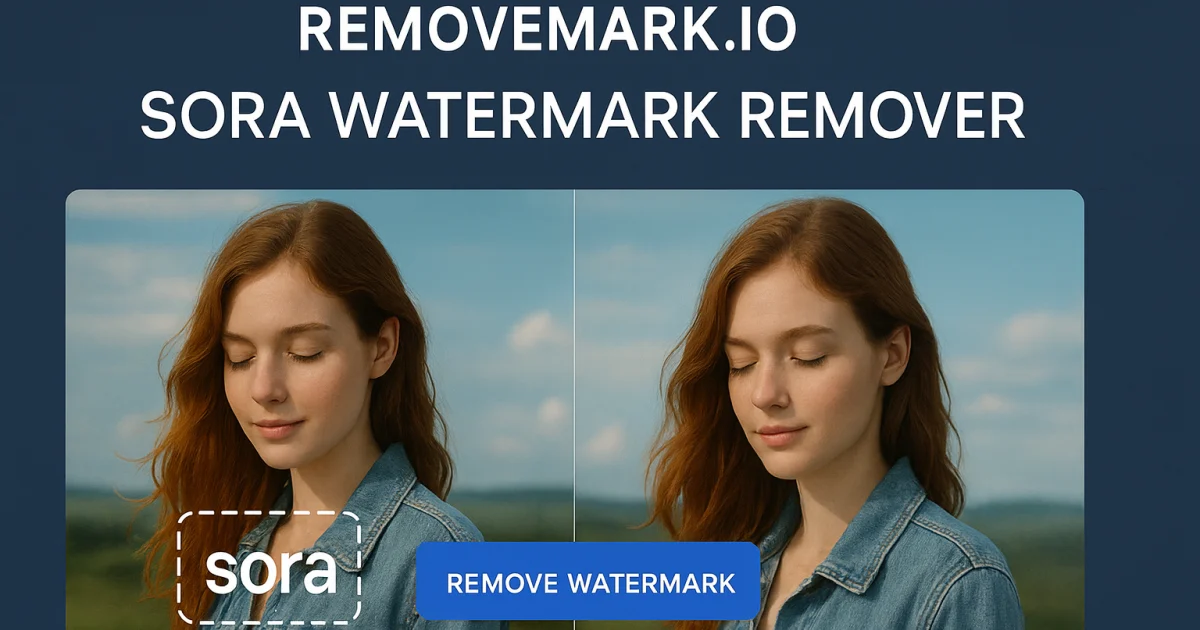
Remove watermark, text, subtitles and unwanted objects from video online with A








Remover.video
Easily remove text, watermarks, and logos from your videos with this pro AI tool
















About Remove Audio

Remove Audio
Runs Locally, No Watermarks
Remove Audio is a free browser tool that strips the sound track from a video file and leaves the picture untouched. Most of the work runs on your own device with WebAssembly, so the video is processed in your browser and the site says it is never uploaded. You can add up to 20 clips at once in formats such as MP4, MOV, MKV, AVI and WebM, and download the silent versions. The site says there are no watermarks, and local processing needs no sign-up. For files that are too large for your device, very long videos, or faster processing, a Cloud option runs the same job on the company's servers for credits, and new accounts get 10 free credits. The tool is aimed at creators who need silent clips for social posts or want to add a new soundtrack to footage. It works in browsers on iPhone, Android, Mac and Windows.
- Price
- Freemium
- Category
- Music
- Website
- remove-audio.com