Free alternatives to ScreenCursor
200 free apps like ScreenCursor, closest match first.
Top picks
- B
BetterShot
LaunchScreenshot, screen recording, and video editor for macOS. Native SwiftUI app with capture deck, 75+ customizable shortcuts, URL scheme automation, and self-hosted cloud sharing. Open-source alternative to CleanShot X and Loom.
FreeOpen sourceSelf-hosted
- R

Recorder
LaunchRecorder is an open source web app that records your screen and camera right in the browser. Nothing needs to be installed. You start by sharing your screen, and the app lets you choose screen only, screen and camera, or camera only. The pr
FreeOpen source
- S

Screenize
LaunchScreenize is a free, open source screen recorder for macOS that adds zoom and click effects automatically. It watches your cursor and clicks while you record, generates zoom keyframes, zooms in on clicks and pulls back when you move around.
FreeOpen source
- S

Scre.io
LaunchScre.io is a free screen and camera recorder. You can capture a browser tab, a single window or the whole desktop, or record video from your webcam or front-facing camera. It works on Mac and Windows as an app, and as an extension for Chrom
Free
- S
Screenarc
LaunchScreenArc – Cross-platform screen recorder & editor with automatic cinematic zooms, mouse tracking, and effortless video creation.
FreeOpen source
- Z

Zoomify Studio
LaunchZoomify Studio is a web-based screen recorder that adds smooth zoom effects to your videos. You record your screen with or without your webcam, or import an existing video, then apply zooms to the points that matter and export the result. T
Free
More like ScreenCursor



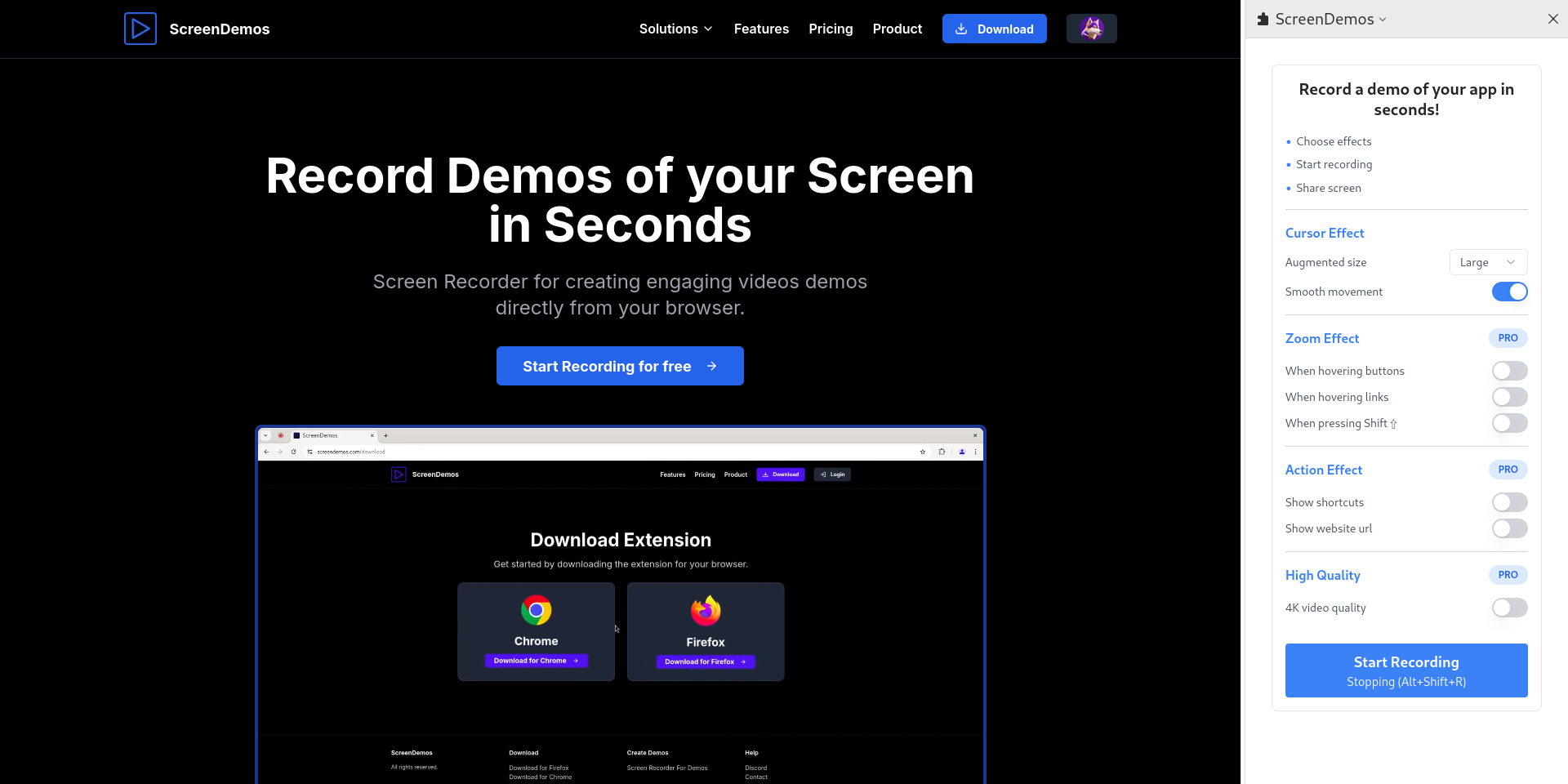












Electroncapture
Playback video in a frameless electron app for screen-sharing and window capture















About ScreenCursor

ScreenCursor
Record your screen and get back a finished video
ScreenCursor is a Chrome extension that records your screen and adds the zoom effects a video editor would normally need you to place by hand. While you record, every click, drag and keystroke becomes a camera move that arrives just before the action, holds steady, then follows your cursor. When you finish, you can trim the recording, cut dead air or adjust any zoom, then export an MP4 at up to 1080p straight to your Downloads folder. It is built for product demos, tutorials and walkthroughs, for people who want a finished-looking video without learning a timeline. The site says recording, editing and export all run inside the browser, that nothing is uploaded, and that there is no account to create. It works on Windows, Mac and Linux, and it is a one-time payment rather than a subscription.
- Price
- Paid
- Category
- Developer Tools
- Website
- screencursor.com