Alternatives to VidStudio
200 apps like VidStudio, closest match first.
Top picks
- R

Reframe
LaunchFree, open-source video editor that runs entirely in your browser. No login, no uploads, no ads. Resize for any platform, trim, rotate, adjust speed, and export.
Open source
- V

Vididoo
LaunchVididoo is a free, open-source web tool for editing video, image and audio files. It groups the common quick jobs in one place: cutting a video, merging several clips, cropping, resizing, compressing, adding a watermark, changing playback s
Open source
- M

Mastershot
LaunchMastershot is a free set of video, image and audio tools that run in your browser. You can compress, trim and convert video, combine clips, add music or a voiceover to a video, remove a video background and add subtitles. The image tools co
- V
VidShift
LaunchVidShift processes all video and audio files locally in your browser using WebAssembly. Your files never leave your device. Unlike traditional online converters that upload your files to remote servers, VidShift handles everything on your c
- K

Kapwing AI Video Editor
LaunchKapwing is an online video editor that runs in the browser. Its core editor lets you combine tracks, cut clips and add effects, and it sits alongside tools for subtitles, dubbing into more than 40 languages, text-to-speech voiceovers, audio
- S
Shortcast
LaunchNative macOS app: drop a long video → auto-cut viral shorts, captioned for TikTok/Reels/YouTube, reframed to vertical, and scheduled. 100% on-device (Gemma 4 12B + WhisperKit + MLX).
Open source

More like VidStudio


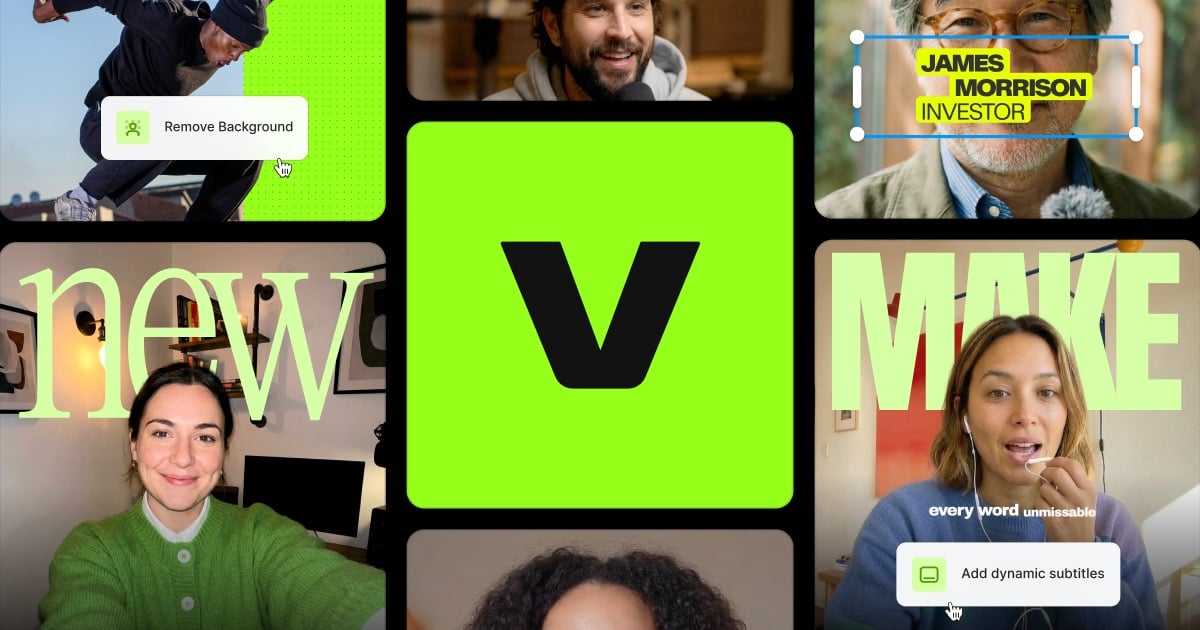



Videdit - Handy Video Editor
Videdit has more than 30 features: Info, Trim, Crop, Blend, Erase, Chromakey




Short Video Maker
A free open-source project designed to turn youtube-videos into viral short…
Captions Generator
Captions Generator turns any video into accurate, editable captions in minutes









About VidStudio

VidStudio
Free Online Video Resizer & Editor
VidStudio is a free online video editor and converter that runs entirely in your browser. The site says there are no uploads to a server and no queue, so your videos are processed privately on your own device. You can resize a video for YouTube, TikTok, Instagram and other formats with letterboxing or cropping, trim and cut clips, batch convert files to a consistent MP4 format, and compress video to a target size or a quality preset. Audio tools extract audio from a video, convert it, mix it and apply effects. Thumbnail tools extract frames, create storyboards, animated previews and sprites. You can add image or text watermarks with timing and movement, use a multi-track video editor with frame-by-frame scrubbing, and add text overlays, burned-in subtitles and animated text. An auto-caption tool transcribes speech, lets you edit the captions and downloads the video with subtitles burned in, also in the browser. The site says there is no signup, no upload and no watermark on the output.
- Price
- Free
- Category
- Photo & Video
- Website
- vidstudio.app