Skip to content
ScreenSage Pro

Free alternatives to ScreenSage Pro

200 free apps like ScreenSage Pro, closest match first.

Top picks

  1. S

    Snapzy

    Launch

    Free and open-source native macOS app for screenshots, screen recording, annotation, and video editing. [![Open-Source Software][OSS Icon]](https://github.com/duongductrong/Snapzy) ![Freeware][Freeware Icon] ![Native App][Native Icon]

    FreeOpen source

  2. Q

    Quick Recorder

    Launch

    A lightweight and high-performance screen recorder for macOS [![Open-Source Software][OSS Icon]](https://github.com/lihaoyun6/QuickRecorder) ![Freeware][Freeware Icon]

    Free

  3. B

    BetterShot

    Launch

    Screenshot, screen recording, and video editor for macOS. Native SwiftUI app with capture deck, 75+ customizable shortcuts, URL scheme automation, and self-hosted cloud sharing. Open-source alternative to CleanShot X and Loom.

    FreeOpen sourceSelf-hosted

  4. S

    Screenbolt

    Launch

    Screen Bolt is a native macOS app for recording and polishing screen recordings. It is built for tutorials, demos and product videos, and it can record in 1080p or 60fps. Its auto-zoom tracks every cursor movement, click and keystroke, and

    Free

  5. S

    SketchScreen

    Launch

    SketchScreen is a versatile application designed for real-time annotation directly on your screen. Ideal for educators, presenters, and professionals, it offers a suite of powerful drawing tools that enhance your presentations, lectures, an

    Free

  6. R

    Reframed

    Launch

    Reframed is a screen recorder for macOS with a built-in video editor. You can record a full screen, a single window or a custom region at up to 60 fps, and you can record connected iPhones and iPads over USB, which the site suggests for app

    FreeOpen source

More like ScreenSage Pro

7
K

Kap

Capture, edit, and share your screen with ease

Launch
8
S

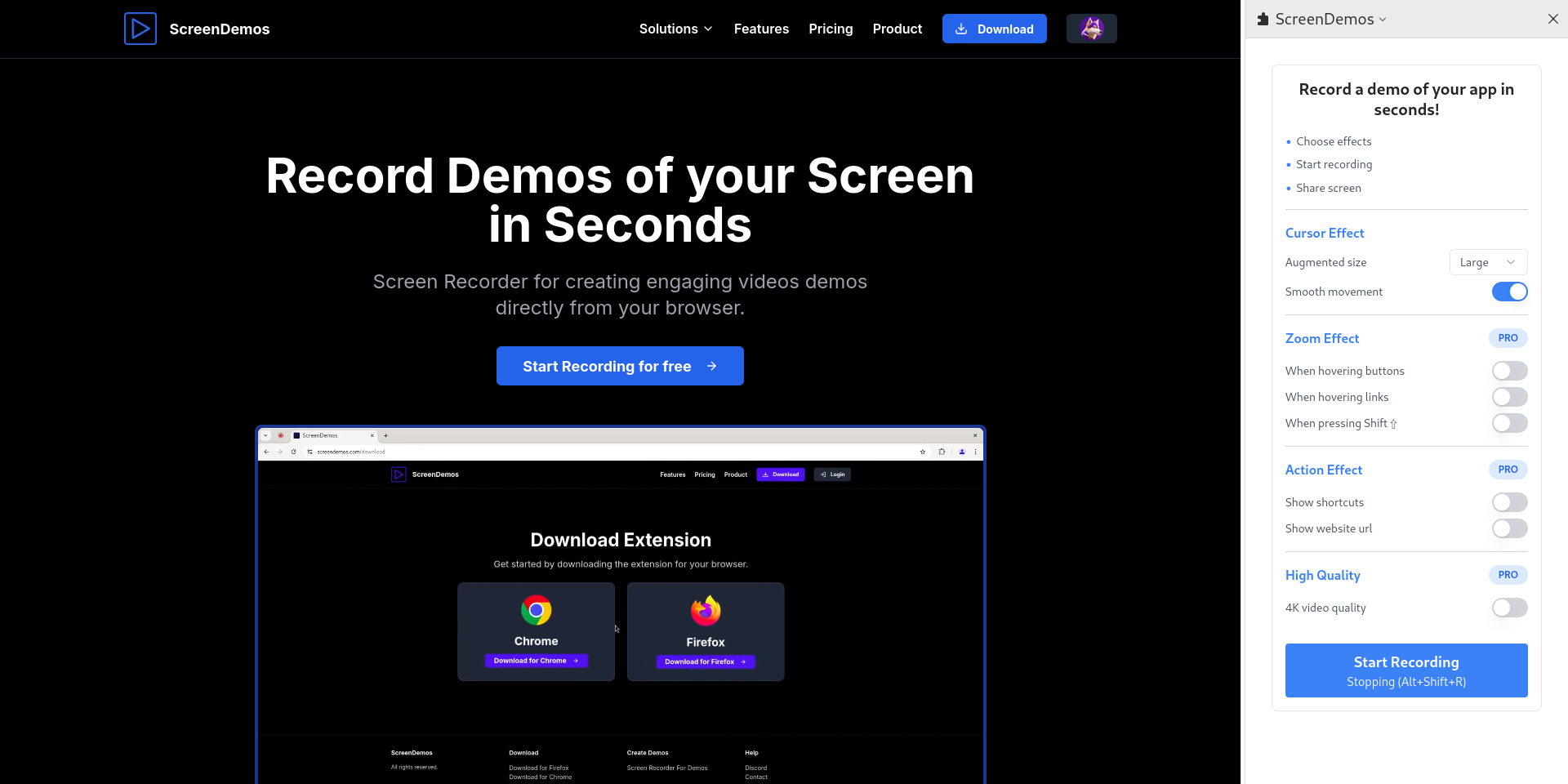
ScreenDemos

Record demo videos with professional effects for your product

Launch
9
C

Capptivo

Give your demos the spotlight they deserve ( Mac/Windows/Linux )

Launch
10
S

Scre.io

Record videos from the camera or capture from the screen

Launch
11
B

BetterCapture

The macOS screen recorder for the rest of us

Launch
12
S

Super Recorder

Your go-to for screen recording

Launch
13
S

Screenarc

Cross-platform screen recorder & editor

Launch
14
C

Capso

Open-source screenshot and screen recording for macOS

Launch
15
O

OpenScreen

Record your screen, ship a demo

Launch
16
B

BetterCapture

Free and open source screen recorder with professional encoding support

Launch
17
S

Screenize

(Development of Screenize is currently paused) Open-source macOS screen

Launch
18
O

OpenRecorder

Powerful 35MB screen recorder for MacOS. Fully open source

Launch
19
S

Screendrop

A beautiful screenshot + screen recording + Loom alternative

Launch
20
S

Screenize

Open-source screen recorder with auto-zoom, cursor effects, and timeline editing

Launch
21
T

Tokokino

In-browser editor for device framing and mockups

Launch
22
S

Shotzio

Make every screenshot beautiful

Launch
23
S

Screendrift

ScreenDrift turns screen recordings into demos worthy of Product Hunt, LinkedIn

Launch
24
S

Screenshot Pro

Elevate your screenshots

Launch
25
W

WowMotion

Create Beautiful Launch video without editing skills

Launch
26
M

Maya

Wrap your iPhone screen recordings in a beautiful device frame

Launch
27
S

ScreenPolish

Free in-browser screenshot editor with gradients, rounded corners & shadows

Launch
28
R

Recorder

Open-source web app to record screen

Launch
29
T

teleprompter.today

Fast, reliable, and customizable teleprompter for creators, and professionals

Launch
30
P

Popshot

Turn screenshots into polished, platform-sized visuals instantly

Launch
31
Z

Zoomify Studio

An alternative to Screen Studio. But web-based and affordable

Launch
32
B

BlitzRecorder

BlitzRecorder is a macOS screen recording app

Launch
33
S

Snapester

Turn boring screenshots into beautiful visuals

Launch
34
B

browser-video-recording

Create polished 60 fps 4:3 4K browser screen-recording style videos

Get
35
S

screenci

Create, show, and guide with ScreenCI videos in an already-initialized project

Get
36
I

Ishare

experience the clean and unbloated screen capture utility for macOS

Launch
37
S

Screenshot Bro

Design and ship App Store screenshots

Launch
38
O

Openvid

Create professional demos and 3D mockups in seconds, directly in your browser

Launch
39
Y

YoRecord

Record your screen. Share your message. Skip the meeting

Launch
40
1

1001 Record

1001 Record is a simple and reliable Mac screen recorder

Launch
41
D

Demogent

Product launch video generator for builders

Launch
42
S

Screenshot Studio

Frames screenshots inside realistic 3D mockups

Launch
43
A

Awesome Screenshot & Screen Recorder

Full page screen capture and screen recorder 2 in 1

Launch
44
V

VokoscreenNG

vokoscreenNG is a powerful screencast creator in many languages

Launch
45
F

Focshot

Highlight what matters in your screenshots

Launch
46
Z

Zight

Where Collaboration Flows Effortlessly

Launch
47
D

Dev Video Creator

Incredible drastically simplifies creation of developer video content

Launch
48
S

ShareX

ShareX is a free, open-source program

Launch
49
G

Guidesnap

Guidesnap turns screen recordings into polished PDF guides

Launch
50
S

ScreenCapture

A feature-rich screen capture software with just a single executable file

Launch

About ScreenSage Pro
S

ScreenSage Pro

Mac Screen Recorder & Tutorial Maker

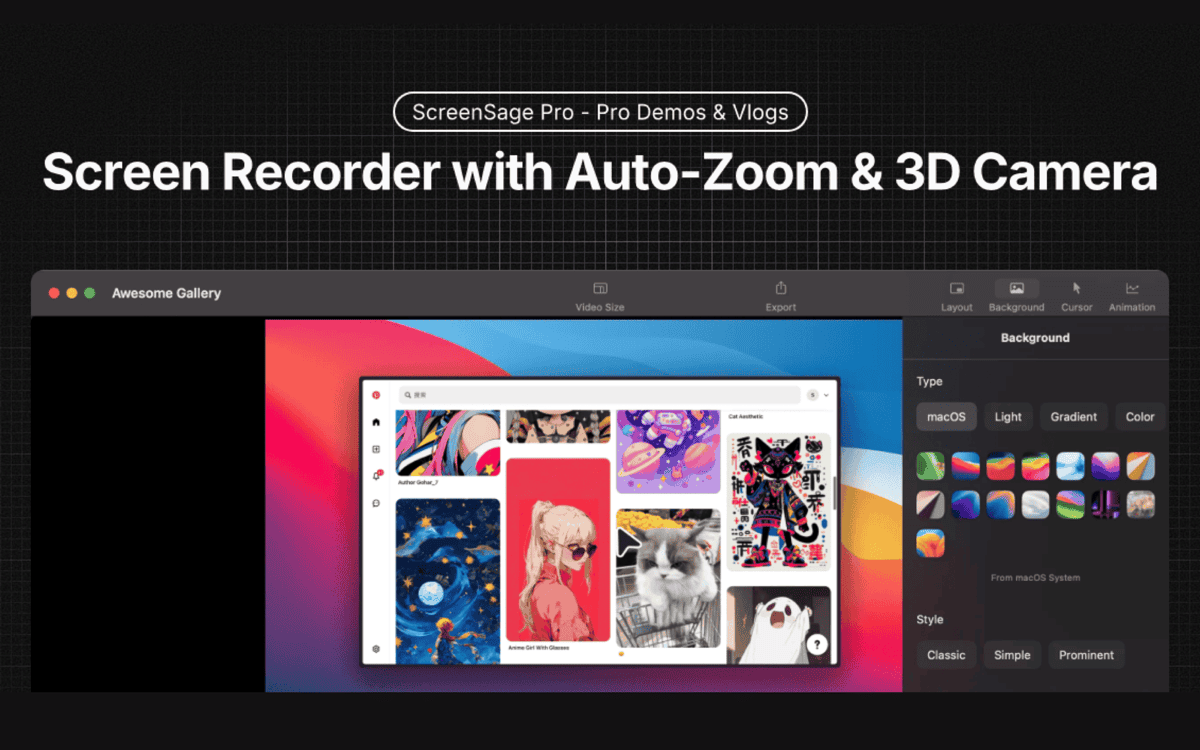
ScreenSage Pro is a screen recorder for macOS, made for product demos, tutorials and promo videos. It records in high quality and adds auto zoom on clicks, 3D camera moves and flexible screen and camera layouts, so you can go from recording to export in one workflow. Built-in editing lets you trim and polish recordings without switching apps. The use cases on the site are professional demos, vlog-style tutorials and 3D promotions. Licenses are one-time purchases with no subscriptions. The Single Device plan covers one Mac, and the Pro plan covers three Macs with priority feature requests and shareable links. The Lifetime plan adds lifetime updates and early access for three Macs. Prices are shown in USD, the product is macOS only, and the site offers a free trial to try it first.

Price
Paid
Category
Design
Website
screensage.pro